
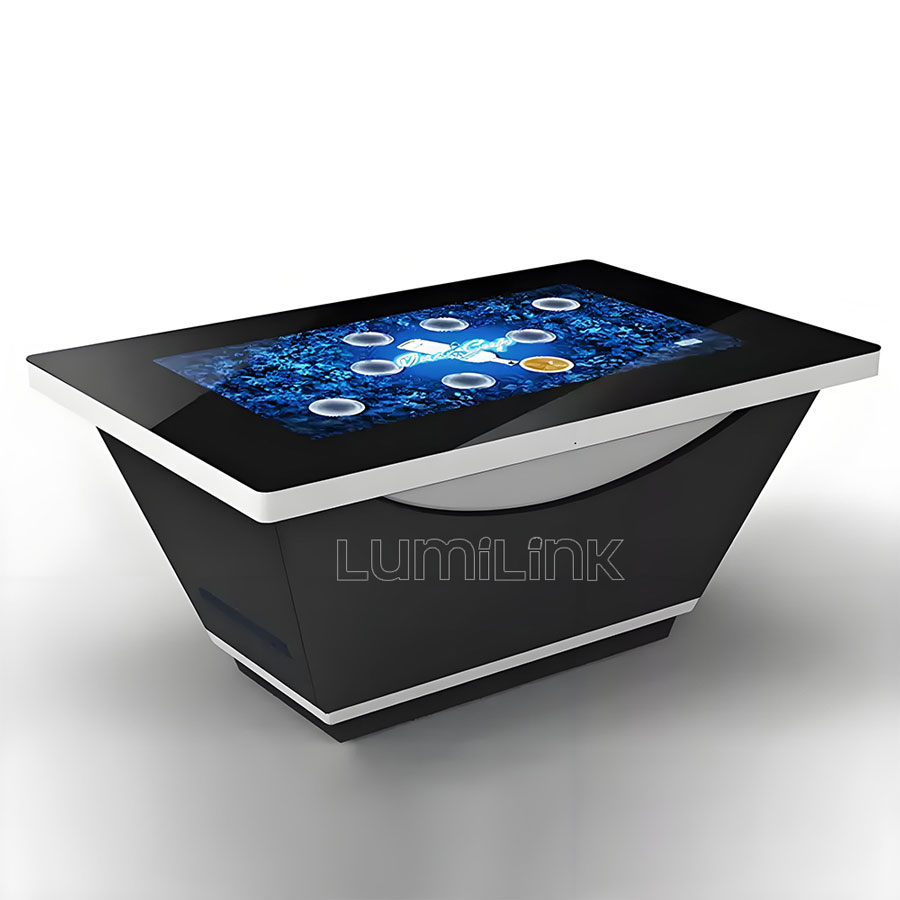
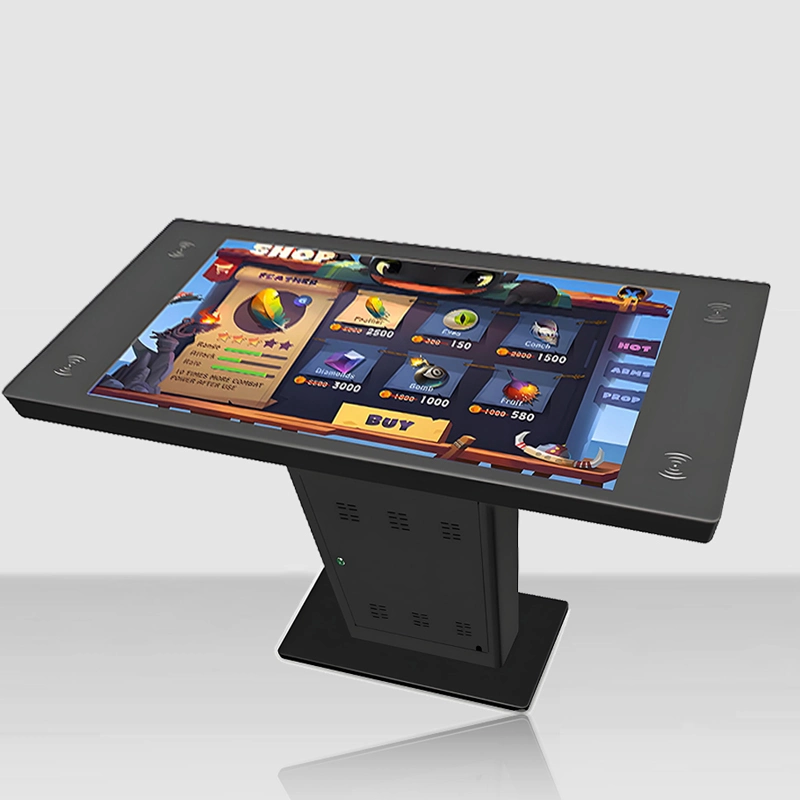
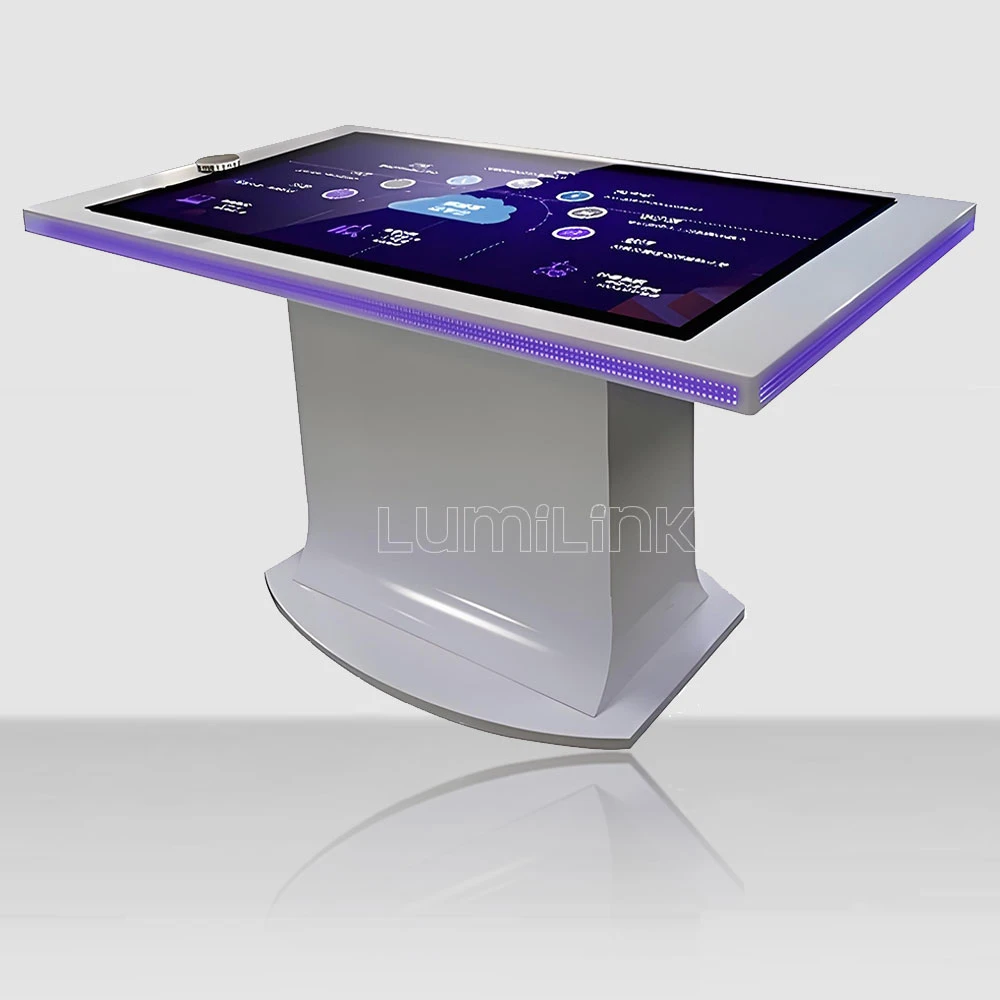

In 2026, businesses across every sector are rethinking how they engage audiences in physical spaces. The battery powered portable touch table has emerged as one of the most versatile and impactful tools for creating immersive, interactive experiences. Whether deployed in a trade shows and mobile demonstrations setting or integrated into a broader digital strategy, these multi-touch displays transform passive observation into active participation, driving engagement metrics that traditional signage simply cannot match.
Lumilink has spent years engineering interactive touch table solutions built for commercial durability, and this guide walks you through everything you need to know — from key specifications and touch technology comparisons to real-world deployment scenarios and procurement best practices that ensure your investment delivers measurable returns.
By the end of this guide, you will understand exactly which screen size, touch technology, and software configuration align with your goals, plus how to avoid the most common mistakes buyers make when evaluating interactive touch table vendors.
Why Trade Shows and Mobile Demonstrations Needs A Battery Powered Portable Touch Table Solution
The shift toward interactive engagement is not a trend — it is a fundamental change in how people expect to consume information. Visitors, customers, and guests now arrive with smartphones in hand, accustomed to tapping, swiping, and pinching as a natural way to explore content. A static display or printed brochure feels dated by comparison. The battery powered portable touch table bridges this expectation gap by offering a large-format, multi-user touch surface that invites collaboration and self-directed exploration.
For exhibition teams, event agencies and field marketers who demo in halls, lobbies and outdoor venues where a power socket is never where the crowd is, the value proposition is clear: longer dwell times, higher satisfaction scores, and the ability to present complex information in an accessible, visually compelling format. Staff workload decreases when visitors can serve themselves, and content updates happen instantly through remote management — no reprinting, no reinstalling, no downtime. The return on investment compounds over time as the same hardware serves evolving content needs across seasons, campaigns, and operational changes.
Consider also the data dimension. Interactive touch tables can capture anonymized engagement analytics — which content draws the most attention, how long users interact, which paths they follow through a menu or exhibit. This intelligence helps operators optimize layouts, refine content, and demonstrate ROI to stakeholders with hard numbers rather than guesswork. No static display can offer this level of insight.
Another often-overlooked advantage is brand perception. Battery tables sell freedom, but only honest watt-hour math, LiFePO4 chemistry and disciplined power management deliver a full event day off-grid — ask for measured runtime with your own content, not a datasheet promise. A sleek, responsive touch table signals innovation and customer-centricity. In competitive markets, first impressions matter, and a well-placed interactive display can differentiate your space from competitors who still rely on conventional signage. It becomes a talking point, a photo opportunity, and a shareable moment that extends your brand reach organically through social media.
Key Specifications: What to Look for in A Battery Powered Portable Touch Table
Not every touch table is built for the demands of a trade shows and mobile demonstrations environment. Before making a procurement decision, evaluate these critical specifications that separate commercial-grade solutions from consumer-grade alternatives that fail under sustained public use.
Battery Specs Decoded — Watt-Hours, Runtime Math and Transport Rules: A battery powered portable touch table lives or dies by three numbers that marketing pages routinely blur. First, read capacity in watt-hours (Wh), never milliamp-hours: mAh is meaningless without voltage, and '50,000mAh' on a 3.7V cell is only 185Wh. The honest baseline: an Android-based table draws 15-35W in normal use, so a 500Wh pack delivers a realistic 10-14 hours at 70% usable depth of discharge; a Windows i5 build drawing 60-150W cuts that to roughly 3-6 hours — which is why battery tables overwhelmingly ship with Android or low-power efficient PCs. Second, chemistry determines calendar life: LiFePO4 packs cost more and weigh more but survive 3,000-5,000 cycles (8-10 years of daily event use) and are thermally stable; NMC packs are lighter and cheaper but age noticeably after 800-1,500 cycles — for a table cycled daily, LiFePO4 is the commercial choice. Third, transport rules bite: lithium packs above 100Wh face airline restrictions and above 160Wh are effectively freight-only, so if the table travels between cities by van this is irrelevant, but check UN38.3 certification and IEC 62133 compliance on the pack itself — reputable manufacturers print it, grey-market packs do not. Power management is half the runtime: auto-dimming, scheduled sleep, and a kiosk mode that kills the backlight between interactions routinely add 30-50% real-world runtime versus a table running a bright slideshow all day — ask how the firmware handles idle states, not just how big the pack is. Charging and bridging details matter on show days: a 500Wh pack needs 2.5-4 hours on a fast charger (overnight on a slow one), swappable hot-spare packs remove the overnight dependency entirely for multi-day events, and the unit should run directly on mains AC whenever a socket is available — seamless switchover (a small UPS bridge) so the table never reboots mid-demo. What to verify before buying: Wh rating with chemistry named, measured runtime with YOUR content at YOUR brightness setting, charge time from empty, UN38.3/IEC 62133 certification, mains-passthrough behaviour, and whether casters and the handle are rated for the true travelling weight — a battery table is 20-40kg heavier than its wired sibling, and a blown caster in a hotel lobby is a very public failure.
Touch Technology — PCAP vs. Infrared: This is one of the most important decisions. The table below compares the two dominant touch technologies used in commercial interactive tables:
| Feature | PCAP (Projected Capacitive) | Infrared (IR) |
|---|---|---|
| Touch Points | Up to 40 simultaneous | Up to 10 simultaneous |
| Responsiveness | Ultra-fast, sub-10ms latency | Good, slight delay on rapid taps |
| Glove Operation | Works with thin gloves | Works with any material |
| Durability | Tempered glass, scratch-resistant | Bezel may collect dust |
| Water/Dust Resistance | Sealed surface, IP-rated | Open bezel, less protected |
| Best For | High-traffic, premium installs | Budget-conscious deployments |
Brightness and Visibility: Look for 350 to 500 nits of brightness for indoor environments. If the table will be placed near windows or under strong lighting, consider 700+ nits or an anti-glare coating. Lumilink tables use commercial-grade LCD panels rated for 50,000+ hours of continuous operation, meaning the display will run reliably for years without backlight degradation.
Build Quality and Safety: Commercial touch tables must withstand daily public use. Key indicators include tempered glass ratings (at least IK08 impact resistance), IP-rated dust and moisture seals, aluminum or steel chassis construction, and forced-air cooling systems that prevent overheating in enclosed installations. Rounded edges and shatter-proof glass are essential for environments where children or high foot traffic are present.
Computing Power and Connectivity: Look for built-in industrial PCs or media players with at least an Intel Core i5 processor, 8GB of RAM, and solid-state storage. These specifications ensure smooth playback of high-resolution video, multi-touch applications, and real-time content updates. Connectivity options should include Ethernet, Wi-Fi, Bluetooth, and multiple USB ports to support peripherals such as card readers, cameras, and payment devices.
Operating System and Software Compatibility: Most commercial touch tables run Windows or Android. Windows is preferred for enterprise environments requiring integration with Microsoft tools, while Android offers a cost-effective, cloud-managed alternative. Confirm that the chosen platform supports the content management software and applications you plan to deploy, and verify the vendor provides regular security updates.
Top Benefits of Deploying A Battery Powered Portable Touch Table
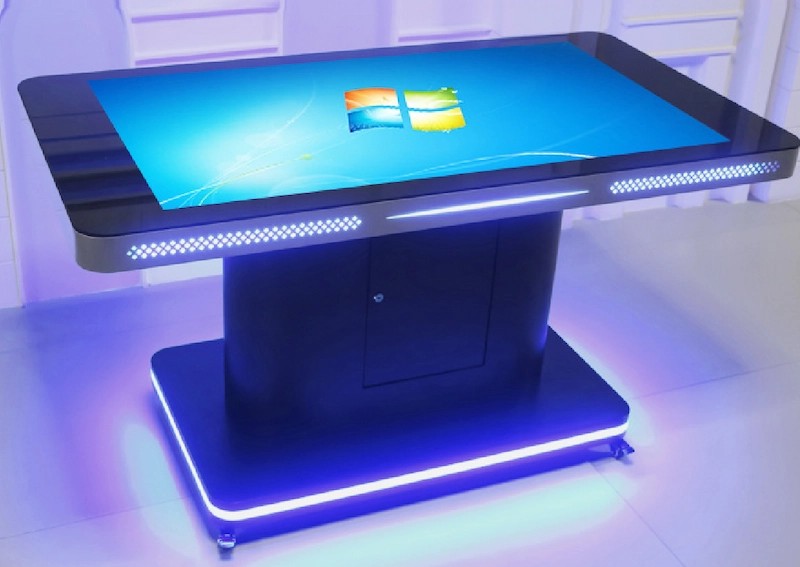
Organizations that have integrated touch tables into their trade shows and mobile demonstrations spaces consistently report measurable improvements across several metrics. Understanding these benefits helps justify the investment and build internal consensus among stakeholders who may be skeptical of new technology expenditures.
Increased Engagement and Dwell Time: Interactive surfaces naturally draw people in. Studies show that touch-enabled displays increase average dwell time by 30 to 50 percent compared to static signage. In a trade shows and mobile demonstrations context, this translates to deeper content absorption, more meaningful interactions, and higher conversion rates for any call-to-action embedded in the experience.
Multi-User Collaboration: Unlike personal devices, a touch table is inherently social. Multiple users can interact simultaneously, making it ideal for group scenarios — families exploring together, teams brainstorming, or classes learning collaboratively. This shared experience creates a sense of community and shared discovery that individual screens cannot replicate, and it encourages social sharing that extends the reach of your content beyond the physical space.
Real-Time Content Updates: Digital tables connect to content management systems that push updates instantly. Schedule changes, new product information, seasonal promotions, or emergency notices can all be deployed across multiple units in seconds. This eliminates the cost and delay of reprinting physical materials and ensures that every visitor sees the most current information available.
Accessibility and Inclusion: Well-designed touch tables accommodate users of different heights and abilities. Adjustable stands, wheelchair-accessible heights, multi-language interfaces, and audio integration options ensure that every visitor can engage meaningfully with the content. This commitment to accessibility is not just good practice — in many jurisdictions, it is a legal requirement for public-facing installations.
Operational Efficiency: Beyond visitor-facing benefits, touch tables streamline internal operations. Staff spend less time answering repetitive questions, distributing printed materials, or directing foot traffic. Remote monitoring and diagnostics reduce the need for on-site technical visits, and centralized content management ensures brand consistency across every location in your network.
Real-World Trade Shows and Mobile Demonstrations Use Cases for A Battery Powered Portable Touch Table
The versatility of interactive touch tables makes them suitable for a wide range of trade shows and mobile demonstrations applications. Here are several proven deployment scenarios that demonstrate the flexibility and impact of this technology:
Interactive Wayfinding and Information Hubs: Place a touch table at entry points to help visitors navigate complex spaces. Interactive maps, searchable directories, and multimedia guides reduce staff burden while improving the visitor experience. Real-time updates ensure the information is always current, and analytics reveal which areas visitors search for most frequently, enabling smarter space planning.
Product Showcase and Self-Service Browsing: Let visitors explore product catalogs, compare options, and access detailed specifications at their own pace. High-resolution imagery, 360-degree views, and interactive comparison tools empower informed decision-making without requiring a sales representative at every step. This self-service approach respects the visitor's autonomy while freeing staff to focus on high-value interactions.
Collaborative Presentations and Meetings: In professional settings, touch tables serve as collaborative whiteboards, presentation surfaces, and video conferencing hubs. Multiple participants can annotate, share, and manipulate content in real time, making meetings more productive and engaging. Integration with popular conferencing platforms ensures seamless hybrid collaboration between in-room and remote participants.
Educational and Interpretive Displays: For museums, galleries, and educational institutions, touch tables bring static exhibits to life. Visitors can zoom into high-resolution artifact images, explore timeline-based stories, watch embedded video, and even take quizzes that reinforce learning objectives. The multi-touch surface supports collaborative learning, where groups discuss and explore together rather than queuing for a single-user kiosk.
Visitor Feedback and Data Collection: Touch tables can double as interactive survey stations, collecting visitor feedback, contact information, or preference data. In a trade shows and mobile demonstrations environment, this information is invaluable for refining services, personalizing future communications, and measuring satisfaction over time. When paired with CRM or marketing automation tools, the table becomes a lead-generation asset as well as an engagement platform.
How to Choose the Right Battery Powered Portable Touch Table for Your Needs
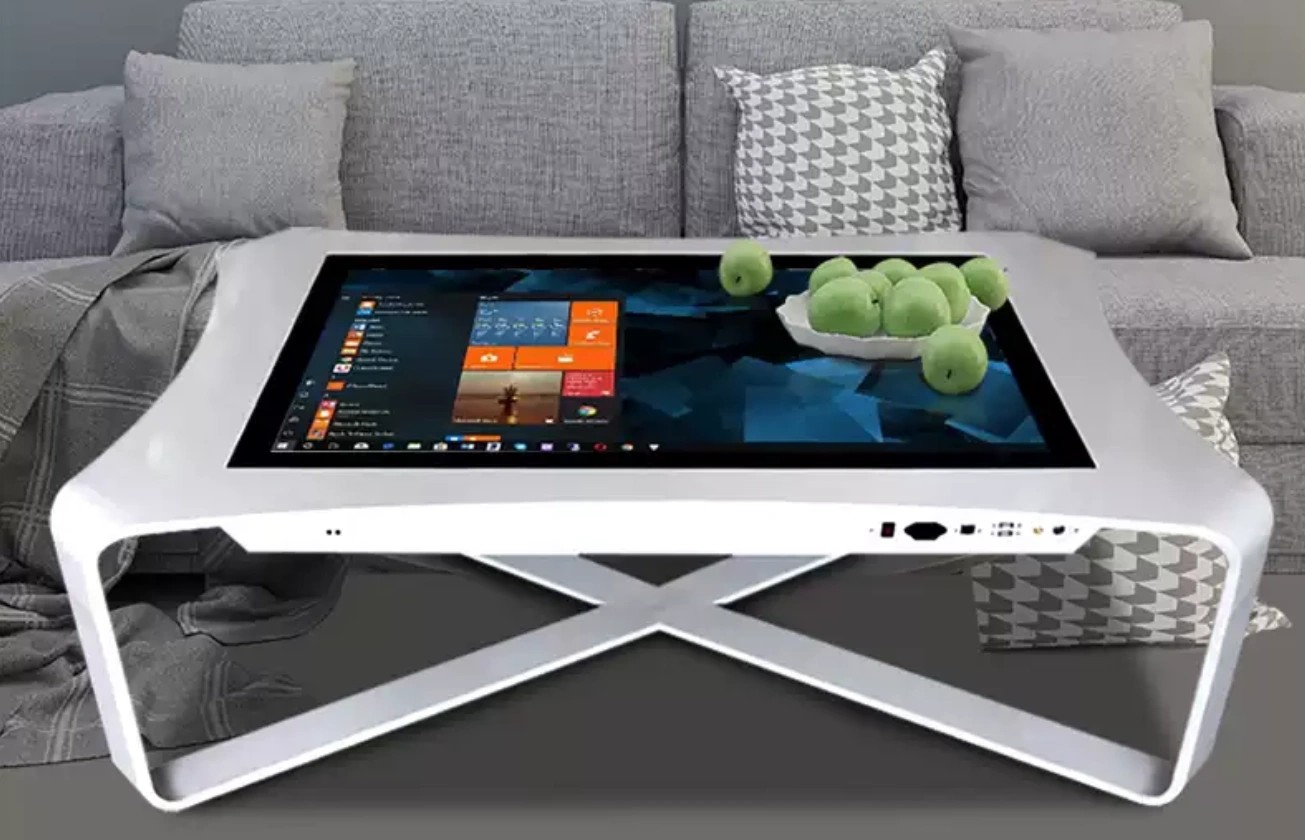
Selecting the ideal touch table requires balancing budget, space, and intended use. Start by defining your primary use case and expected user count. A single-user kiosk application has very different requirements than a multi-user collaborative surface that must support simultaneous interaction from four or more people standing around the table.
Consider the total cost of ownership, not just the initial hardware price. Commercial-grade tables from Lumilink include warranties, software licensing, and ongoing support that consumer-grade alternatives cannot match. Factor in installation costs, content development, staff training, and potential future expansion when building your budget. A slightly more expensive table with better support and software may cost less over five years than a cheaper alternative that requires constant repairs and proprietary content fees.
Evaluate the software ecosystem as carefully as the hardware. A touch table is only as useful as the content it displays. Look for platforms that support standard web technologies (HTML5, JavaScript) so your team can develop and update content without proprietary lock-in. Lumilink tables ship with an open-content framework compatible with major CMS platforms, meaning your existing web developers can build touch table content without learning a new system.
Finally, plan for maintenance and lifecycle management. Commercial touch tables typically serve five to seven years in high-traffic environments. Choose a vendor that offers replacement parts, firmware updates, and responsive technical support throughout the product lifecycle. Lumilink provides a comprehensive support program with remote diagnostics, on-site service options, and guaranteed parts availability for at least seven years post-purchase.
Request a site survey or proof-of-concept demonstration whenever possible. Seeing the table in your actual environment, with your lighting conditions and user flow, reveals considerations that spec sheets cannot capture. Lumilink offers on-site and virtual demos so decision-makers can evaluate brightness, responsiveness, and form factor before committing to a full order.
Why Lumilink Is the Right Partner
Lumilink specializes in commercial-grade interactive touch solutions engineered for demanding public-facing environments. Every battery powered portable touch table in our product line is built with tempered glass, aluminum chassis, and commercial LCD panels rated for continuous operation. Our PCAP touch technology supports up to 40 simultaneous touch points with sub-10ms response latency, ensuring every tap, swipe, and gesture registers instantly.
Beyond hardware, Lumilink provides comprehensive support: content management software, remote device management, custom application development, and a warranty program designed for commercial deployments. We work with exhibition teams, event agencies and field marketers who demo in halls, lobbies and outdoor venues where a power socket is never where the crowd is to configure each unit for its specific environment — from screen size and orientation to software integration and mounting solutions. Our project managers handle everything from site assessment to final installation and staff training.
Conclusion: Take the Next Step
The battery powered portable touch table is no longer a novelty — it is a competitive advantage. Organizations that invest in interactive touch technology today are building the engagement infrastructure that will define their visitor experience for years to come. Whether you are planning a single pilot installation or a multi-site rollout, the right partner makes all the difference between a smooth, successful deployment and a costly disappointment.
Lumilink is ready to help you specify, configure, and deploy the perfect touch table solution for your trade shows and mobile demonstrations environment. Request a Custom Quote today to receive a tailored proposal including hardware specifications, pricing, and implementation timeline. Or Download Product Spec Sheet to review detailed technical documentation for our full interactive touch table lineup.