
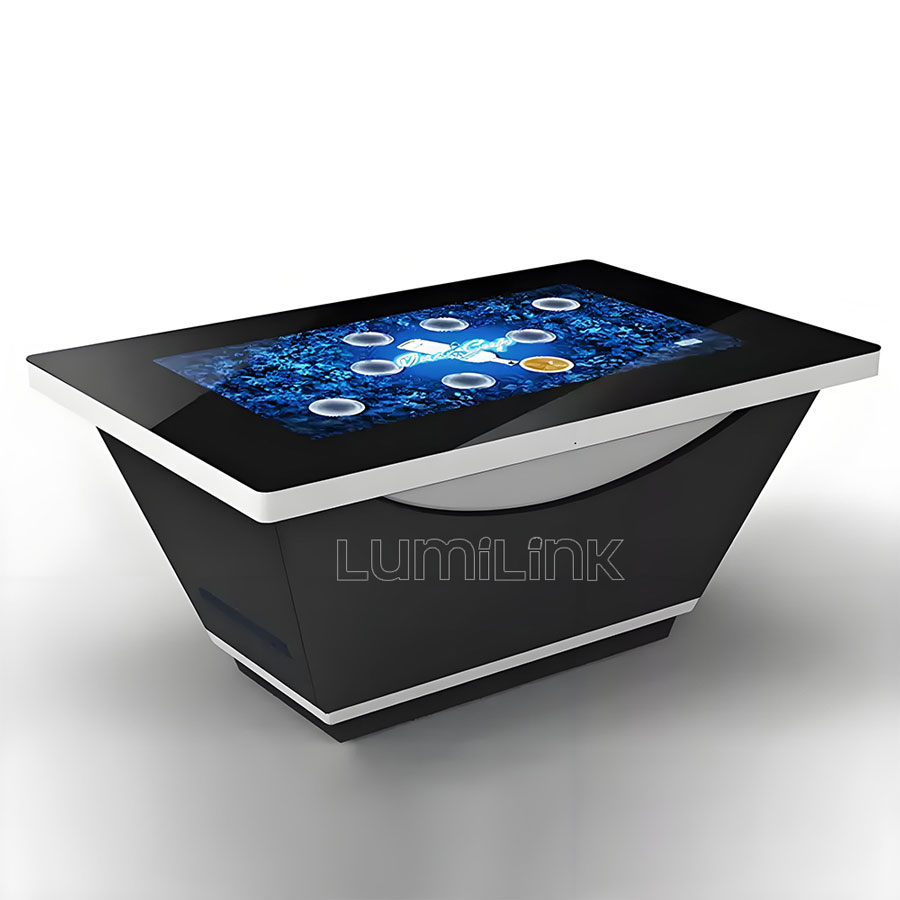
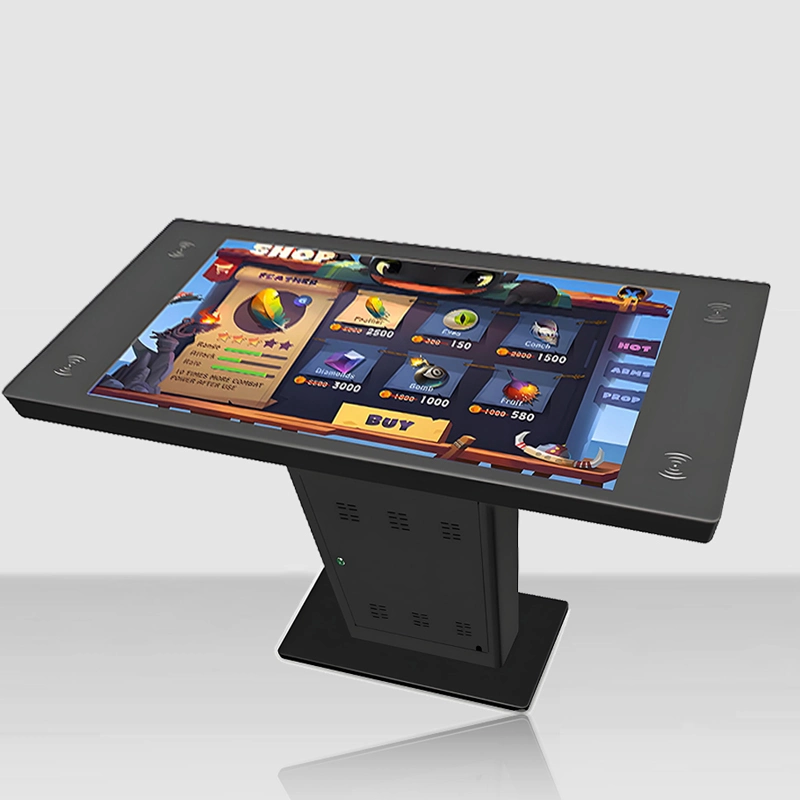
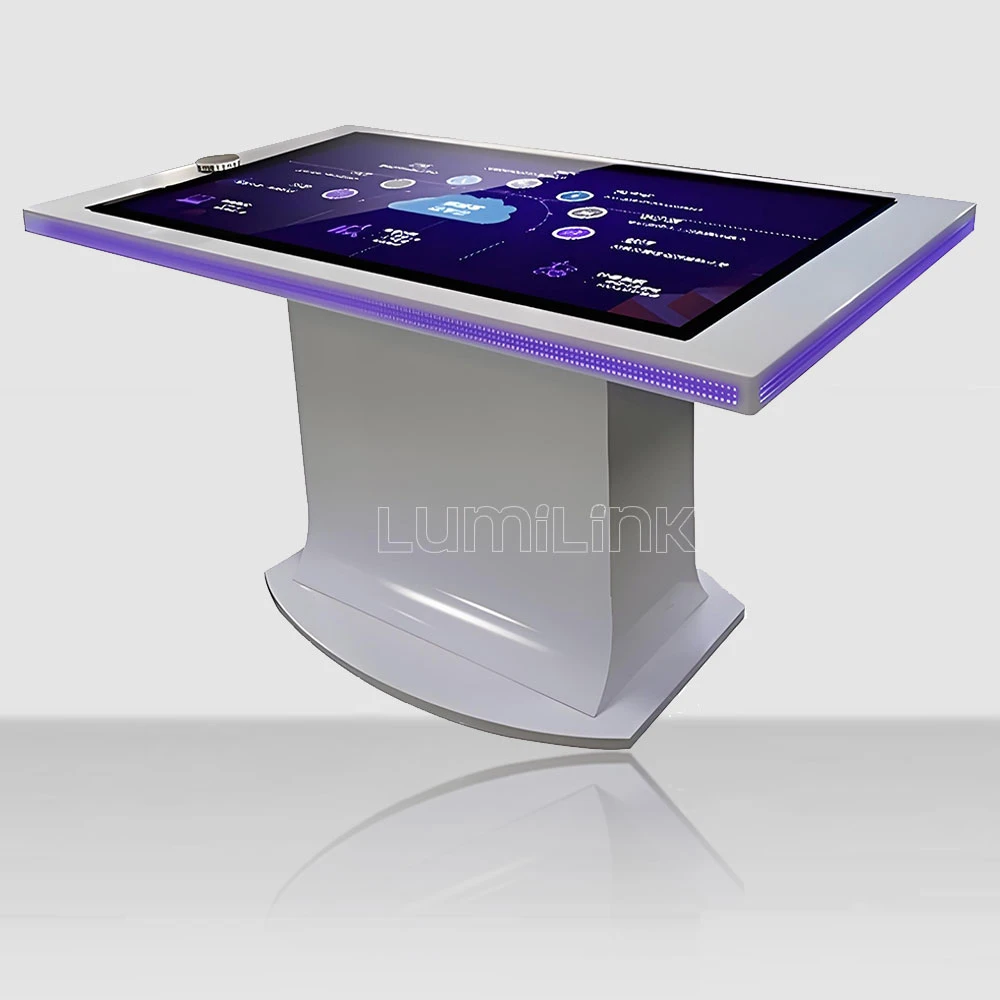

A puck hovers over a glass surface, the screen responds in under five milliseconds, and the same token is still tracked when it is rotated 90 degrees or carried across the table by a second visitor. That behaviour is not generated by the display. It is generated by the sensing stack underneath it: a capacitive grid, a token ID layer, and a software runtime that decides what each object means.
This page documents the engineering behind Lumi Link's ORT series: how a tangible object is identified, how position and rotation are resolved together, and which parts of the pipeline an integrator controls. It is written for AV integrators, exhibit technologists, and content developers who need to know what the hardware can and cannot do before specifying an install. For the product range itself, see the object recognition table specifications.
How a Tangible Object Becomes an Input Event
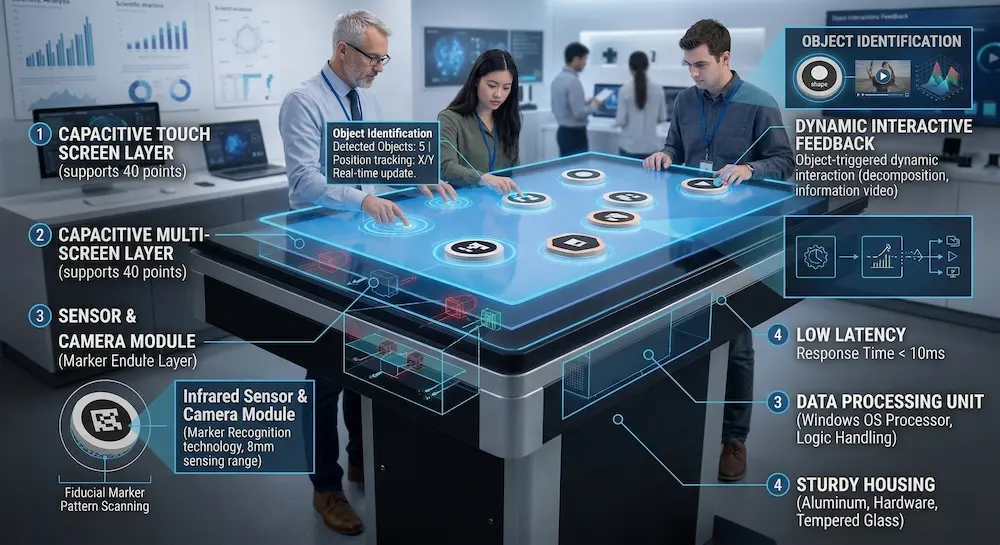
An object recognition table does not "see" objects in the way a camera does. It measures a disturbance in an electric field. When a conductive puck is placed on the surface, it changes the capacitance at the grid nodes directly beneath it. The controller firmware samples that change, calculates a centroid, and reports a position.
Identity is a separate problem. Position alone tells the system that something is present, not which something. Identity comes from the token layer: the puck carries a passive marker pattern that the controller reads as an ID code. With the code and the position resolved together, the runtime can dispatch a specific content action to a specific location. This fusion of identity and position is what separates a token-driven table from a plain multi-touch surface, where every input is an undifferentiated finger.
The sequence below describes the full path from placement to pixels:
- Field disturbance. The conductive puck couples with the projected capacitive grid, changing node capacitance at one to several dozen points depending on puck diameter.
- Scan and centroid. The controller scans the grid continuously and groups adjacent nodes into a candidate object, then computes its centre of mass.
- ID decode. The marker pattern on the puck is decoded into a stable identifier. Unlike vision-based recognition, this decode does not depend on ambient light.
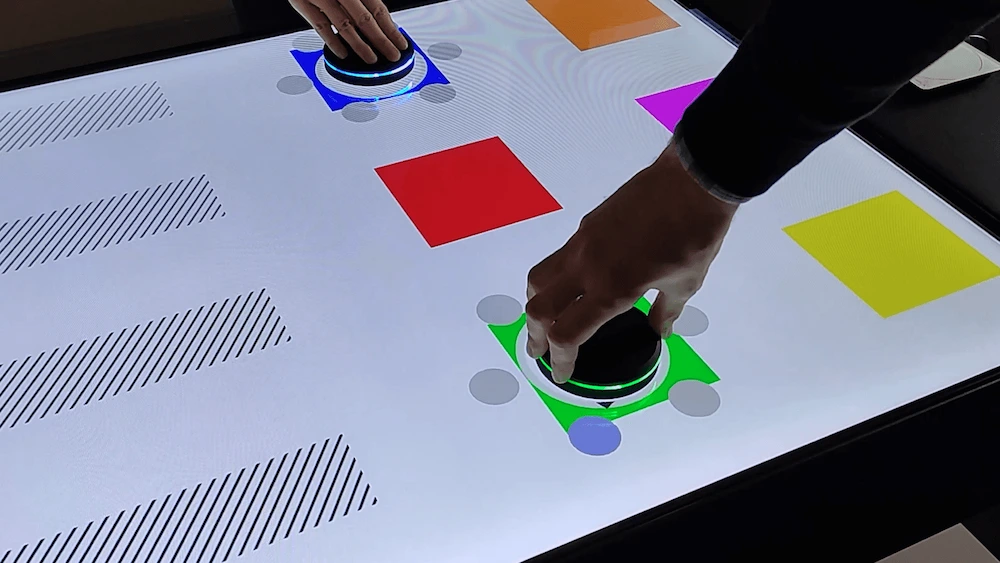
- Rotation resolution. Because a marker has orientation, the controller can report rotational angle as a continuous value rather than a set of discrete steps. This is what allows a ring-style UI to spin smoothly as a visitor turns the puck.
- Event dispatch. The runtime emits a structured event pairing ID, position, and angle. From here, behaviour is software-defined.
Capacitive Tokens vs Camera Vision: Choosing the Right Sensing Layer
The industry uses two sensing approaches for this class of device, and they fail in opposite ways. A capacitive setup is fast and light-independent but requires the token to be conductive and to have a marker pattern the controller can read. A camera-based approach can recognise a wider range of shapes, including printed objects, but it is sensitive to ambient light, occlusion, and the extra processing budget it consumes. Neither approach is inherently superior; they suit different object recognition use cases.
The practical distinction for an exhibit is usually not accuracy but failure mode. In a dim museum room, a capacitive surface behaves identically to how it behaves in a bright atrium. A camera stack does not. In a venue where visitors lean over the table and cast shadows, that difference matters more than a marginal gain in object variety.
Many deployments combine both: the capacitive layer handles instant response and rotation tracking, while a vision layer picks up objects that cannot carry a marker. On the ORT series the two can run on the same surface, and the runtime decides which layer owns a given interaction. Integrators should note that mixed configurations raise the calibration burden, because the two coordinate systems must be aligned to within a fraction of a millimetre at the surface edges.
What the SDK Exposes to a Content Developer
The value of a table to a developer is the shape of its event model. A closed system that only ships a bundled app limits an exhibit to whatever that app does. An open runtime lets the integrator bring their own rendering engine.
On the ORT series, the runtime emits events over TUIO 1.1 and 2.0, a WebSocket feed, and native C# and C++ SDKs. Unity and Unreal Engine bindings ship with the developer package, and REST endpoints cover configuration and asset management rather than real-time input. In practice this means a team that already has a Unity-based interactive can move it onto the hardware without rewriting its input layer, and a team working in a custom C++ engine can consume the same events directly.
- TUIO path. Best for teams with an existing TUIO-based interactive, or those migrating from another TUIO-compatible surface. The coordinate space maps directly to the table surface.
- Native SDK path. Best when the project needs lower-level control over calibration, per-token filtering, or custom gesture logic layered on top of raw object events.
- WebSocket path. Best for browser-rendered content and for prototypes where the fastest iteration loop matters more than raw throughput.
Token ID assignment is a configuration concern, not a code concern. A token's meaning is stored as a mapping so that an exhibit redesign can reassign a puck to different content without a rebuild. Where a project needs per-venue variations, that mapping is the layer to keep versioned.
Latency, Simultaneous Objects, and the Limits That Actually Matter
Published numbers in this category tend to describe the best case. What an exhibit actually experiences is the worst case: the fourth visitor placing the fifth token while two pucks rotate at once, on a table that has been running since the venue opened. An object recognition table is judged on that scenario, not on the demo reel.
On the ORT series, surface response is specified below five milliseconds with a scan rate above 120 Hz, and the capacitive layer supports up to 80 simultaneous touch points. Those two figures answer different questions. Response time governs whether a rotation feels attached to the visitor's hand. Simultaneous capacity governs whether a school group can crowd the table without the last child to arrive losing their interaction.
The limits that tend to surprise integrators are elsewhere:
- Object spacing. Two tokens placed too close together merge into one candidate blob. The minimum spacing depends on puck diameter, so custom-shaped tokens must be validated as a set rather than individually.
- Object thickness and material. A token bonded to the underside of a thick or non-conductive object may attenuate the coupling. Prototyping with the real object, not a stand-in, is the only reliable test.
- Surface contamination. Liquid films and metal debris alter local capacitance. In hospitality and food-service deployments, the surface cleaning routine is part of the sensing specification, not a housekeeping detail.
- Thermal drift over a long shift. Continuous duty operation calls for a baseline recalibration path in the runtime. Commercial-grade hardware with forced ventilation is specified for 24/7 duty with an MTBF above 50,000 hours, but the calibration behaviour still needs to be understood by whoever commissions the install.
Integration Checklist Before You Specify a Build
Most integration problems in this category are decided in the first meeting and discovered on installation day. The checklist below is the order in which those decisions should be closed.
- Who owns the content engine? If the integrator renders in Unity or Unreal, confirm the engine binding version against the runtime. If the content is browser-based, confirm the WebSocket path.
- How many objects, simultaneously, in the worst case? Size the table around peak visitor load rather than the average demonstration.
- Do the real objects work as tokens? Test with production samples, including weight, base material, and whether a marker can be bonded without changing the object's appearance.
- What is the enclosure? Tabletop, pedestal, or an architectural housing built by the joinery contractor. Enclosure design affects cable routing, service access, and thermal performance.
- What happens on day 400? Confirm the recalibration routine, the token replacement path, and the spare parts plan before commissioning.
Where to Go Next
This page covers the sensing and software layer of the object recognition table. Display options, enclosure dimensions, pricing bands, MOQ, and lead time are documented on the product page for the ORT series object recognition table, along with reference installations across museums, showrooms, and retail environments.
Teams that need the SDK package, the TUIO coordinate mapping, or a token prototyping conversation before committing to a specification can request the developer integration pack through the same page. Providing the content engine, the worst-case object count, and the physical samples at the first contact shortens the path from enquiry to a validated configuration considerably.