
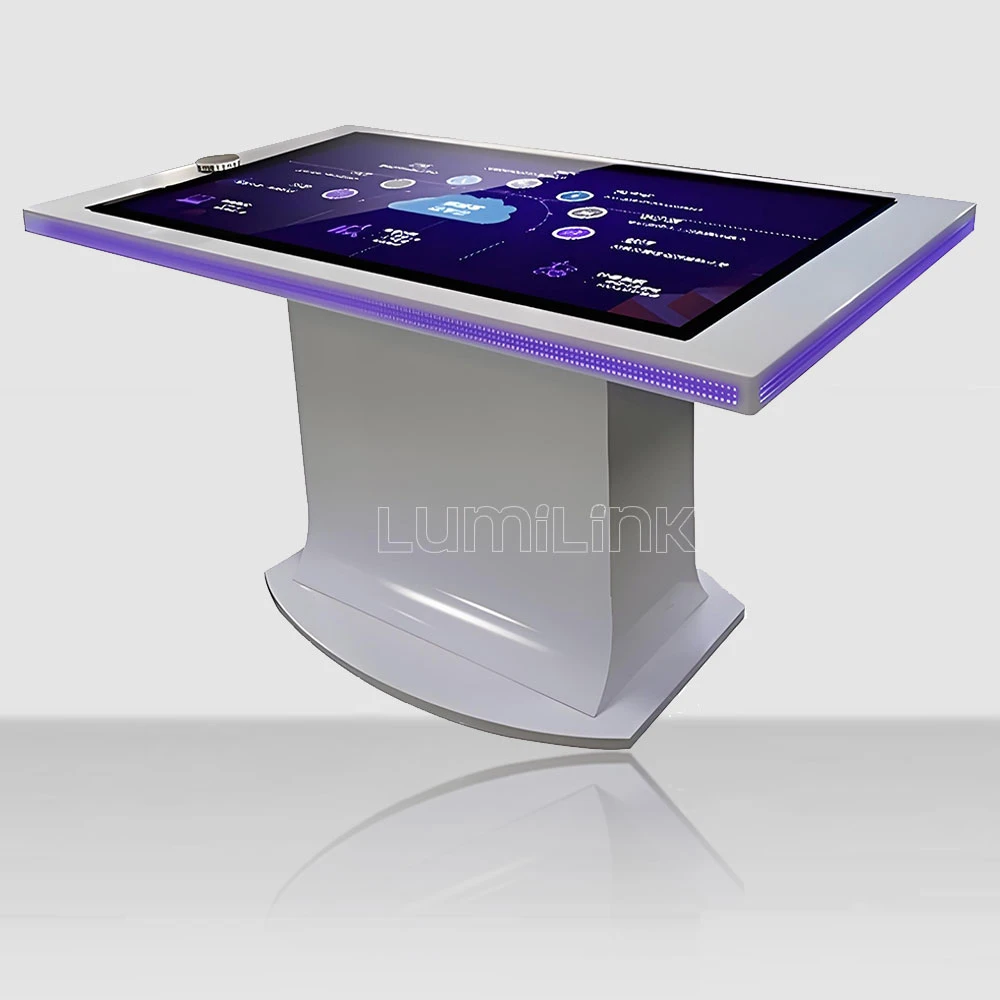

We sat down with our software lead, Liang Wei, for an unhurried conversation about what "software included" actually means when a buyer is evaluating an interactive touch table software included supplier bid. Liang has been responsible for our software stack for seven years, has personally overseen roughly 400 deployments of the included software, and has the rare ability to explain a software architecture without either mystifying it or oversimplifying it. What follows is the conversation, lightly edited for clarity. It covers what the included software actually does, what it does not do, what the buyer needs to provide, and the questions to ask any supplier who claims to include software in their quote.
The reason we are publishing this conversation is that the gap between what "software included" means in a sales conversation and what it means in a real deployment is the largest source of disappointment we see in our industry. A buyer who expects one thing and receives another is a buyer who is shopping for a new supplier within twelve months. The conversation below is meant to close that gap before a contract is signed.
What "Software Included" Means in Our Standard Quote
Question: When your quote says "software included," what exactly is included?
Liang: Three things. The first is the operating system layer — a Windows or Android build that has been configured specifically for a touch table deployment. That means the OS is set to boot straight into our launcher, the auto-update is set to a maintenance window, the screen is locked to landscape orientation, and the system is configured to recover automatically from common failure modes. The second is the launcher itself — the home screen that appears when the table boots. The launcher gives the user a curated set of apps, hides the underlying desktop, and supports the management features I will get to in a moment. The third is the management backend — a web-based dashboard that the buyer's IT or operations team uses to monitor and update the tables remotely.
What is not included in our standard software package is the content. If you want a table to display your product catalogue, your museum exhibit, your hotel amenities, or your restaurant menu, that content is built on top of the included software. We have a content team that does that work, and we can quote it as a project. But the content is not what we mean by "software included." Software is the platform. Content is what the platform shows.
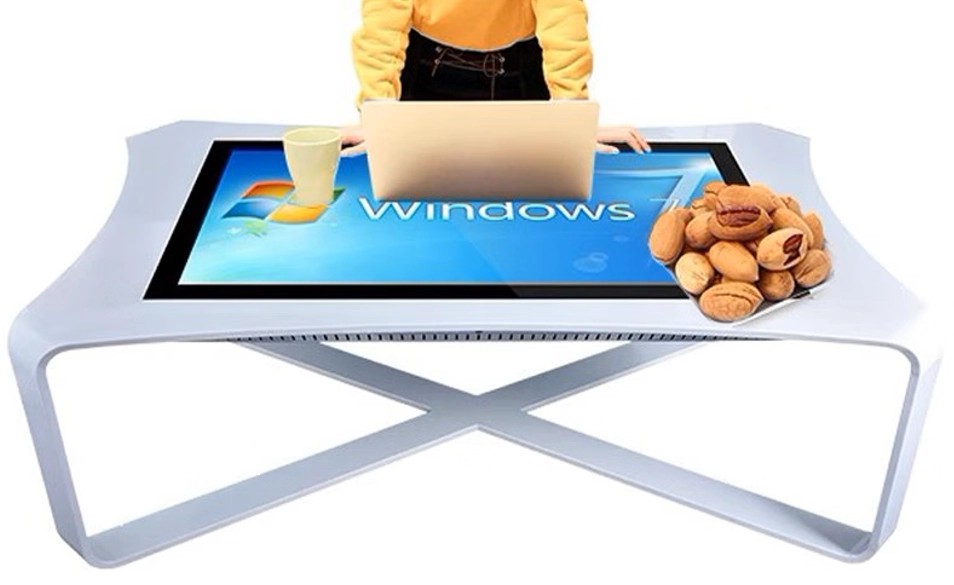
What the Included Software Actually Does Day-to-Day
Question: Walk me through what a typical day looks like for the included software on a deployed table.
Liang: The table boots. The launcher appears. The user interacts with whatever app or content is on the launcher. When the user walks away, the table sits on the launcher until either the next user walks up or the table's idle timer kicks in. After the idle timer, the table either sleeps (display off, system on, ready to wake on touch) or it rotates to an attract-loop video. The choice between sleep and attract loop is a setting the buyer's team controls from the management dashboard.
Throughout the day, the table is phoning home to the management backend. We log the boot time, the operating system health, the touch-controller health, the network connectivity, the last time the launcher was launched, and the top apps that were used. The buyer's IT team can see this data in real time and can set alerts for the things that matter to them — a table that hasn't booted in 24 hours, a table with a touch-controller error, a table that has lost network connectivity. The alerting is what makes a fleet of 50 or 200 tables manageable without an on-site technician at every site.
Question: What about updates? Does the included software update itself?
Liang: Yes, with a critical caveat. The OS-level updates are scheduled to a maintenance window that the buyer sets. The default is 3am to 5am local time, and the buyer can change that. The launcher updates are pushed from our side, also on a schedule. The buyer can pause launcher updates for a defined window if, for example, they are running a high-stakes event and do not want the launcher to change underfoot. App updates are managed through the management dashboard — the buyer can choose to allow automatic app updates, require approval for each update, or freeze app versions entirely. Most of our enterprise clients choose the approval workflow because it gives their team control without making them babysit every update.
What the Software Does Not Do (And Why That Matters)
Question: What does the included software not do? What is the buyer surprised to find out?
Liang: The single biggest surprise is that the included software is not, and is not intended to be, a content authoring tool. If you want to build a museum exhibit on the table, the included software is the platform you build it on top of. The authoring tool is a separate decision. We have a content authoring tool that we offer as an add-on, and we integrate with a number of third-party authoring tools. But the included software does not include a way for a non-technical operator to design a multi-screen interactive exhibit from scratch. The expectation that it should is the most common mismatch I see between buyer expectations and the included-software reality.
Another thing the included software does not do is manage user accounts at the individual level. The included software is designed for shared, public-facing deployments where each user is essentially anonymous. If you need per-user accounts, per-user content, or per-user analytics, that is a different product class. We can build it, and we have for some clients, but it is not part of the included software and it changes the deployment model significantly.
Question: What about offline operation?
Liang: The included software is designed to operate fully offline. The management features that require a network connection will degrade gracefully when the network is down — the table continues to function, the data is queued locally, and the data is sent up when the network comes back. But the table does not require a constant network connection to operate. This is important for sites where the network is unreliable, and it is the reason our tables work in places like ships, basements, and trade-show floors where the network is a coin flip.
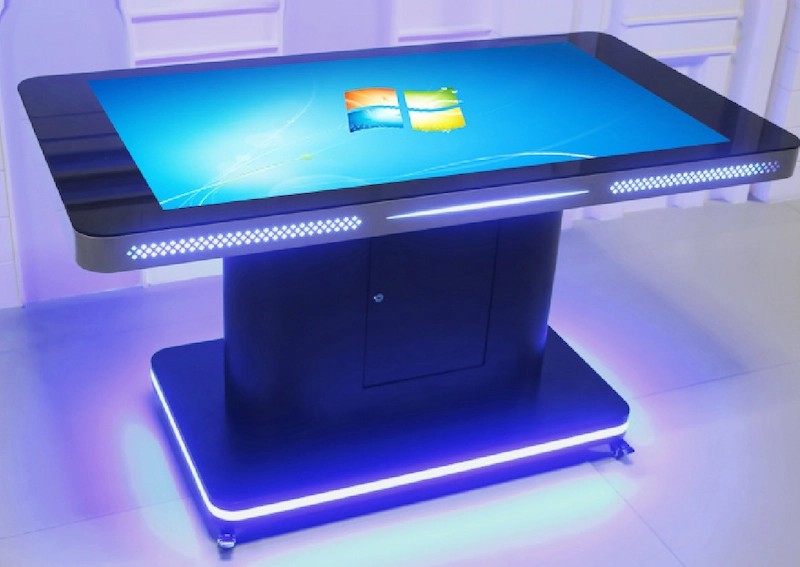
The Content Question — And Who Builds It
Question: A buyer hears "software included" and assumes that means the content is included. Walk me through that conversation when it comes up.
Liang: It is the most common conversation I have, and it is a conversation I would rather have before the contract is signed than after. What I say is: the software is the engine. The content is the fuel. We are providing the engine, and we will maintain the engine, but you are responsible for the fuel. The good news is that the engine is compatible with many fuels — your in-house design team, our content team, or a third-party content agency. The choice of who builds the content is a separate decision from the choice of who supplies the table.
The other thing I say is that the cost of content varies wildly. A simple loop of branded images is a few hours of work. A multi-screen interactive museum exhibit is a multi-week project. A restaurant menu with daily updates is somewhere in the middle. If the buyer does not have a sense of the content cost, they do not have a sense of the total project cost. We have helped buyers estimate content cost on a per-screen, per-interaction basis, and that estimate is usually the most useful document in the project planning phase — more useful than the table quote itself.
The Management Backend — What It Does and Why It Matters
Question: Tell me about the management backend. Who uses it and what do they do with it?
Liang: The backend is a web application. The buyer's IT or operations team logs in, sees a list of all the tables under their account, and can take actions on individual tables or groups of tables. The common actions are: push a content update, change a setting, see the health status, restart the table remotely, and pull a usage report. The backend is what makes a 200-table deployment manageable for a small operations team. Without the backend, you are sending a technician to every table every time you want to change anything, and that does not scale past about ten tables.
For a chain operator rolling out tables across multiple sites, the backend is also the tool for enforcing consistency. The operator can lock down a configuration so that no individual site can change it. That is the answer to the worry I sometimes hear from chain operators: "What if one of my site managers installs Candy Crush on the lobby table?" With the backend, that question does not arise — the launcher is locked, the app store is not visible, and any rogue install attempt is logged and reported to the central team.
What the Buyer Has to Provide
Question: When the buyer has decided on a table with software included, what do they need to provide to make it work?
Liang: Three things. The first is power — a standard outlet within reach of the table's installed position. The second is a network connection, either wired ethernet or reliable WiFi. The third is a point of contact — a person or a small team who will own the management backend and make decisions about content updates, app approvals, and alert handling. The third is the most important and the most overlooked. We can install the table, configure the network, and hand the backend over in a working state. If no one on the buyer's side is paying attention, the backend becomes a graveyard of stale alerts and the table does not get the updates it needs. The best deployments are the ones where the customer has identified a clear owner of the table fleet before the first unit ships.
What to Ask Any "Software Included" Supplier
Question: If a buyer is evaluating multiple "software included" quotes, what questions should they ask to compare them fairly?
Liang: Six questions. The first: is the operating system included, and is it a standard build or a custom build? A custom build is a feature, not a bug — you want a build that has been configured for the table hardware. But you also want to know which build it is, so you can plan your own IT support around it.
The second: is the launcher included, and what customisation does it support? Can you have your brand colours and your logo on the launcher? Can you rearrange the apps? Can you lock the launcher so the user cannot escape to the desktop? The answers tell you how much of the user experience the supplier controls versus how much is in your hands.
The third: is the management backend included, and how many seats does the licence cover? A backend that covers three admin seats is fine for a ten-table deployment. A backend that covers three admin seats is a problem for a 200-table deployment. Ask for the seat count up front.
The fourth: what are the ongoing software costs after the first year? Some suppliers include the software licence in the first year and bill it as a separate subscription from year two. Others include it for the life of the table. The total cost of ownership over five years can vary by 20-30% depending on the answer. The fifth: what is the software update cadence, and can updates be paused? The answer to this question tells you whether the supplier is running a maintained software product or is going to leave you on the version you bought.
The sixth and last: is the content authoring tool included, or is it a separate purchase, or is it not available at all? If the supplier does not have a content authoring tool, you are committing to either building your own content pipeline or hiring a content agency. That is a significant downstream cost and you should know it before you sign.
What to Expect After the First 90 Days
Question: After the first 90 days of a typical deployment, what does the relationship with the included software look like?
Liang: The first 90 days are when the buyer's team is learning the backend, the buyer's content team is producing the first round of real content, and our support team is on call more than usual to handle the inevitable questions. After 90 days, the table fleet settles into a routine — content updates on a schedule, occasional app updates, and a steady stream of low-priority health alerts that the buyer's team learns to interpret. The relationship changes from "how do I make this work" to "how do I make this work better." That is the relationship we want — the one where the buyer is thinking about what to do with the second generation of the deployment, not whether the first generation works. If you are evaluating an interactive touch table software included supplier and want to see what the post-90-day relationship looks like, we will happily arrange a call with a customer who has been running our software for two years. Send us the size of your planned deployment and the timeline and we will come back with a software scope, a backend seat count, an update cadence, and a reference call you can book at your convenience.