
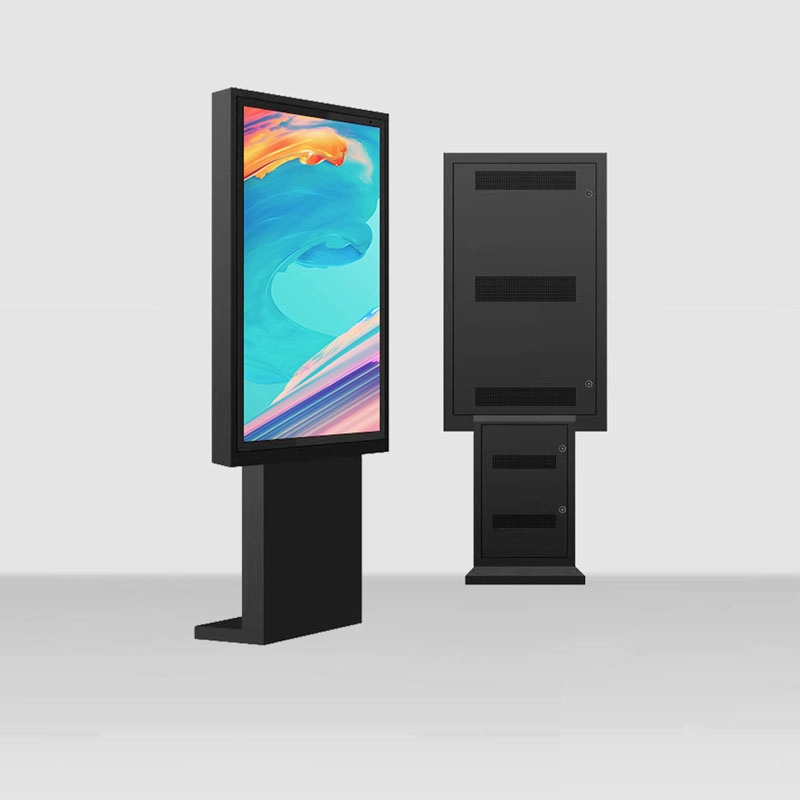
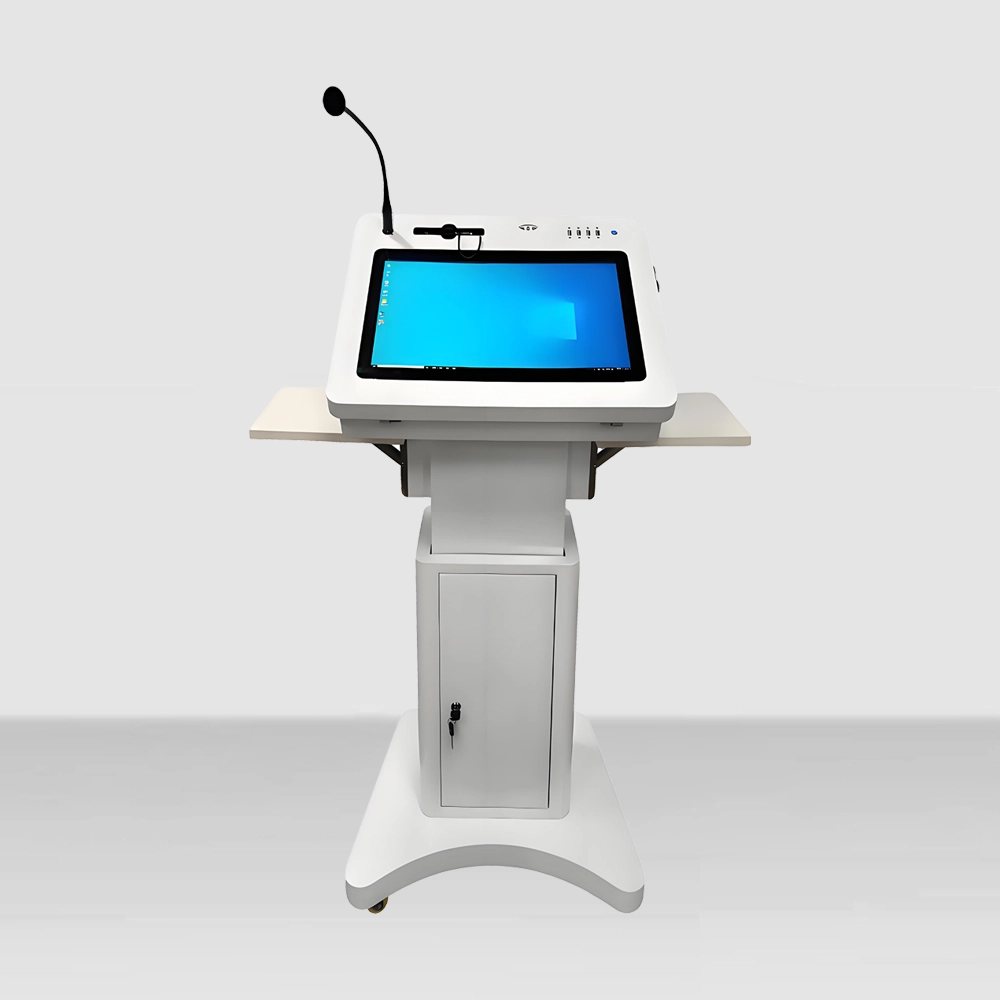
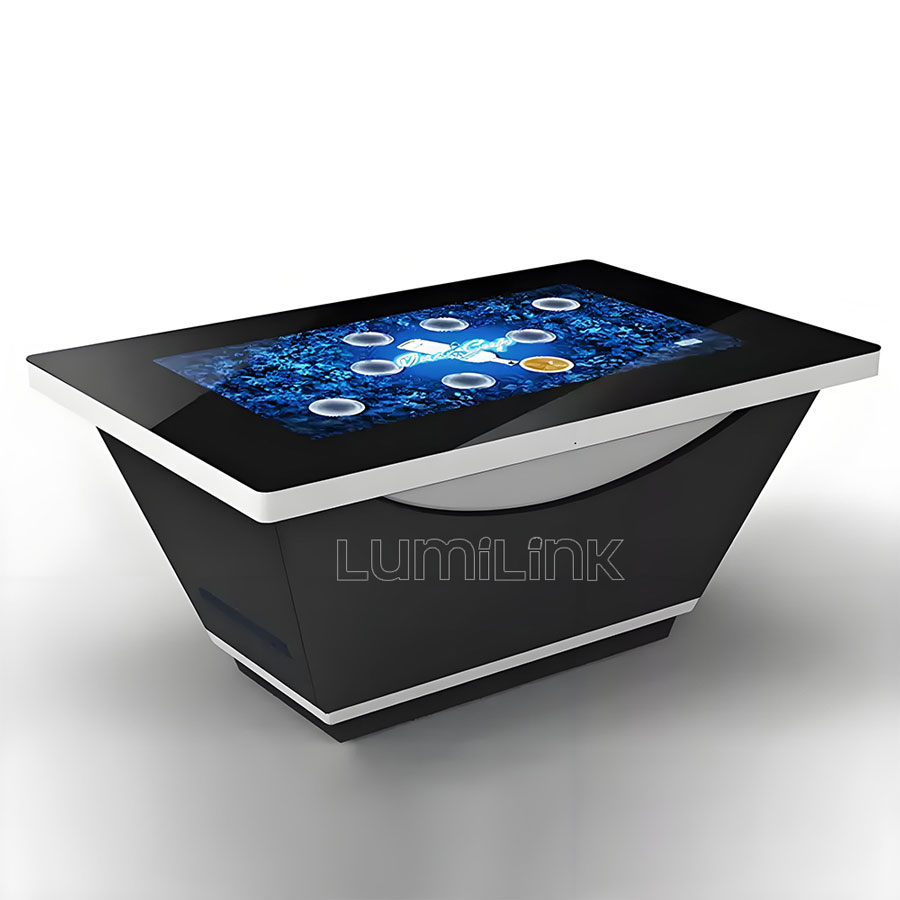
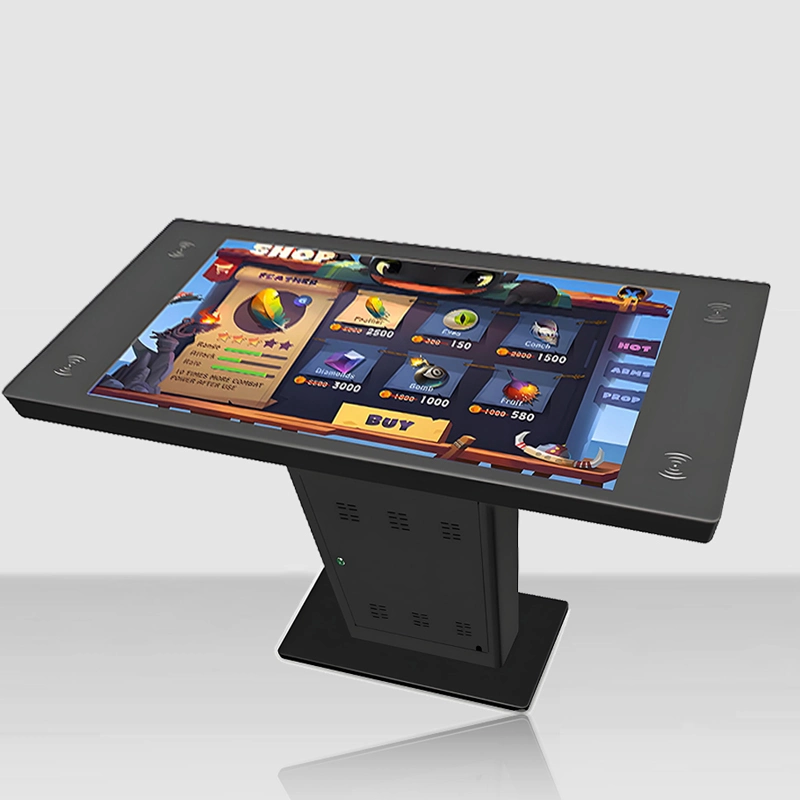
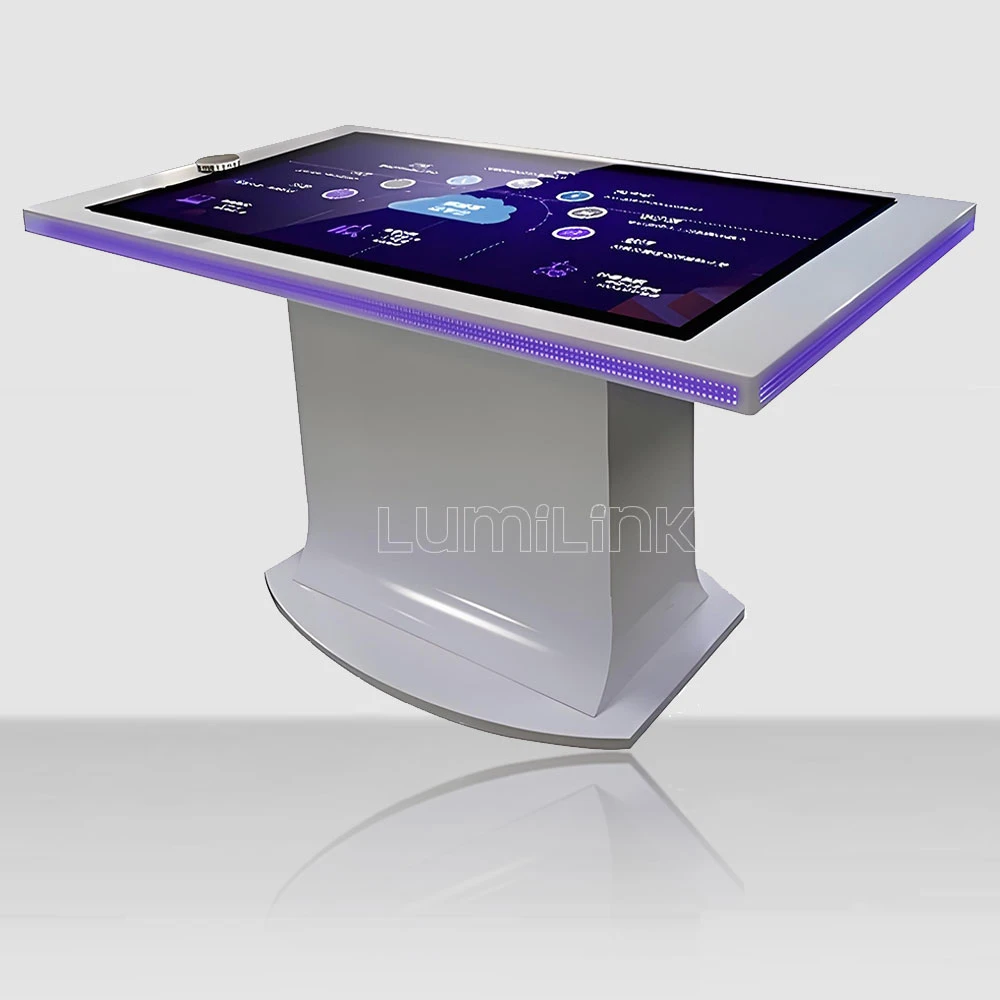

Your CFO just asked you to justify the $45,000 line item in next quarter's capex budget. Fifteen interactive touch tables at $3,000 each sounds reasonable when you describe the use cases — interactive product demos, self-service ordering, collaborative meetings. But "sounds reasonable" is not a financial argument. What your CFO wants to know is: what is the total cost of ownership over five years, and what measurable return does that investment generate?
If you are researching the interactive touchscreen table cost for business, you need more than a price quote. You need a financial model. This guide provides that model — a structured framework for calculating the true cost of a touch table deployment and building the business case that gets your budget approved.
The Five-Year TCO Framework
Total Cost of Ownership (TCO) is the concept that transforms a purchasing decision from an emotional one ("it would be cool to have touch tables") into a rational one ("here is exactly what this costs and what it returns"). For interactive touch tables, the TCO framework has six cost categories. Let us walk through each one with real numbers.
Category 1: Acquisition Cost
This is the number everyone focuses on: the unit price multiplied by quantity. For a standard 43-inch commercial touch table, acquisition costs range from $3,200 to $6,500 per unit depending on the tier (see our procurement matrix guide for details). For a 15-unit deployment, this means $48,000 to $97,500.
But acquisition cost also includes shipping ($200-$500/unit), customs duties if importing (5-15% of unit value), and software licensing ($200-$500/unit for OS and basic applications). For a 15-unit deployment of Tier 2 tables at $5,500 each, the full acquisition cost is approximately $95,000 including all ancillary expenses.
Category 2: Installation and Commissioning
Installation is the most underestimated cost category. Each table requires physical placement, power connection, network configuration, software installation, and content loading. For a professional installation, budget $200-$400 per unit. For 15 units, that is $3,000-$6,000.
If your deployment spans multiple locations, add travel and logistics costs. A nationwide deployment of 15 tables across 5 locations can add $2,000-$4,000 in installer travel. Some suppliers offer free installation for orders above a threshold — negotiate this into your purchase agreement.
Category 3: Operating Costs
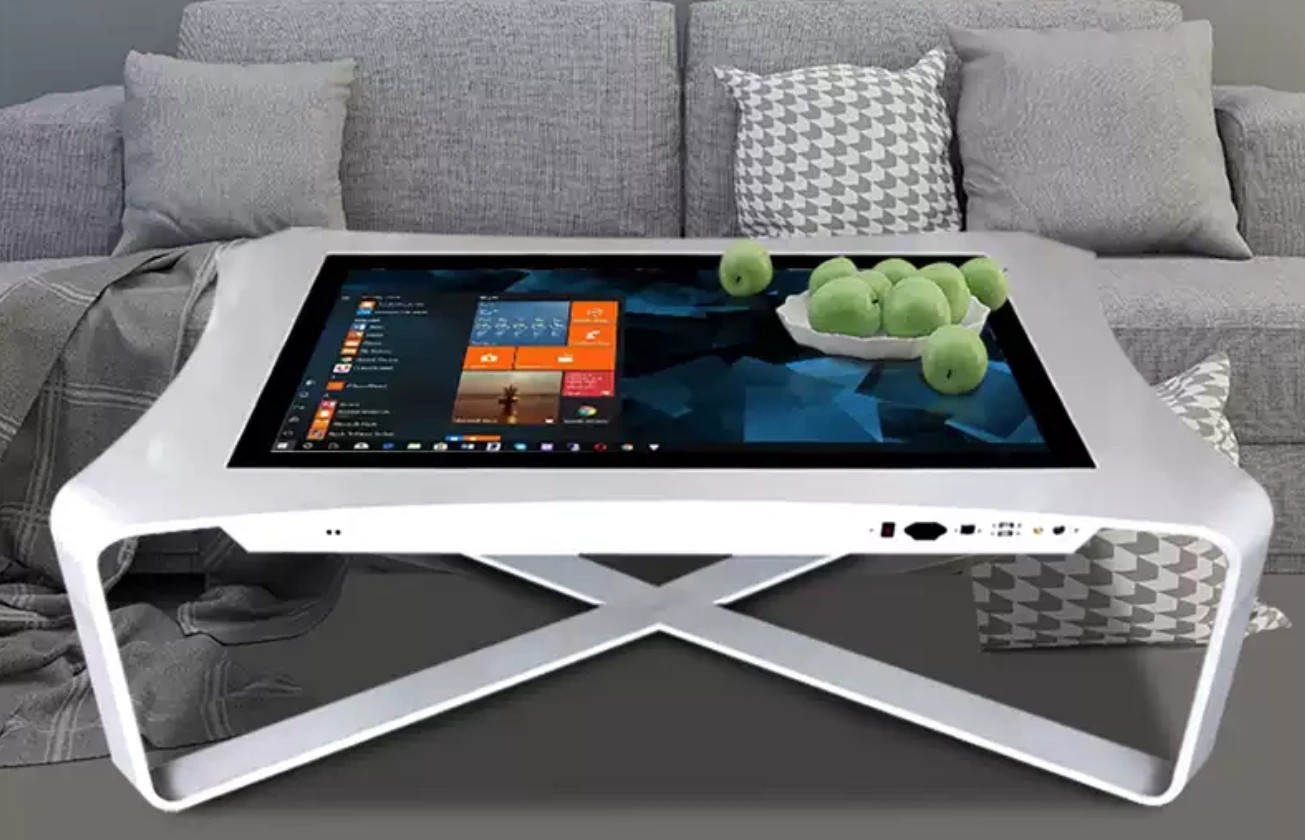
Touch tables consume electricity. A 43-inch table with an active cooling system draws approximately 120-180 watts during operation. If your tables run 12 hours per day, 365 days per year, at an electricity rate of $0.15/kWh, the annual power cost per table is approximately $79-$117. For 15 tables, that is $1,180-$1,750 per year.
Network connectivity is the other operating cost. Each table needs a Wi-Fi or Ethernet connection. If your existing network infrastructure can handle the additional load, this cost is negligible. If you need to upgrade access points or run new Ethernet cables, budget $300-$800 per location.
Content management is the hidden operating cost that most buyers forget. Someone needs to update the content on these tables — product catalogues, pricing, promotional materials, wayfinding maps. If you assign a team member 4 hours per week for content management across 15 tables, the annual labour cost at $30/hour is $6,240. Automate where possible by integrating the tables with your CMS or PIM system.
Category 4: Maintenance and Repairs
Even commercial-grade tables need maintenance. Annual maintenance includes glass cleaning, air filter replacement, touch recalibration, and software updates. A maintenance contract typically costs 8-12% of the unit price per year. For 15 tables at $5,500 each, that is $6,600-$9,900 per year.
Beyond routine maintenance, factor in repair costs for components that fail outside warranty. The most common failures are display panels (average replacement: $800), touch frames ($500), and power supplies ($200). For a 15-unit deployment over five years, expect 3-5 component failures, totalling $2,000-$4,000 in repair costs.
Category 5: Depreciation and Replacement
Commercial touch tables have a useful life of 5-7 years. For accounting purposes, most businesses depreciate them over 5 years using straight-line depreciation. After year 5, the tables have zero book value but may still be functional. Plan for replacement starting in year 6.
The good news is that technology improvements mean your replacement tables will likely be better and cheaper. Display panels improve in brightness and colour accuracy each year, touch technology becomes more responsive, and computing hardware gets faster. Budget for replacement at 70-80% of the original acquisition cost, accounting for technology improvements and potential volume discounts.
The Five-Year TCO Calculation
Let us put it all together for a 15-table deployment of Tier 2 commercial touch tables:
Year 0 (Acquisition): $95,000 (15 tables + shipping + licensing + installation)
Year 1-5 (Operating + Maintenance): $8,800/year x 5 = $44,000 (power + content management + maintenance + repairs)
Five-Year TCO: $139,000, or approximately $1,867 per table per year.
That is the number to bring to your CFO. Not "$3,000 per table" — that is the acquisition cost, not the cost of ownership. The real number is $1,867 per table per year, which is the basis for your ROI calculation.
It is worth noting that this TCO can be optimised. If you negotiate a maintenance contract at 7% instead of 10%, you save $2,475 per year. If you choose tables with passive cooling in air-conditioned environments, you save 30% on power costs. If you integrate content management into your existing CMS rather than assigning dedicated staff, you reduce labour costs by $4,000 per year. A well-optimised deployment can bring the per-table annual cost down to $1,400-$1,500, which makes the ROI case significantly stronger.
Building the ROI Case
Now that you have the cost, you need the return. The ROI case for touch tables depends on your use case, but here are the four most common revenue and savings models:
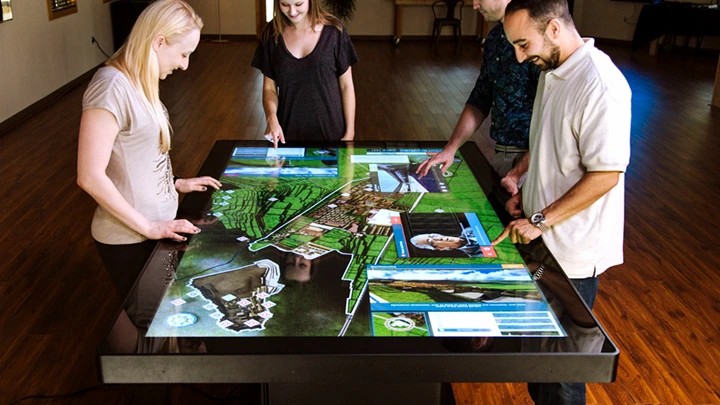
Revenue model 1: Increased sales conversion. In retail and showroom environments, touch tables increase dwell time and product engagement. A study by the Digital Signage Federation found that interactive displays increase purchase intent by 17-30%. If your average transaction value is $500 and you see a 20% increase in conversion from touch table engagement, each table generating 10 additional transactions per month produces $1,000/month in incremental revenue — $12,000/year. A 15-table deployment generates $180,000/year, delivering payback in under 10 months.
Revenue model 2: Self-service ordering. In restaurants and hospitality, touch tables enable self-service ordering, which increases average order value by 15-25% (customers order more when not feeling rushed by a server) and reduces labour costs by 1-2 staff hours per shift. For a restaurant with 10 tables, the combined revenue increase and labour savings can reach $40,000-$60,000 per year. The upfront cost of 10 tables — approximately $55,000 including installation — pays for itself within 14 months, after which every dollar of incremental revenue flows directly to the bottom line.
Savings model 1: Reduced printing costs. If your tables replace printed catalogues, brochures, and menus, the savings can be significant. A company spending $15,000/year on printed materials for 5 locations can eliminate 80% of that cost with touch tables, saving $12,000/year.
Savings model 2: Reduced staff time. In wayfinding and information applications, touch tables reduce the number of routine questions staff handle. If a reception desk processes 50 routine inquiries per day, and a touch table eliminates 60% of them, that frees up 2-3 staff hours per day — approximately $20,000/year in labour savings per location. Over a 15-table deployment across 5 locations, that is $100,000/year in staff time redirected from answering repetitive questions to higher-value activities like personalised customer service and relationship building.
Getting Your Budget Approved
With the TCO calculated and the ROI modelled, you now have the financial argument your CFO needs. Present it as a one-page summary: acquisition cost, five-year operating cost, total TCO, projected revenue/savings, payback period, and net benefit over five years. Avoid vague claims like "enhanced customer experience" — translate everything into dollars and timeframes.
Common Budget Justification Mistakes
Even with solid TCO and ROI numbers, budget approvals can fall through if the presentation is poorly structured. Here are the four most common mistakes that kill touch table budget proposals — and how to avoid them.
Mistake 1: Leading with technology instead of outcomes. "We want 15 interactive touch tables with 43-inch 4K displays and 40-point multi-touch" is a technology statement. "We want to increase showroom conversion by 20% and reduce printed catalogue costs by $12,000/year" is a business outcome. CFOs approve business outcomes, not technology. Always lead with the outcome and use technology as supporting evidence.
Mistake 2: Omitting operating costs from the proposal. Many proposals present only the acquisition cost and assume the CFO will not notice the ongoing expenses. They will. When the maintenance invoice arrives in year two and there is no budget for it, the tables become a liability instead of an asset. Include the full five-year TCO in your proposal, even if it makes the total number look larger. Transparency builds trust.
Mistake 3: Using unrealistic ROI assumptions. If you claim a 300% ROI in year one, your CFO will discount the entire proposal. Use conservative assumptions: 15% conversion lift instead of 30%, $8/hour labour savings instead of $15, 5-year replacement cycle instead of 7. Conservative numbers that hold up under scrutiny are more persuasive than aggressive numbers that get challenged and dismissed.
Mistake 4: No phased deployment plan. Asking for $139,000 in a single budget cycle is harder than asking for $48,000 in year one and $23,000 per year thereafter. Propose a phased deployment: pilot with 5 tables in year one, expand to 10 in year two, and complete the 15-table rollout in year three. This spreads the financial commitment and gives you real-world data to justify the expansion.
Alternative Financing Options
If capital expenditure approval is difficult, consider alternative financing structures that move the cost from capex to opex. Many suppliers, including Lumilink, offer leasing arrangements where you pay a monthly fee per table instead of purchasing outright. A 36-month lease on a $5,500 table typically runs $180-$220 per month, which includes maintenance and warranty. For 15 tables, that is $2,700-$3,300 per month — an operating expense that is often easier to approve than a $95,000 capital request.
Revenue-sharing models are another option for retail and hospitality buyers. In this arrangement, the supplier provides the tables at a reduced upfront cost in exchange for a percentage of the incremental revenue generated by the tables. This aligns the supplier's incentive with your outcome and reduces your financial risk. Not all suppliers offer this model, but it is worth asking about if your use case has a clear revenue component.
If you need help building this financial model for your specific deployment, contact Lumilink. We work with B2B buyers to create detailed TCO calculations that include real pricing, warranty terms, and projected maintenance costs. Our goal is not just to sell you tables — it is to give you the financial framework to justify the investment and measure the return.