
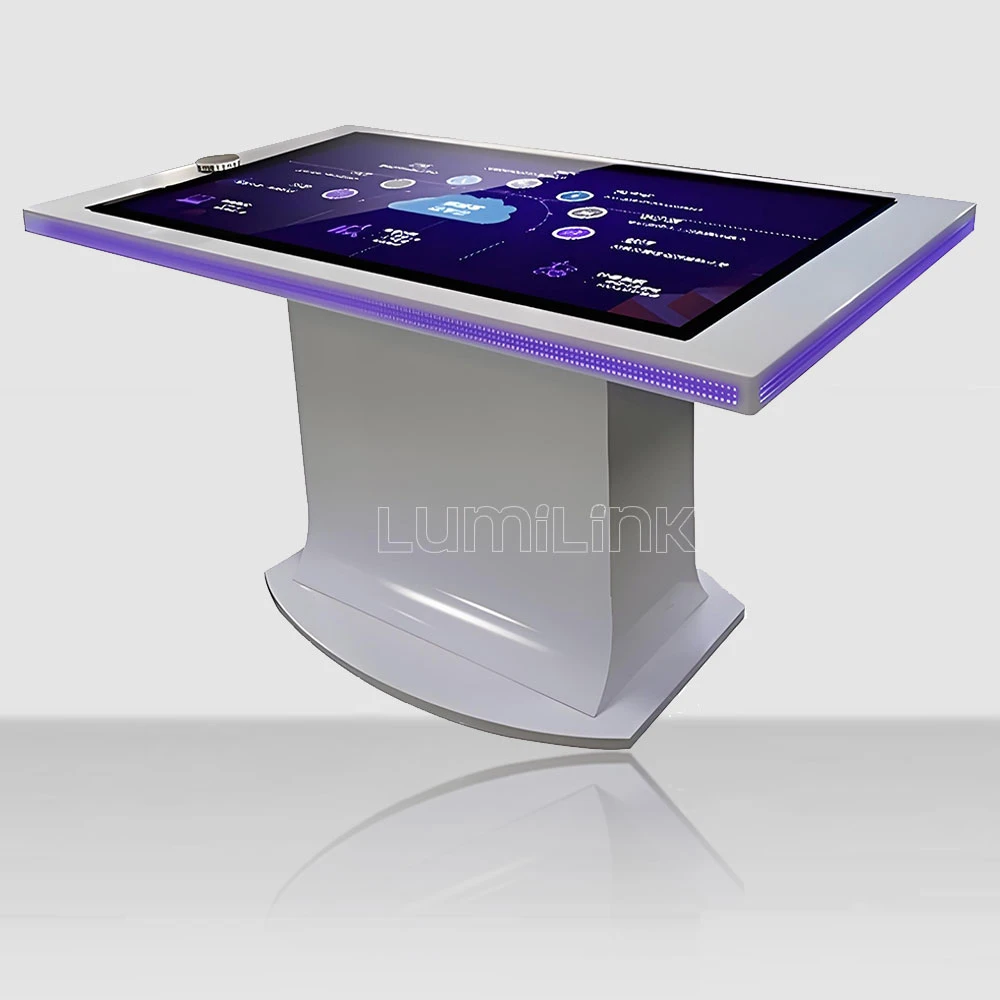

Spec sheet says 43-inch, 10-point touch, 4K resolution, Windows 11. Price A: $3,200. Price B: $5,800. Price C: $8,400. Same specifications on paper, wildly different price tags. If you are a procurement manager evaluating the commercial grade multi touch table price, you have probably stared at a comparison spreadsheet like this and wondered which column tells the truth.
The answer is: none of them, and all of them. A spec sheet tells you what a table claims to be. It does not tell you what it actually survives. Commercial grade is not a marketing label — it is a build standard that determines whether your investment lasts three years or ten. This guide gives you the procurement framework to evaluate commercial grade pricing with the rigour your budget demands.
What "Commercial Grade" Actually Means
The term commercial grade gets thrown around loosely in this industry. Any supplier can write it on a product page. But in engineering terms, commercial grade refers to specific build characteristics that distinguish a table designed for continuous public use from one designed for occasional home or office use.
The four pillars of commercial grade construction are: continuous-duty display panels rated for 18+ hours of daily operation, tempered glass with at least 5mm thickness and a Mohs hardness rating of 7+, industrial-grade computing hardware with extended thermal margins, and structural enclosures that pass drop and vibration testing. If a supplier cannot provide test data for any of these four pillars, the table is not commercial grade regardless of what the spec sheet says.
The Three Price Tiers Explained
When you see quotes ranging from $3,000 to $9,000 for seemingly identical 43-inch touch tables, you are looking at three distinct build tiers. Understanding what each tier includes — and more importantly, what it excludes — is the key to making a procurement decision that does not come back to haunt you in year two.
Tier 1: Budget Commercial ($2,800 - $4,200)
Tables in this tier use B-grade display panels, which may have one to three dead pixels and slight backlight inconsistency. The touch overlay is typically an infrared frame with 6mm glass — functional but not rugged. Internal computing is usually an Intel Celeron or Core i3 with 4-8GB of RAM, adequate for basic applications but not for demanding interactive software. The enclosure is steel with minimal thermal management, which means the table will run hot in ambient temperatures above 30°C.
Who should buy this tier: buyers who need 5-10 tables for low-traffic environments where downtime is acceptable and the table will be replaced within 2-3 years. If your use case is a small office collaboration space or a low-traffic reception area, this tier delivers adequate performance at the lowest price point.
Who should not buy this tier: anyone deploying tables in high-traffic public spaces, 24/7 environments, or locations where the table is a revenue-generating asset. The total cost of ownership over five years — including repairs, replacements, and downtime — will exceed what you would have paid for a Tier 2 table upfront.
Tier 2: Standard Commercial ($4,200 - $6,500)
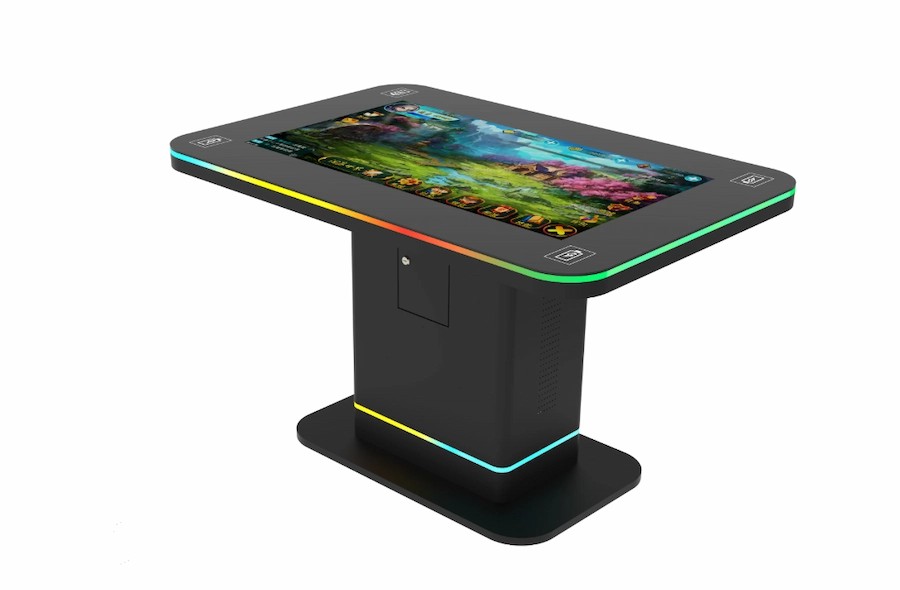
This is where commercial grade starts to mean something. Tier 2 tables use A-grade panels with zero dead pixels and 350-500 nit brightness. The touch overlay uses 5mm tempered glass with an infrared frame rated for 60+ million touch events. Internal computing is an Intel Core i5 with 8-16GB of RAM and an SSD, capable of running demanding applications including 3D visualisation and real-time data dashboards.
The enclosure in this tier features active thermal management — typically a combination of heat pipes and low-noise fans — that keeps internal temperatures below 45°C even in warm environments. This is critical because heat is the number one killer of display panels and computing hardware. A table that runs cool will last years longer than one that cooks itself.
Who should buy this tier: most B2B buyers. This tier covers 80% of commercial deployment scenarios — museums, corporate offices, retail showrooms, hotel lobbies, trade show booths, and educational institutions. The price-to-durability ratio is optimal, and with proper maintenance, these tables will serve 5-7 years without major failure.
Lumilink's standard product line sits in this tier. We chose this positioning deliberately because it represents the sweet spot where commercial grade construction meets reasonable pricing. Our tables are not the cheapest on the market, and they are not the most expensive. They are built to a standard that we can stand behind with a comprehensive warranty and post-sale support.
Tier 3: Premium Commercial ($6,500 - $10,000+)
Tier 3 tables add features that justify the premium for specific use cases. These include 500+ nit high-brightness panels for sunlit environments, projected capacitive (PCAP) touch with 40+ simultaneous touch points, dedicated GPUs for 3D rendering, and premium enclosure materials like brushed aluminium or custom finishes. Some Tier 3 tables also include built-in UPS systems for power failure protection and redundant cooling fans.
Who should buy this tier: buyers with specific environmental or performance requirements that Tier 2 cannot meet. If your table will be in direct sunlight, needs to run GPU-intensive applications, or must match a premium interior design aesthetic, Tier 3 is appropriate. For everyone else, the incremental cost over Tier 2 buys features you will never use.
Building Your Procurement Comparison Matrix
The most common mistake procurement managers make is comparing prices across suppliers without normalising the specifications. A $3,200 table from Supplier A and a $5,800 table from Supplier B are not comparable unless you know exactly what each quote includes and excludes. Here is the comparison matrix you should build before making any purchasing decision.
Specification Normalisation Checklist
Panel grade: Request the supplier's panel grade certification. A-grade means zero dead pixels. B-grade allows 1-3. C-grade has no guarantee. If the supplier cannot provide certification, assume B-grade or lower.
Glass specification: Confirm glass thickness (4mm, 5mm, or 6mm) and type (tempered or non-tempered). 5mm tempered is the commercial standard. Anything thinner will crack under moderate impact. Non-tempered glass is a safety hazard in public spaces.
Touch technology: Infrared (IR) frames are the standard for commercial tables. PCAP is more responsive and supports more touch points but costs 40-60% more. Confirm which technology is quoted and whether the touch point count meets your application requirements.
Computing hardware: Get the exact CPU model, RAM amount, storage type (SSD vs eMMC), and whether a GPU is included. Suppliers sometimes quote low-end processors at premium prices, relying on the buyer's assumption that "commercial grade" means high performance.
Thermal management: Ask whether the table uses active cooling (fans), passive cooling (heat sinks only), or a hybrid system. Passive cooling is quieter but fails in warm environments. Active cooling is essential for tables deployed in spaces without air conditioning.
Warranty terms: Compare not just the warranty period but what it covers. Does it include on-site repair or return-to-base only? Does it cover the display panel, or only the touch frame? Is shipping covered? A two-year return-to-base warranty that excludes the panel is worth significantly less than a one-year on-site warranty that covers everything.
Hidden Costs Beyond the Unit Price
The unit price is the starting point, not the ending point. Procurement managers who focus solely on the per-unit cost often miss expenses that appear later in the deployment cycle. Here are the five hidden costs that can turn a "cheap" table into an expensive one.
Shipping and customs. Touch tables are heavy and bulky. International shipping for a 43-inch table runs $200-$500 per unit depending on destination and Incoterms. If you are importing, add customs duties (typically 5-15% depending on country and HS code) and import processing fees. A $3,200 table can become a $4,100 table by the time it reaches your warehouse.
Software licensing. Some tables ship with OEM Windows licences; others require you to purchase your own. If you need Windows 11 Pro for domain-joined environments, that is an additional $200 per unit. Interactive software — digital signage, wayfinding, or custom applications — can add $500-$2,000 per table depending on the solution.
Installation and commissioning. Unless your team has experience deploying touch tables, factor in installation costs. This includes physical placement, network configuration, software installation, and content loading. Professional installation runs $150-$400 per unit. For multi-unit deployments, this cost can be negotiated into the purchase price.
Maintenance contracts. Commercial tables need periodic maintenance: glass cleaning, air filter replacement, software updates, and touch recalibration. Annual maintenance contracts typically run 8-12% of the unit price. Skip this and you risk premature hardware failure.
Replacement parts. When a component fails after the warranty expires, how much does a replacement cost? A display panel replacement can run $600-$1,200. A touch frame replacement is $300-$700. Before purchasing, ask the supplier for a replacement parts price list. If they cannot provide one, you will be at their mercy when something breaks.
Negotiating Commercial Terms with Suppliers
Once you have identified the right tier and normalised the specifications, the final price is rarely the first quote you receive. Commercial touch table suppliers expect negotiation, and the buyers who negotiate effectively save 8-15% on their final order. The key is knowing which terms are flexible and which are not.
Volume discounts are the most straightforward negotiation lever. Most suppliers offer tiered pricing: 5% off at 10+ units, 10% off at 25+ units, 15% off at 50+ units. If your initial order is 10 units but you plan to order more in the next 12 months, ask for the 25-unit pricing based on your projected annual volume. Many suppliers will agree if you commit to a purchase schedule.
Warranty extensions are often easier to negotiate than price reductions. If a supplier refuses to lower the unit price, ask for a 3-year warranty instead of the standard 2-year. This costs the supplier very little if their products are reliable, but it saves you $300-$700 per unit in potential repair costs. Similarly, ask for on-site repair instead of return-to-base — the logistics savings alone can justify the price.
Payment terms matter for cash flow. Standard terms are 30% deposit and 70% before shipment. For established buyers or large orders, negotiate 30% deposit, 60% before shipment, and 10% after installation and acceptance. This gives you leverage if the tables arrive with defects, and it improves your cash flow position.
Making the Final Decision
Once you have normalised specifications, identified hidden costs, built your comparison matrix, and negotiated commercial terms, the decision becomes much clearer. The goal is not to find the cheapest table — it is to find the table that delivers the lowest total cost of ownership over your expected deployment period. A Tier 2 table at $5,500 that lasts seven years with one $400 repair is cheaper than a Tier 1 table at $3,200 that needs replacement after three years.
If you are ready to build your comparison matrix with real numbers, request a detailed quotation from Lumilink. Our quotes include full specification breakdowns, panel grade certifications, warranty terms, and replacement parts pricing — everything you need to make an informed procurement decision. No opaque pricing, no hidden exclusions, no marketing fluff. Just the data you need to justify your budget.