
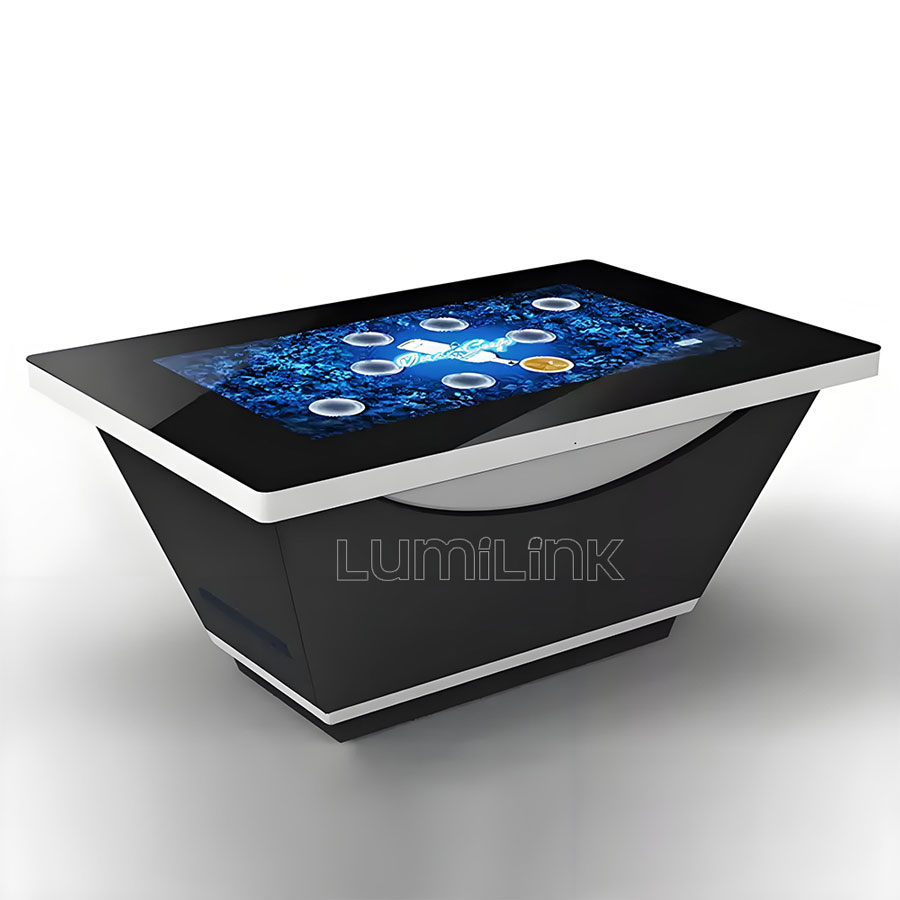
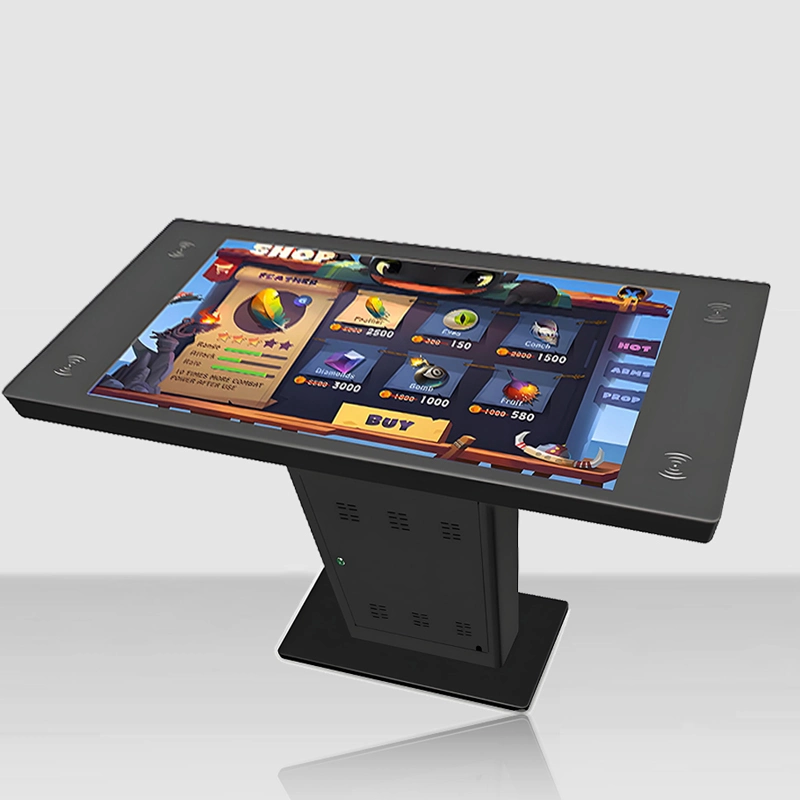
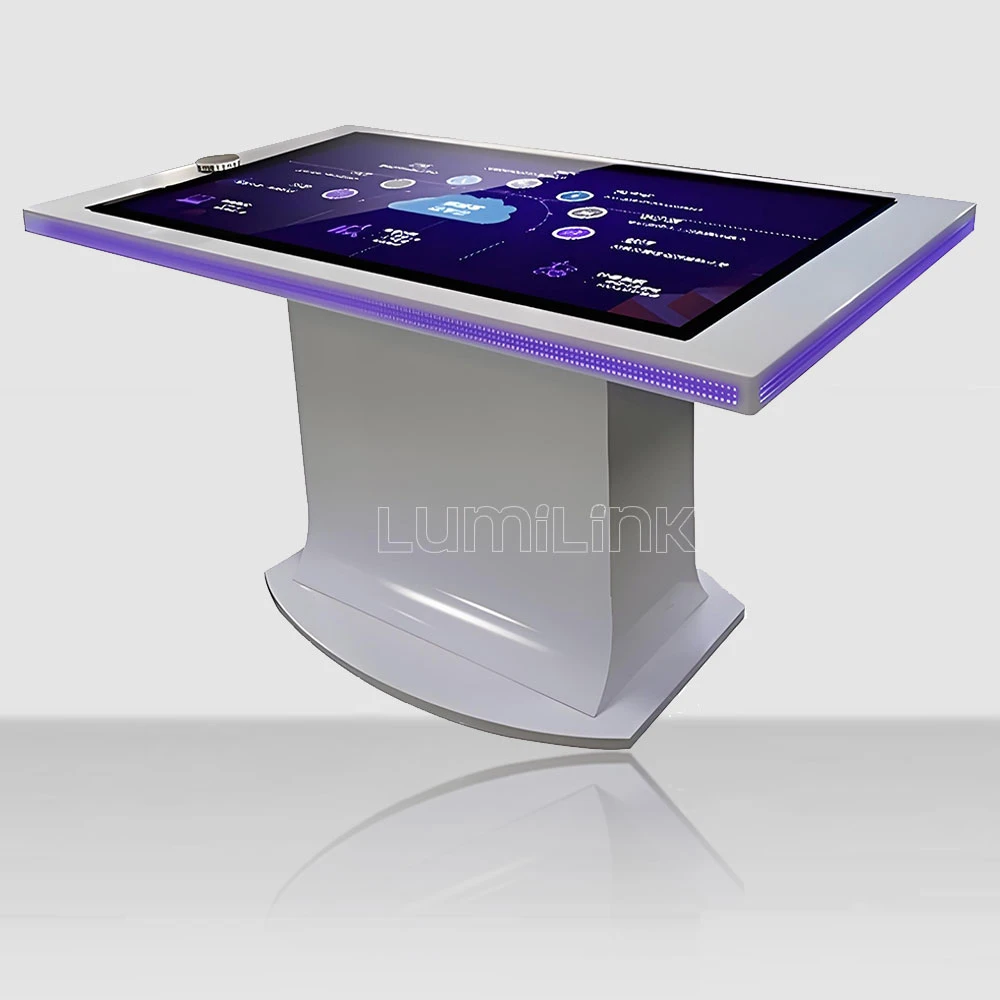

In 2026, businesses across every sector are rethinking how they engage audiences in physical spaces. The meeting room has become one of the most contested of those spaces: a touch screen conference table turns the table everyone already sits around into a shared interactive surface for agendas, floor plans, product models and design reviews — no projector, no cable to the wall, no one hunched over a laptop in the corner.
The shift is being driven by something mundane: hybrid work. When half the team joins remotely, the in-room experience has to match what the remote side gets on a personal screen. A wall display pointed at six people cannot do that. A surface that every participant can touch can.
This guide covers what matters when specifying one — the sizes that actually work around a meeting table, the touch and compute choices that decide whether it feels fast or frustrating, and the arithmetic that makes or breaks the business case against a projector-and-whiteboard setup.
Why Meeting Rooms Are Moving to a Touch Screen Conference Table
The first driver is participation. In a room with a wall screen, one person drives and everyone else watches. On a horizontal shared surface, four to eight people annotate the same drawing at once, and the meeting changes character — reviews get shorter because nobody has to describe what they mean, and design decisions get made in the room rather than in the follow-up email thread.
The second driver is content. Modern review work is not slide-shaped. Floor plans, CAD exports, product configurators, dashboards, site plans and 3D models all want a large two-dimensional canvas that people can gather around, pinch, rotate and mark up. A horizontal surface handles that content natively; a 16:9 wall display forces it into a letterbox.
The third driver is room utilization. A conference table is furniture the company was going to buy anyway — the incremental investment is the interactive layer, not the whole piece. That reframing is why facilities teams increasingly approve these units while rejecting standalone “collaboration technology” purchases that add equipment without replacing anything.
The fourth is hybrid equity. With a shared surface, the room can mirror the same canvas to remote participants, so remote attendees see the annotation as it happens instead of watching a camera feed of someone's back. Rooms that make remote participants feel present get used more, and that utilization is measurable.
Key Specifications for Meeting Room Use
Size versus reach. A meeting table seats people along its length, so the useful metric is reach, not diagonal. A 55-inch surface works for four people seated on the two long sides; 65 inches is the practical choice for six; beyond that, an 86-inch format or a dual-panel layout lets eight participants reach the center without standing. Measure the actual seating geometry before choosing — a 65-inch table in a narrow room forces people to sit at the ends, which defeats the purpose.
Height and clearance. A dedicated meeting table sits at 730 to 750 mm; a table that doubles as a standing-review surface may need 900 mm or an adjustable base. Check knee clearance and cable routing too: a meeting table carries power, network and often a display cable to the wall, and all of it should disappear into the base rather than hang under the surface.
Touch technology. Projected capacitive is the right answer for a meeting room. It senses through the glass, ignores overhead lighting, and survives the coffee-and-laptop reality of daily use. An exposed infrared frame collects dust and generates false touches — and a false touch during a client presentation is a credibility problem, not a maintenance ticket.
Simultaneous touch points. Four to six participants annotating at once generate more simultaneous contacts than a menu-ordering table ever sees. Ask for the controller model and its tested point count. Note the platform ceiling: Windows and Android both cap native touch input at ten points, so a 40-point panel running Windows presentations will behave like a 10-point surface. Match the touch system to the software workflow, not to the brochure.
Compute and connectivity. A Windows build runs CAD viewers, whiteboard suites, Teams or Zoom, and a browser with thirty tabs — 16 GB of memory and a current-generation processor is the floor for a room that hosts real work. Wireless casting should be native rather than an afterthought, and there should be at least one wired input for the guest laptop that always has a driver problem.
| Criteria | Projected Capacitive (PCAP) | Infrared (IR) Frame |
|---|---|---|
| Touch response through glass | Direct, no air gap if optically bonded | Floats above the glass surface |
| Light interference | Unaffected by sunlight or venue lighting | Strong direct light can cause false points |
| Edge-to-edge glass | Yes, flush glass surface | Visible bezel housing emitters |
| Durability in daily use | Sealed, wipe-clean, no moving parts | Emitter strip needs periodic cleaning |
| Best fit | Meeting rooms, classrooms, public venues | Budget builds, temporary installations |
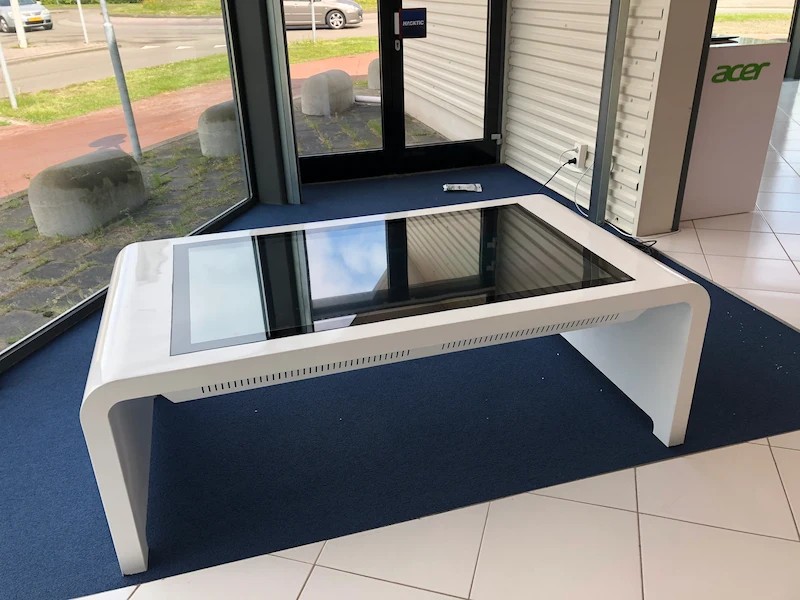
Top Benefits Teams Report
Shorter review cycles. The most consistent report from rooms we have equipped is that design and planning reviews compress — not because people work faster, but because the describe-and-translate loop disappears when everyone can see and touch the same canvas.
Fewer meeting-room failures. A table with integrated compute, casting and audio removes the five-minute ritual of finding the right dongle, the right input and the person who knows how the AV works.
Better remote inclusion. Mirroring the shared canvas to remote participants changes the meeting dynamic; remote attendees contribute to the same surface rather than commenting on a camera feed.
Space efficiency. One surface replaces a whiteboard, a projector screen and a flipchart. In offices where meeting rooms are the scarcest resource, that consolidation is worth more than the hardware.
Durability and resale. A commercial-grade table outlives two or three generations of the software running on it, which is why the enclosure and panel specification matter more than the CPU in year five.
Real-World Meeting Room Use Cases
Architecture and engineering studios. Plan review, markups and client presentations on one surface; the reason angled drafting formats exist, and the case where a large horizontal table earns its cost in the first project.
Product and industrial design. CAD models, color and material reviews, and design critiques where six people annotate simultaneously instead of waiting for the mouse to be handed around.
Executive and board rooms. Financial dashboards, M&A documents and site plans — content that is confidential, needs no cloud dependency, and is best kept on a local machine inside the room.
Sales and client-facing rooms. Configurators and proposals explored together; a shared surface puts the salesperson and the client on the same side of the decision instead of across a desk.
Training and onboarding. Instructors annotate while trainees follow on the same canvas — the same motion as a whiteboard, with the ability to save the session as content.
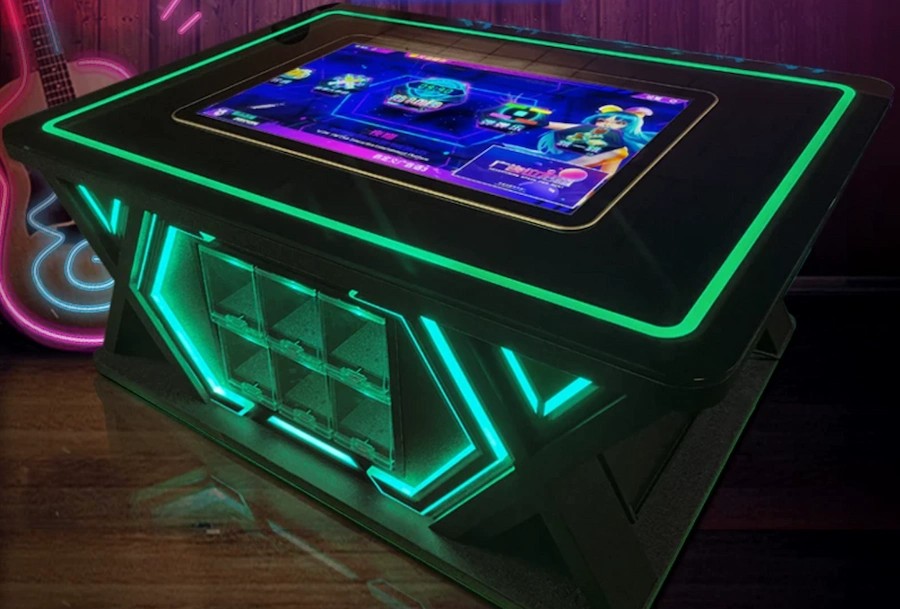
The Cost Case Against Projector and Whiteboard
A projector, a motorized screen, a whiteboard and the AV control hardware that ties them together is not cheap — and unlike a table, none of it replaces furniture the company was buying anyway. When the comparison is run honestly, the incremental cost of the interactive table is the difference between a normal conference table and an interactive one, not the full price.
Then count the operating side. Lamps and filters on projectors are consumables; a commercial panel has no consumables. A whiteboard meeting produces a photograph nobody can read; an interactive session produces a saved canvas. And a room that works reliably gets booked, which is the utilization benefit facilities teams care about most.
The usual counter-argument is that a large wall display plus a wireless dongle is cheaper. It is — until the review requires everyone to gather around one plan, at which point the room either moves to a table or the meeting moves to a printout.
Two cost lines are usually left out of the comparison entirely. The first is IT time: every room with a projector, a screen, a switcher and a casting device is a room that generates tickets. Consolidating four devices into one surface with one compute platform removes a recurring support load that never appears in a capital request but does appear in every IT budget. The second is real estate. A dedicated AV closet, a projection throw distance and a screen wall all consume floor and wall space in a room that could otherwise seat two more people; a table occupies the footprint the company was already dedicating to furniture. Neither line is dramatic on its own, and together they often close the gap that made the table look expensive in the first spreadsheet.
How to Choose the Right Touch Screen Conference Table
Sequence the decision. One: count the seats on the long sides and measure the room; choose 55 inches for four, 65 for six, and go wider only if the seating geometry supports it. Two: decide the platform — Windows for CAD and full collaboration suites, Android for lighter casting and dashboard use. Three: specify the touch system with a controller model and a tested point count, and ask for a demonstration in room lighting.
Four: check the operational details — integrated cable management, service access without lifting the glass, spare controller availability, warranty terms including freight on parts. Five: pilot one room before committing a floor. Behavior around a shared table is easier to observe than to forecast, and one room of experience will tell you more than any specification sheet.
Finally, match the finish to the room. A boardroom wants a furniture-grade enclosure that looks like furniture; a studio wants a working surface that survives being leaned on. Both are the same engineering underneath, and a manufacturer that offers both as configuration items has done this before.
Why Lumilink Is the Right Partner
Lumilink manufactures interactive touch tables from 32 to 86 inches with PCAP touch, commercial-grade panels, tempered safety glass and sealed enclosures, shipping factory-direct to more than fifty countries. Meeting-room configurations are a standard workflow for us: size, height, finish, cable management, compute platform and OS image are configuration items, and multi-room projects come with a written production schedule.
Corporate offices, design studios and training centers across our client base run these tables daily, and we are comfortable being compared on components — panel grade, controller model, tested touch points, warranty terms — rather than on adjectives.
Conclusion: Take the Next Step
A touch screen conference table earns its place by changing how meetings run: the canvas is shared, the remote side is included, and the review happens in the room. Specify it around seating geometry and platform first, touch hardware second, and the furniture finish last — that order is what separates a room people book from a room people avoid.
Planning a meeting-room upgrade? Request a Custom Quote today to receive a tailored proposal including hardware specifications, pricing, and implementation timeline. Or Download Product Spec Sheet to review detailed technical documentation for our full interactive touch table lineup.