
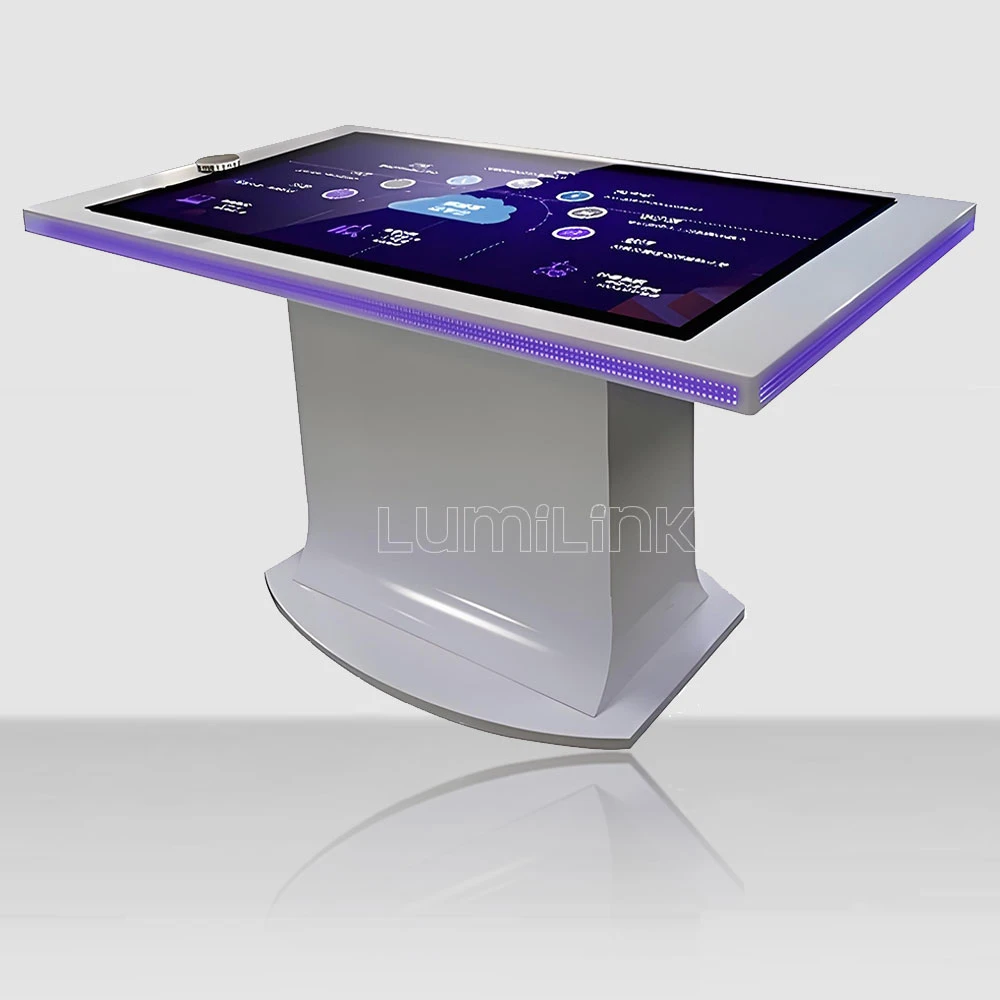

In 2026, businesses across every sector are rethinking how they engage audiences in physical spaces. Among the search terms climbing fastest in this category is the DIY touch screen table — the idea that a team can take a commercial display, a frame, a mini PC and a table carcass and assemble a working interactive surface for a fraction of retail price. Search interest in DIY builds has doubled over the past year, and the appeal is obvious: the hardware looks like commodity parts, the tutorials are free, and the finished object sits in the middle of the room where everyone can admire it.
Having watched both sides of this equation — builders who succeeded and builders who quietly abandoned the project after three weekends — the honest answer is that a DIY touch screen table is a genuinely good idea for one kind of buyer, and an expensive lesson for another. The difference is rarely technical skill. It comes down to how the table will be used after week one.
This guide breaks down what a build actually requires, what it really costs once the hidden line items appear, when DIY wins, when it loses, and how to decide between a build, a kit and a finished commercial unit.
Why Builders Consider a DIY Touch Screen Table
The motivation is almost always cost or fit. A commercial interactive table in a 55-inch size is a serious capital purchase; the component math looks dramatically cheaper, especially when the builder already owns a workshop, a spare PC and the confidence to cut a hole in a tabletop. For a hobbyist building something for a home games room, the calculation can genuinely work out.
The second driver is fit. Makers, small studios and research teams often need a surface with a specific height, a specific footprint or an unusual enclosure that no catalog product offers. Building around a standard display lets them design the furniture around the room rather than the room around the furniture.
The third driver is education. A team that assembles its own interactive surface learns exactly how touch, video signal, power and content fit together — knowledge that pays off later when the same team has to specify, install and maintain a fleet of commercial units. Several AV integrators we work with built their first table themselves deliberately, as training.
What a Build Actually Requires
A working build has five subsystems, and the failures almost always happen at the seams between them rather than inside any one part. Display: a commercial-grade panel rated for horizontal or table orientation, not a consumer TV — consumer panels are engineered for upright viewing, and their backlights, heat paths and viewing angles behave differently when laid flat under a heavy glass top.
Touch layer: either a projected capacitive (PCAP) panel with its controller, or an infrared frame around the glass. The choice drives almost everything downstream, from glass thickness to how the table survives a spilled drink. Compute: a small-form-factor PC or an Android media player, mounted somewhere that it can be serviced without disassembling the table.
Glass and enclosure: tempered glass, ideally 6 mm or more at table sizes, with polished edges and a gap-free mount to the display. Loose glass over an LCD panel produces an air gap that traps dust, distorts images at oblique angles and kills the “one surface” illusion that makes interactive tables feel premium. Power and cable management: a single entry point, strain relief, and enough internal clearance that a technician can reach the controller without lifting the tabletop.
| Criteria | Projected Capacitive (PCAP) | Infrared (IR) Frame |
|---|---|---|
| Touch response through glass | Direct, no air gap if optically bonded | Floats above the glass surface |
| Light interference | Unaffected by sunlight or venue lighting | Strong direct light can cause false points |
| Edge-to-edge glass | Yes, flush glass surface | Visible bezel housing emitters |
| Durability in daily use | Sealed, wipe-clean, no moving parts | Emitter strip needs periodic cleaning |
| Best fit | Meeting rooms, classrooms, public venues | Budget builds, temporary installations |
The specification that catches most first-time builders is the touch controller. A panel advertised as “40-point multitouch” depends entirely on the controller behind it and on the operating system in front of it: Windows and Android both cap native touch input at ten points, so a DIY build running Windows will never use more than ten regardless of the panel rating. Read the controller model number, not the marketing line.
The Real Cost of Building One Yourself
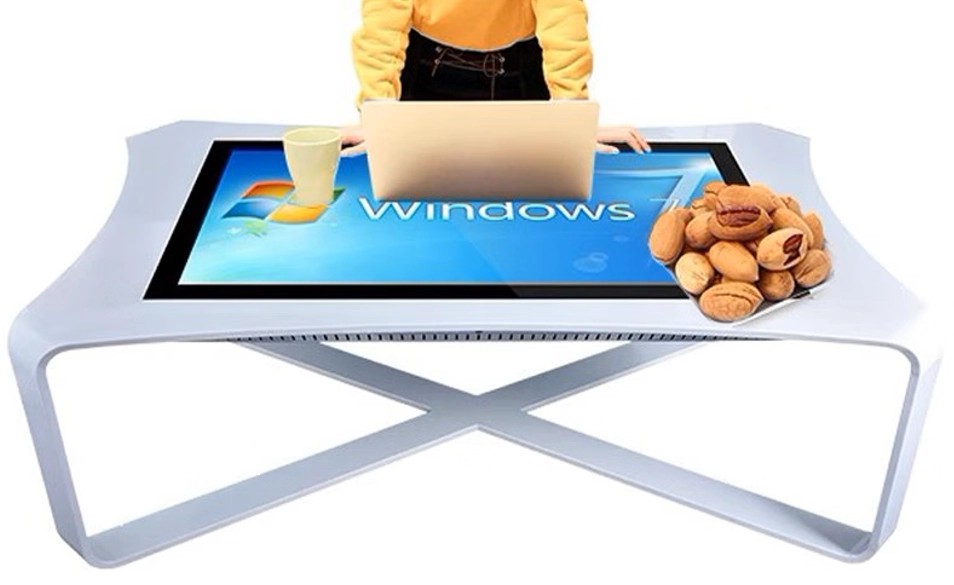
The bill of materials for a 55-inch build typically includes the panel, the touch overlay or frame plus controller, the mini PC, tempered glass, wood or metal stock, hinges and fasteners, cable, a power supply and — the line most builders forget — the cost of the mistakes. One cracked panel or one badly cut glass sheet resets the project and can wipe out the savings entirely.
Then come the soft costs. A build consumes evenings and weekends; a commercial unit consumes a purchase order. If the table is for a business, the honest comparison is not parts versus price, it is parts plus 60 to 120 hours of skilled labor versus price. At even a modest internal labor rate, the gap narrows fast — and that is before the first warranty claim on a component that arrived dead.
There is also the durability gap. A DIY enclosure is usually built for one installation in a controlled room. A commercial table is designed for years of daily contact: sealed touch layer, commercial panel rated for continuous operation, serviceable interior, and spare parts available three years later. For a home games room this difference rarely matters. For a lobby, a classroom or a showroom, it is the whole point.
One more line item deserves its own paragraph: the skills you do not have yet. Cutting tempered glass is not a workshop task — it is ordered to size, and a wrong measurement means a second order and a second wait. Bonding a touch layer without trapping dust requires a clean space most home workshops do not have. Cable routing that survives vibration, a power supply sized for the panel plus compute plus peripherals, thermal clearance so the panel does not cook itself under glass — each is a small skill, and together they are the difference between a build that finishes in two weekends and one that stalls in the garage. Assess your own bench honestly before pricing the parts, because the parts are the cheap half.
When DIY Makes Sense — and When It Does Not
DIY wins in four situations. One: the table is for personal or hobby use, where hours are free and durability requirements are low. Two: the required form factor does not exist commercially, and the build is genuinely custom furniture work. Three: it is a training exercise for a team that will later buy commercial units. Four: it is a prototype to prove a concept before committing to a fleet.
DIY loses in four others. One: the table will face the public, where a scratched, rattling or unresponsive surface damages the brand more than it saves. Two: the table is business-critical, where a failed controller means a closed exhibit or a stalled meeting room. Three: the total quantity is more than one, at which point commercial pricing and standardization beat hand-built variance. Four: nobody on the team wants to own maintenance for the next five years — a DIY surface has a maintenance owner by definition, and that person is whoever built it.
There is a middle path worth naming: the kit. Several suppliers sell a display-plus-touch-plus-controller module with a documented enclosure drawing, which removes the electrical risk while keeping the furniture work in-house. For an organization that wants a custom look but not a custom failure mode, the kit is often the right compromise.
Real-World Builds and What They Taught Us
The home games room. A 43-inch panel in a plywood carcass, an IR frame, a mini PC running a virtual tabletop. Two weekends, real savings, and a surface that has survived three years of weekly sessions. DIY at its best.
The office “innovation corner”. Built cheaply, placed in a client-facing area, and quietly removed after six months because the air gap under the glass collected dust and the enclosure creaked every time anyone leaned on it. The saving was real; the impression was worse.
The school pilot. A teacher-built prototype proved the concept and secured budget for eight commercial units the following year — the build never needed to survive, it only needed to convince. This is DIY used exactly right.
The exhibition stand. A rapid build shipped to a trade show, where it worked for three days and then sat in storage until it was scrapped. Sometimes the correct answer is a rental, not a build.
How to Choose: Build, Kit or Buy
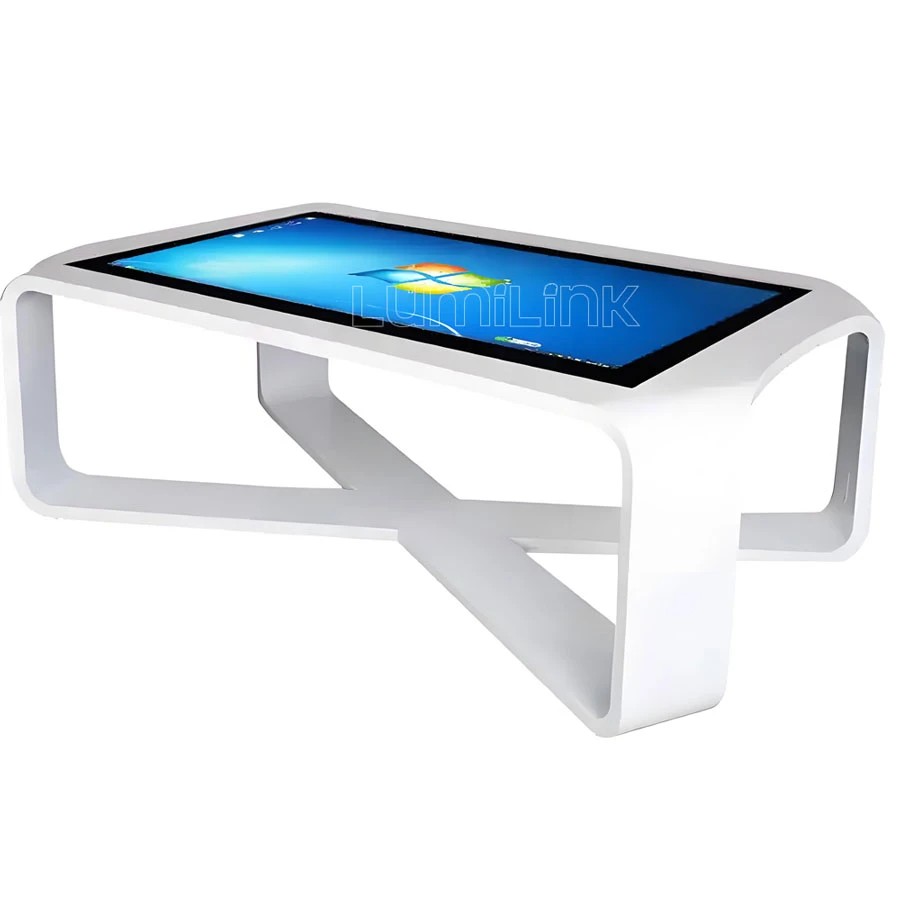
Work through four questions in order. First: who uses it, and how hard? Public hands need a sealed commercial surface; a home hobbyist does not. Second: how many? One is a build candidate; three or more is a procurement exercise, because variance between hand-built units is a real operational cost.
Third: who maintains it in year three? If the answer is “nobody, hopefully”, buy. Fourth: what does a week of your own time cost? Multiply honestly. If parts plus labor lands within 30 percent of a commercial quote — and it usually does for anything above 43 inches — the commercial unit wins on warranty, serviceability and resale.
If the decision is still DIY, build to commercial standards where it matters: a commercial-orientation panel, a named touch controller, tempered glass properly bonded or gasketed, and a serviceable interior. Those four choices decide whether the table lasts three years or three months.
Why Lumilink Is the Right Partner
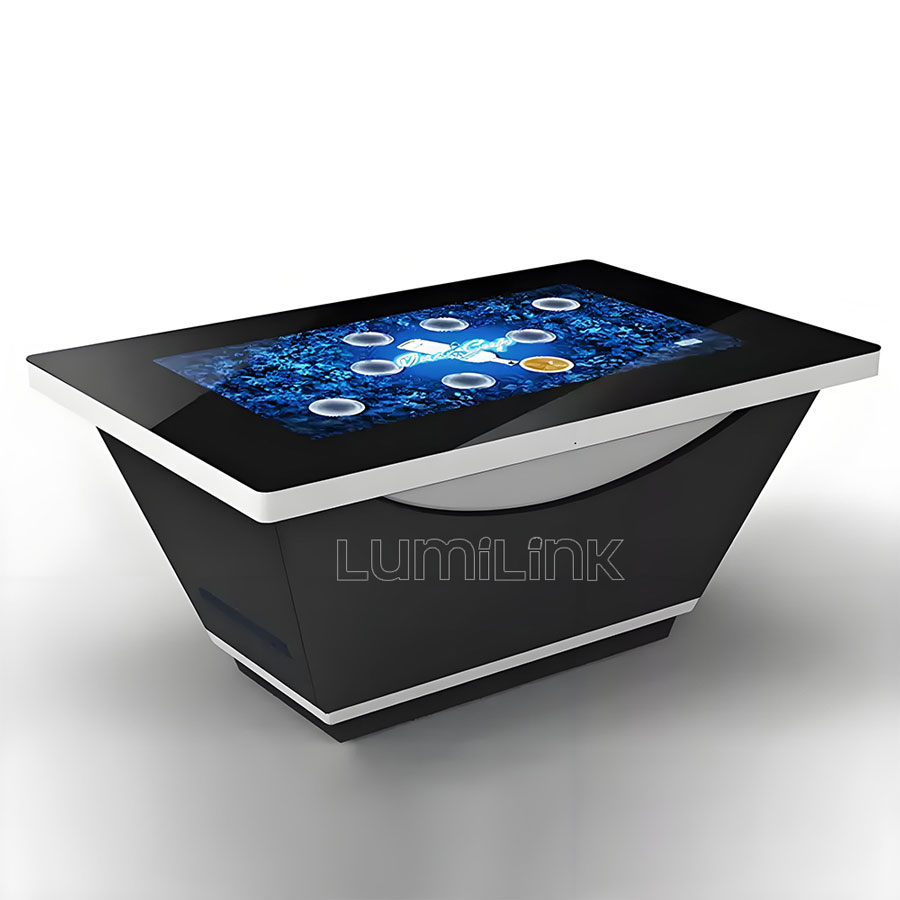
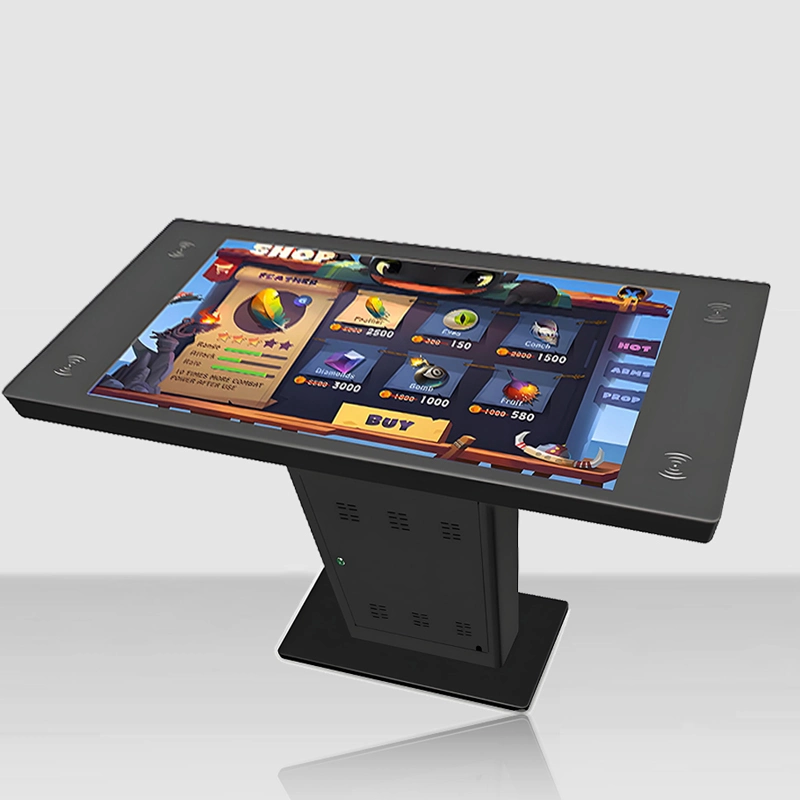
Lumilink manufactures interactive touch tables from 32 to 86 inches as a factory, not a reseller: PCAP touch systems with named controllers, commercial-grade panels rated for continuous operation, tempered safety glass, and sealed enclosures built for public contact. For builders who reach the point where DIY stops making sense, our team can quote a finished unit, a semi-knock-down kit, or a custom enclosure to your drawing — the same production line, three levels of involvement.
We ship factory-direct to more than fifty countries and routinely help customers compare their own bill of materials against ours. That comparison is usually where the DIY-versus-buy decision finally gets settled.
Conclusion: Take the Next Step
A DIY touch screen table is a legitimate engineering project and sometimes the smartest possible choice — for hobby use, for unusual form factors and for convincing a budget holder that the concept works. It stops being smart the moment the table faces the public, serves a business process, or needs somebody to own it in year three.
Comparing your build against a finished unit? Request a Custom Quote today to receive a tailored proposal including hardware specifications, pricing, and implementation timeline. Or Download Product Spec Sheet to review detailed technical documentation for our full interactive touch table lineup.