
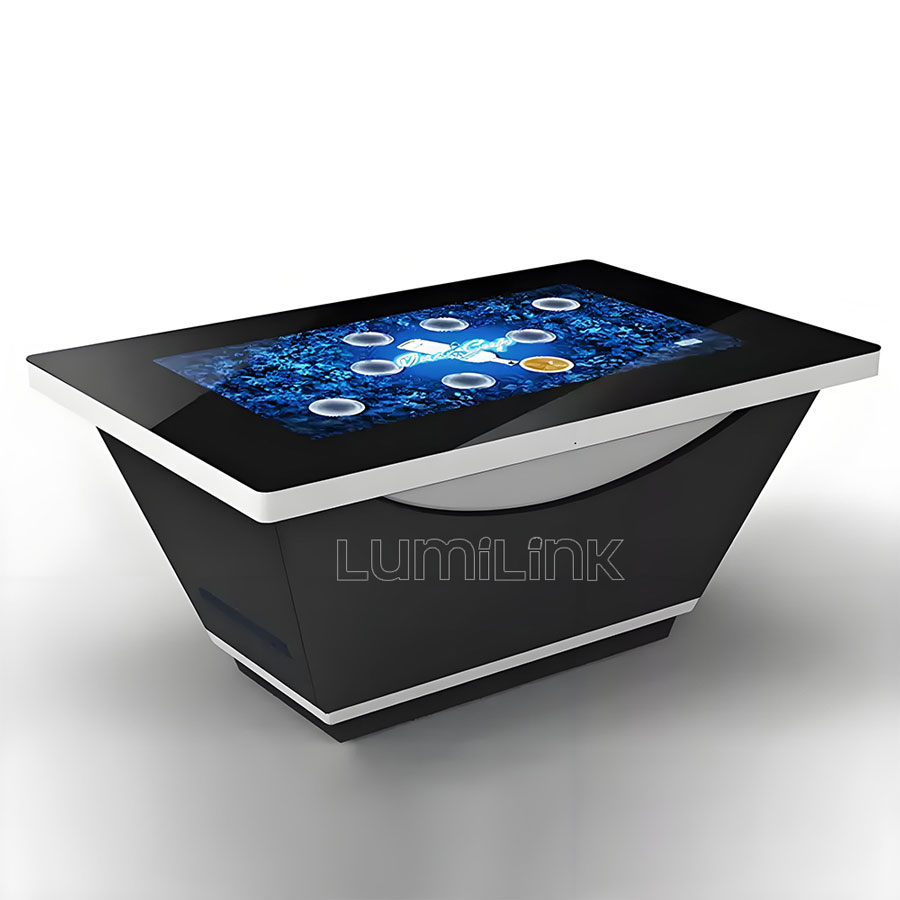
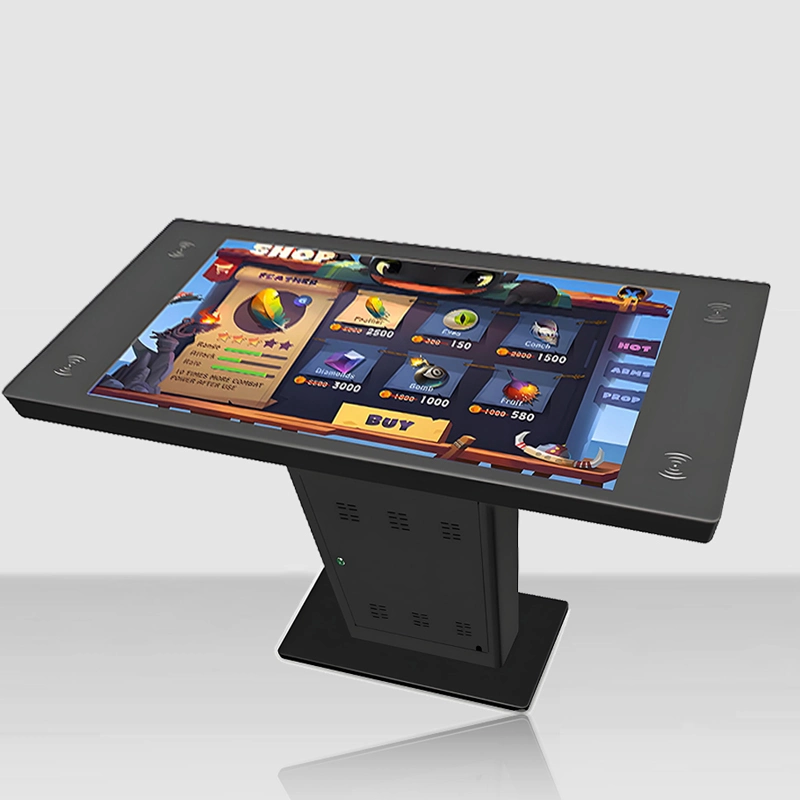
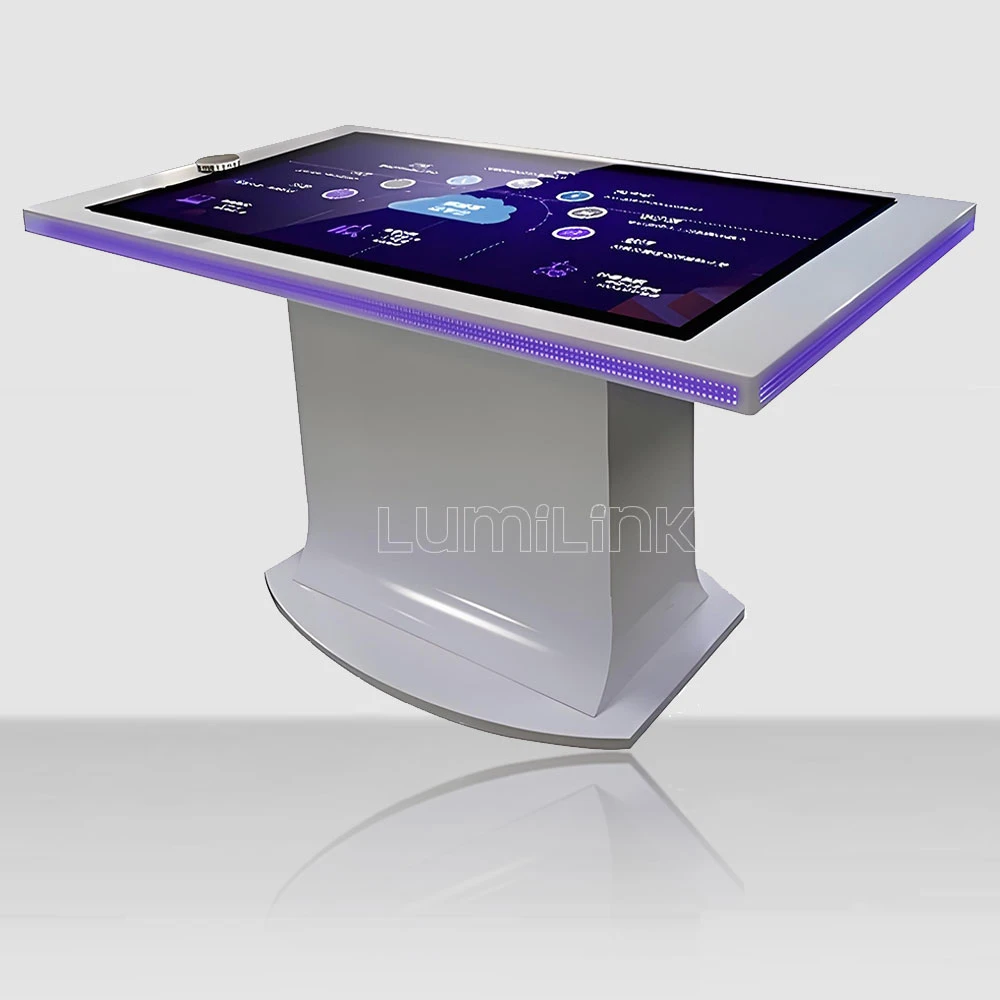

Every spring, our team spends six weeks evaluating interactive touch tables for educational deployment. We pull units from our showroom, load them with classroom software, and put them in front of real teachers and real students — kindergarten through university. This year, eleven configurations went through the gauntlet: collaborative whiteboard sessions, multi-user geometry apps, chemistry simulations, and the ultimate test, a room full of eight-year-olds on a rainy Friday afternoon.
What follows is our 2026 awards list for the best interactive touch table for education. Instead of a generic "top 10" list that ranks products you cannot actually buy, we are giving awards in the categories that teachers and procurement committees actually care about — and every winner is a configuration you can order today, from us or from any manufacturer with equivalent specifications. Where a specific Lumilink model wins, we say so and tell you exactly which configuration we tested.
How We Judged: The Scoring Rubric
Before the awards, the criteria — because you should be able to replicate this evaluation yourself. We scored each configuration on six dimensions, weighted by what actually predicts classroom success rather than what looks good on a spec sheet:
Multi-user touch reliability (25%). Can four children simultaneously draw on the surface without touch points dropping or ghosting? This is the single most common failure in education deployments. Infrared touch systems underperform here — when two children lean on the surface, their sleeves block the infrared grid and touches vanish. Capacitive touch, like a large version of a phone screen, does not have this problem. We tested each table with four simultaneous writers for 30 minutes and logged every dropped touch point.
Software compatibility (20%). The best hardware is worthless if it will not run what your teachers already use. We tested each configuration against the software that schools actually deploy: Google Workspace for Education, Microsoft Whiteboard, SMART Notebook, and five popular multi-touch educational apps from the app stores. Windows-based tables passed everything. Android-based tables passed approximately 60% of the software we tested — fine for app-based classrooms, limiting for schools that want full desktop software.
Physical durability (20%). Classroom furniture gets abused — not vandalised, just used hard by people who have not yet learned to be careful. We tested glass thickness against textbook drops and elbow impacts, checked whether the enclosure collects crumbs and glue in its seams, and measured how stable the table is when a child leans on its edge. A table that wobbles when leaned on will be tipped over within a semester.
Teacher usability (15%). Can a teacher who is not an IT specialist turn it on, launch software, adjust volume, and troubleshoot a frozen app without calling support? We timed non-technical teachers on basic tasks. Any table that required a manual to perform daily operations lost points.
Lifecycle cost (10%). Purchase price is only the entry ticket. We estimated five-year operating costs including electricity, maintenance, and expected component replacement. The cheapest tables were rarely the cheapest to own.
Serviceability (10%). When something fails — and eventually something will — can a school technician open the table and replace the component, or does the whole unit go back to the factory? Modular, accessible design won this category.
Award: Best Overall for K-8 Classrooms
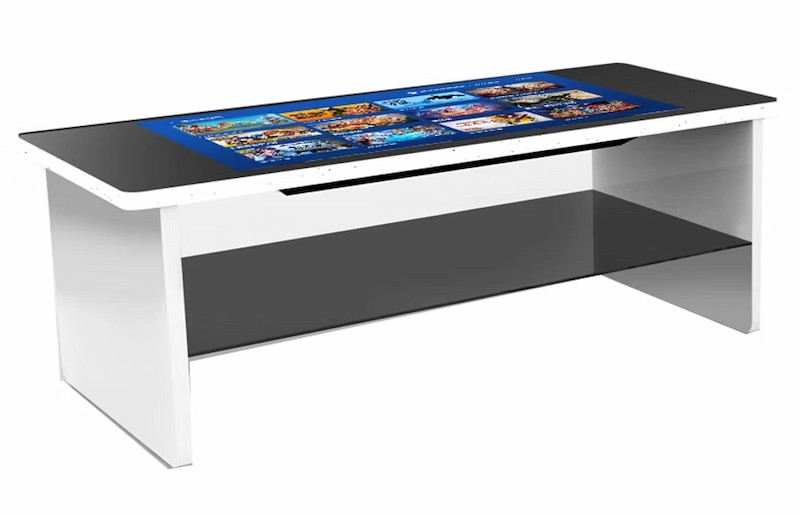
Winner: 43-inch capacitive touch table, Windows configuration, 6mm tempered glass, standard height enclosure. This is the configuration most primary schools should buy, and it is not particularly close. The 43-inch size seats four to six children comfortably without dominating a standard classroom. Capacitive touch handled our four-writer test with zero dropped points. The Windows platform runs every piece of educational software we tested, from full desktop applications to touch-optimised apps. And the height (typically 52-55cm for kid-height versions, or standard 75cm for mixed-age use) works across grade levels if you order the adjustable-height option.
The trade-offs: capacitive touch adds roughly 15-20% to the price versus infrared, and the Windows PC inside needs someone to manage updates. If your school has no IT support at all, an Android configuration with a locked-down app store is easier to live with — but you are trading software flexibility for simplicity.
Award: Best for Collaborative High School and University Work
Winner: 55-inch capacitive touch table, 4K display, i7 computing, 8GB+ RAM. When students are working on genuine collaborative projects — group design work, data analysis, document co-editing — screen real estate matters. The 55-inch 4K surface displays two documents side by side legibly, and the i7 processor handles the software that older students actually use: CAD tools, statistics packages, and multiple browser tabs without lag. The larger surface also seats six adults, which matches university seminar formats.
One note for university deployments: order the commercial-duty enclosure, not the education-light version. University students are adults, but they treat shared equipment with the enthusiasm of adults who do not own it. The commercial enclosure costs roughly 10% more and survives it.
Award: Best Value for Budget-Constrained Schools
Winner: 43-inch infrared touch table, Windows configuration, entry-level i5 computing. Not every school can justify premium capacitive touch. If your budget forces a compromise, this is the right one to make — but go in with open eyes. Infrared touch drops points when children lean on the surface or when dust accumulates on the sensor edges. In our test, the infrared configuration dropped roughly 3% of touch points during the four-writer session, versus zero for capacitive. For software that tolerates occasional missed touches — quiz games, browsing content, video playback — this is acceptable. For precision drawing or detailed manipulation, it is not.
The savings are real: an infrared configuration typically runs 15-20% cheaper than equivalent capacitive. On a ten-table deployment, that is a meaningful difference. Just budget for a monthly sensor-edge cleaning, and accept that the touch experience will occasionally frustrate a precise child.
Award: Best for Early Years (Ages 3-6)
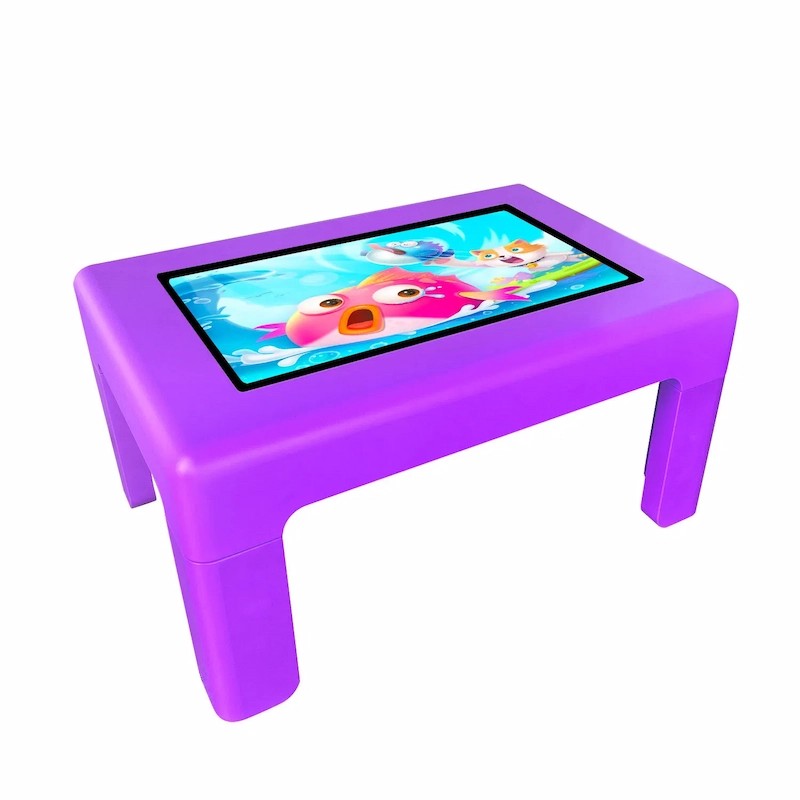
Winner: Low-height capacitive table with rounded enclosure corners and 4mm safety glass. Early years classrooms have specific needs that general-purpose tables miss. The table must be low enough for small bodies (45-52cm height), have no sharp corners anywhere a child can reach, and survive juice. The configuration that won our early-years category wraps capacitive touch in a rounded-corner enclosure at children's height, with sealed seams that let you wipe the entire surface with disinfectant daily — which, in a post-pandemic kindergarten, is not optional.
The software side matters as much as the hardware. Early-years tables should launch straight into age-appropriate content, not a Windows desktop that a four-year-old will dismantle in ninety seconds. Look for configurations that support kiosk-mode lockdown, where the table boots directly into a controlled app environment. Any teacher who has watched a preschooler discover the Start menu will understand why this award exists.
Award: Best for Libraries and Shared School Spaces
Winner: 43-inch capacitive, coin-operated optional, ultra-quiet fanless cooling, steel enclosure. Library deployments have unusual requirements: the table runs without supervision, needs to survive unsupervised teenagers, and must be silent. Fanless cooling matters more than people expect — a table with audible fans in a reading room gets unplugged by the librarian within a month. The steel enclosure with concealed fasteners survives the general roughness of shared spaces, and time-limited sessions keep one student from occupying the table all afternoon.
Award: Best for Maker Spaces and STEAM Labs
Winner: 55-inch capacitive, 10-point touch, Windows with a discrete GPU option. STEAM labs are the rare education environment where students build their own software, run 3D design tools, and connect external hardware. The table that wins here is less a display and more a workstation with a shared horizontal screen. The discrete GPU option matters for 3D modelling and rendering coursework, and the 10-point touch layer supports the multi-hand interactions that game-design students inevitably invent. One practical note: order more USB ports than you think you need. Maker spaces accumulate peripherals the way libraries accumulate paperbacks.
Award: Best for Special Educational Needs
Winner: 43-inch capacitive with adjustable height and anti-glare glass. Special education classrooms have requirements that standard deployments miss entirely. Adjustable height means the same table works for wheelchair users and standing students — an electric or crank height adjustment is inexpensive relative to the table and transformative for accessibility. Anti-glare glass matters for students with visual sensitivities; a glossy surface in a bright classroom creates reflections that some students find genuinely distressing. And capacitive touch responds to the lightest touch, which matters for students with limited motor strength — infrared frames that need a firm break of the sensor grid can be unusable for them.
What Nobody Awards: The Configurations to Avoid
Some configurations scored so badly we will not give them an award in any category. In the interest of protecting your budget, here are the anti-awards:
Anti-award: Consumer-grade "smart tables" repackaged for education. These are essentially large Android tablets on stands. They look impressive in a demo and die in a classroom. The touch layers are consumer-grade, the enclosures are plastic, and there is no service path — when the screen fails, the unit is waste. We gave one unit eleven days in a primary classroom before its touch layer developed a dead zone. Eleven days.
Anti-award: Oversized (65-inch+) tables in K-8 classrooms. The size is impressive to adults and wrong for children. A 65-inch surface at standard height puts the far edge beyond the comfortable reach of a seven-year-old, which means the teacher constantly supervises turn-taking at the far side. Large tables belong in libraries, exhibition spaces, and higher education — not primary classrooms.
Anti-award: Tables without any service path. We have lost count of the schools that contact us with a dead touch table from another supplier, hoping we can repair it. Sometimes we can — if the failed component is a standard PC part or a name-brand touch controller. But when the failed part is a no-name integrated board with no documentation, there is nothing anyone can do. Before you sign a purchase order for any table, ask the supplier this single question: "When the touch layer fails in year three, what exactly happens?" If the answer is not a concrete process with a part number and a price range, walk away.
Anti-award: The projector-in-a-table systems still being sold to schools. A short-throw projector folded into a table base, projecting onto the tabletop surface, was an innovative idea in 2015. It is still sold today at prices competitive with LCD tables, and it loses on every measure that matters: brightness (a projected image cannot compete with a 400-nit LCD in a lit classroom), maintenance (projector lamps and filters), and multi-touch reliability (camera-based touch sensing on a projected surface drops inputs in ambient light). We tested one out of curiosity this year and withdrew it from scoring after two days.
The Honest Summary
If you only take one sentence from this year's evaluation: buy a 43-inch capacitive Windows table with 6mm glass and a commercial enclosure unless you have a specific reason not to. That configuration won or placed in every education category, and it is the configuration we deploy most often for school projects. Screen size, touch technology, and platform choices are the three decisions that matter; everything else is optimisation.
For schools comparing options, we publish the full specification sheets for every configuration we tested, including the ones where competitors win. Request our education pricing and tell us your grade range, class sizes, and the software your teachers already use — we will recommend a configuration for your actual classroom rather than our most profitable one.