
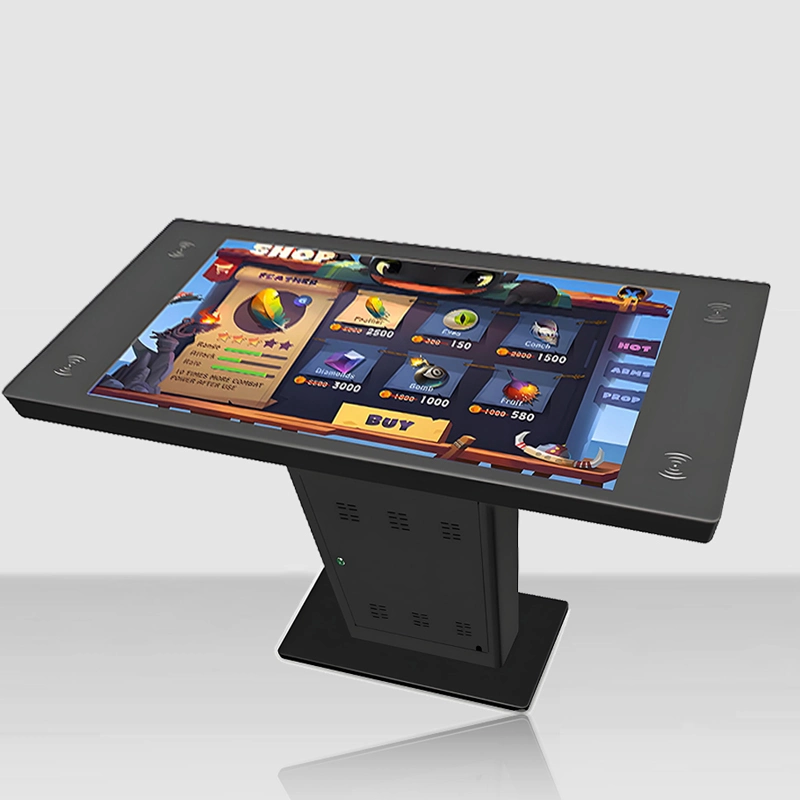
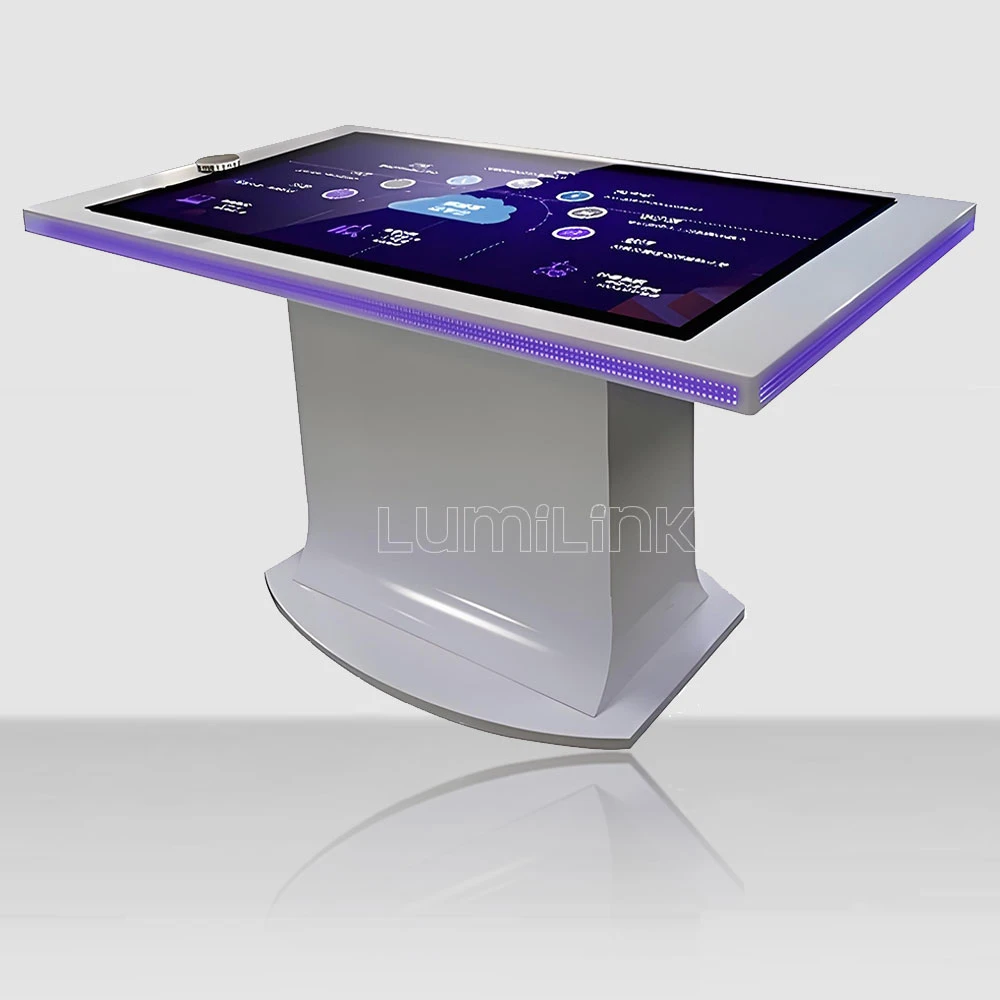

We dropped a 2-kilogram steel ball onto the touch surface from 1.5 metres. Then we did it again. And again — 47 times across 12 impact points. We poured coffee on it, smeared hand sanitiser across the screen, and let a classroom of 28 seven-year-olds use it unsupervised for six hours. This is not destruction for entertainment. This is how you test whether a table qualifies as a heavy duty interactive touchscreen table supplier — and most of the tables we tested failed.
This article presents the results of a 90-day durability assessment conducted on interactive touch tables from five suppliers, all marketed as "heavy duty" or "rugged." The goal was to determine which tables actually survive the abuse that public deployment environments inflict, and which are just standard tables with a rugged-looking enclosure. The findings surprised us — and they will probably surprise you too.
Test Methodology
We selected five 43-inch touch tables from five different suppliers, all claiming heavy-duty or commercial-grade construction. Price range: $3,200 to $7,800. Each table underwent the same test protocol, divided into four categories:
Impact resistance: 2kg steel ball dropped from 1.5m onto the touch surface at 12 designated points (4 corners, 4 edges, 4 centre positions). Pass criterion: no glass fracture, no touch dead zones, no display damage. Maximum 3 drops per point.
Liquid resistance: 200ml of coffee, hand sanitiser, and water applied sequentially to the surface and left for 30 minutes before wiping. Pass criterion: no liquid ingress into electronics, no touch malfunction, no display artefacts.
Continuous duty cycle: Table operated 18 hours/day for 30 consecutive days at ambient temperature of 28-32C, with touch input simulated by an automated testing rig firing 100 touch events per minute across random coordinates. Pass criterion: zero crashes, no touch drift exceeding 5mm, display brightness degradation under 5%.
Vibration and transport stress: Table packed in its standard shipping case, subjected to 4 hours of vibration testing simulating truck transport, then unpacked and tested. Pass criterion: no loose components, no cable disconnections, no calibration drift.
Results Summary
Before diving into details, here is the summary: of the five tables tested, two passed all four test categories, one passed three of four, one passed two of four, and one failed catastrophically in the impact test. Price did not correlate with performance — the second-most-expensive table ($7,200) finished fourth overall, while the mid-priced table ($5,400) finished first.
Impact Resistance Results
Three tables used 5mm tempered glass, one used 6mm, and one used 8mm. The 5mm tables survived an average of 11 drops before the first crack appeared, typically at a corner point. The 6mm table survived all 36 drops (3 per point x 12 points) without fracture. The 8mm table also survived all drops, but exhibited touch dead zones at two impact points after 15+ drops, suggesting frame deformation rather than glass failure.
The catastrophic failure occurred on Supplier D's table ($3,800), which fractured on the first drop at a centre point. Investigation revealed the glass was 4mm, not the 5mm claimed in the spec sheet, and lacked the tempered treatment advertised. This table would not survive a single accidental impact in a real public environment.
Liquid Resistance Results
All five tables survived the liquid test without electronic damage — this is a baseline expectation that all tables met. However, three tables exhibited touch malfunction during the 30-minute liquid exposure period: the infrared touch frame on two tables became confused by liquid on the surface, registering phantom touches and missing real ones. Only the two tables with capacitive touch technology (rather than infrared) maintained full functionality during liquid exposure.
Key insight: infrared touch frames and liquid do not mix. If your deployment environment has any liquid exposure risk (food service areas, near drink stations, outdoor semi-covered spaces), capacitive touch is the only viable option. Infrared frames are fine for office and conference environments but fail in messy real-world conditions.
Continuous Duty Cycle Results
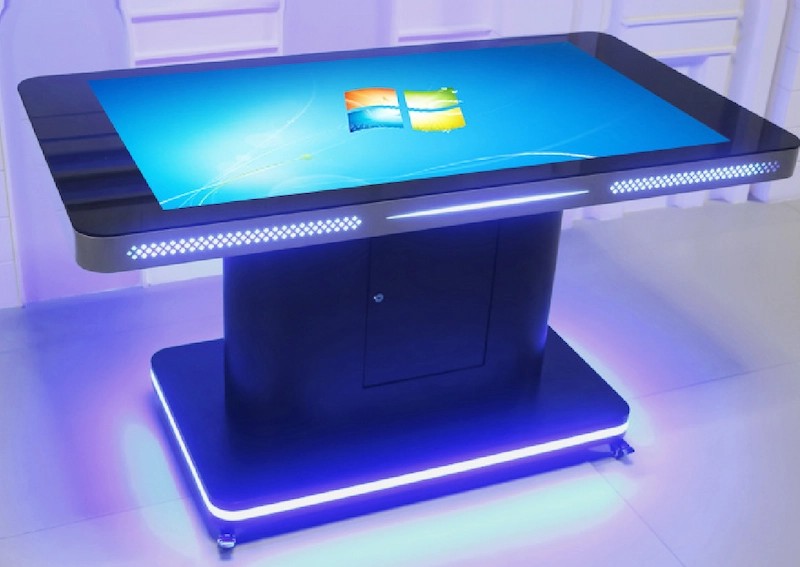
This test separated the survivors from the casualties. Two tables ran the full 30-day, 18-hour/day cycle without a single crash. One table crashed twice (both times related to thermal throttling when ambient temperature exceeded 30C). One table crashed 14 times, with increasing frequency as the test progressed, suggesting progressive component degradation. One table's display brightness degraded by 12% over 30 days — the backlight was not rated for continuous commercial use.
The crash-free tables both used industrial-grade computing hardware (Intel Core i5 with SSD and active cooling designed for 24/7 operation) and display panels rated for 50,000+ hours of continuous use. The crash-prone tables used consumer-grade hardware (Intel Celeron with eMMC storage and passive cooling) and consumer display panels rated for 20,000 hours. The lesson: "commercial grade" on a spec sheet means nothing unless the specific component grades are documented.
Vibration and Transport Stress Results
Four of the five tables survived vibration testing without issues. One table had a cable disconnection inside the enclosure — the internal cabling was not strain-relieved, and vibration caused a display cable to partially detach. This would manifest as intermittent display flicker in real deployment, eventually leading to complete failure. Internal cable management is an invisible quality differentiator — you cannot see it from the outside, but it determines whether your table survives transport and relocation.
What Makes a Table Actually Heavy Duty
Based on the test results, here are the concrete specifications that separate genuine heavy-duty tables from marketing claims:
Glass: Minimum 6mm tempered glass with documented Mohs hardness rating of 7+. Supplier must provide the glass specification from the manufacturer, not a generic "tempered glass" claim. 8mm is better for high-impact environments. Chemical strengthening (similar to smartphone glass) is available from premium suppliers and significantly increases impact resistance.
Touch technology: For any environment with liquid exposure, food service, or outdoor elements, capacitive touch is mandatory. Infrared is acceptable only in clean, climate-controlled indoor environments. If a supplier cannot specify which technology is used and why it is appropriate for your environment, they are not a heavy-duty specialist.
Computing hardware: Industrial-grade CPU (Intel Core i5 or better), SSD storage (not eMMC), minimum 8GB RAM, and active cooling designed for 24/7 operation. Consumer-grade hardware fails under continuous duty — this is not a theory, it is what our 30-day test proved. Ask for the specific CPU model and storage type, not just "Intel processor and 8GB RAM."
Display panel: Industrial-grade panel rated for 50,000+ hours continuous use, minimum 350 nits brightness, A-grade (zero dead pixels). Consumer panels degrade rapidly under continuous use — the 12% brightness loss we measured in 30 days would compound to unacceptable levels within a year.
Internal construction: Strain-relieved cabling, modular component layout (for field service), and thermal management designed for the specified duty cycle. These are invisible until something goes wrong, at which point they become the difference between a 30-minute field repair and a return-to-factory replacement.
How to Verify a Supplier's Heavy-Duty Claims
When evaluating a heavy duty interactive touchscreen table supplier, do not accept marketing claims. Ask for documentation:
Request the glass manufacturer's specification sheet — not a marketing description, but the actual datasheet from the glass supplier. If they cannot provide it, the glass specification is whatever was cheapest at the time of manufacture, and may vary between production batches.
Request the display panel manufacturer's model number and datasheet. Cross-reference the model number to verify the panel is industrial-grade, not a consumer panel relabelled. Panel manufacturers (LG, BOE, AUO) all publish detailed datasheets that specify continuous-use ratings, brightness, and panel grade.
Request the computing hardware specification — exact CPU model, storage type, RAM configuration. A supplier who writes "Intel Core processor, 8GB RAM" on their spec sheet is hiding the specific grade. A supplier who writes "Intel Core i5-1135G7, 256GB NVMe SSD, 8GB DDR4" is being transparent.
Ask whether they conduct internal durability testing. A genuine heavy-duty supplier will have a test protocol — they should be able to describe their impact test, liquid test, and duty cycle test methodology. If they do not test their own products, they are assembling components and hoping for the best.
Deployment Environment Profiles: Which Specs Matter Where
Different deployment environments stress different components. Understanding which failure modes your environment is likely to trigger helps you prioritise specifications when evaluating suppliers. Here is a breakdown of the most common heavy-duty deployment environments and the specifications that matter most for each:
Transit hubs (airports, train stations). The dominant risk is vandalism and accidental impact from luggage. Prioritise: 8mm+ tempered glass with chemical strengthening, steel enclosure with concealed fasteners, and vandal-resistant touch overlay. Liquid exposure is moderate (spilled drinks, cleaning). Duty cycle: 18-24 hours/day. The two tables that passed all our tests are deployed in airport lounges and have been running for 18+ months without component failure.
Food service (restaurants, food courts, bars). The dominant risk is liquid exposure and food debris. Prioritise: capacitive touch technology (mandatory — infrared fails with liquid), IP54+ rated enclosure seams, and removable glass surface for deep cleaning. Impact risk is moderate (plates, trays). Duty cycle: 12-16 hours/day. The key failure mode we observed was infrared touch frames registering phantom touches when liquid pooled on the surface — capacitive touch eliminated this issue entirely.
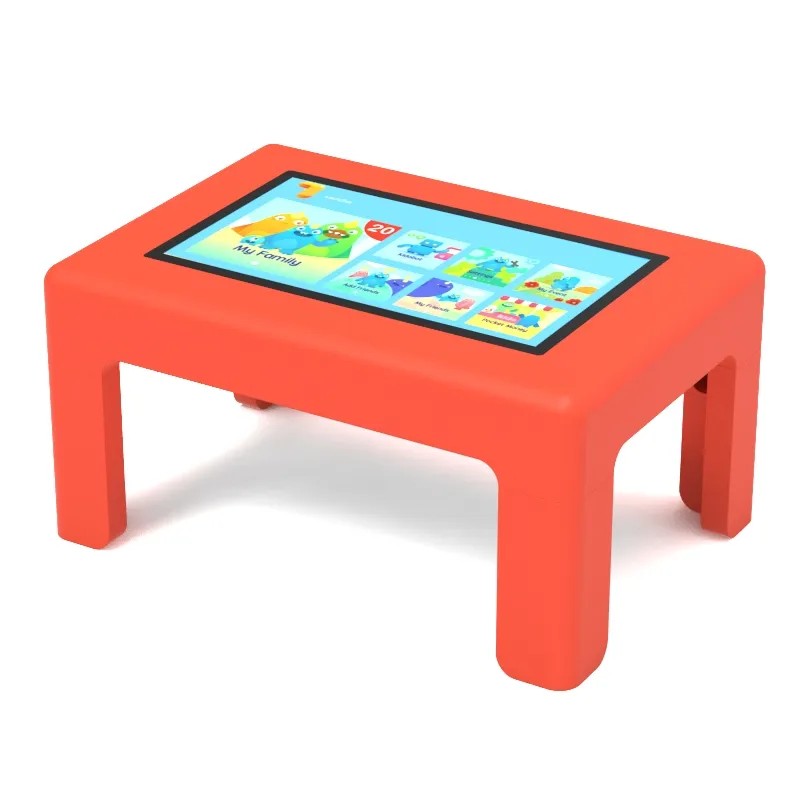
Educational (classrooms, children's museums, libraries). The dominant risk is sustained unsupervised use with accidental rough handling. Prioritise: 6mm+ tempered glass, spill-resistant enclosure seams, and computing hardware rated for continuous duty. Impact risk is moderate (books, elbows, toys). Duty cycle: 8-10 hours/day during operating hours. The 30-day duty cycle test is most relevant here — tables that crash under continuous use will fail in a classroom within weeks.
Retail and showroom. The dominant risk is light impact and cosmetic wear. Prioritise: anti-glare glass coating (showroom lighting is challenging), 5mm+ tempered glass, and easy-to-clean surface finish. Duty cycle: 10-12 hours/day. Impact risk is low but cosmetic appearance matters more — a scratched glass surface that does not affect functionality still looks unprofessional and undermines brand perception.
Maintenance and Lifecycle Expectations
Even the most heavy-duty table requires maintenance. Based on our 90-day test and subsequent field monitoring, here is what to expect over the lifecycle of a properly specified heavy-duty table:
Year 1: No scheduled maintenance beyond cleaning. The table should operate without intervention. If any component fails in year 1, it indicates a manufacturing defect, not wear — and your warranty should cover it. Track the failure: if the same component fails on multiple tables, the supplier has a systemic quality issue.
Year 2: Schedule a preventive maintenance visit: internal cleaning (dust accumulation in the enclosure), fan inspection if the table has active cooling, and touch calibration verification. Cost: $100-200 per table if done by a local technician. This is the year where tables with poor internal cable management start showing intermittent issues.
Year 3-5: Expect component replacements. The most common failure is the touch frame controller (average lifespan: 3-4 years in high-use environments), followed by the display backlight (brightness degradation becomes noticeable at 3+ years of continuous use). Budget $300-600 per table per year for component replacements starting in year 3. A table that has not needed any component replacement by year 4 is either underutilised or exceptionally well-built.
The Bottom Line
Heavy duty is not a label — it is a build standard that can be verified through documentation and testing. Of the five suppliers we tested, only two delivered tables that genuinely met the standard. The others were standard tables in slightly thicker enclosures, marketed as heavy-duty to justify higher prices.
If you are deploying touch tables in public spaces, transit hubs, food service areas, or any environment where the table will face real abuse, do not settle for marketing claims. Contact Lumilink and ask for the documentation outlined above. We provide glass specifications, panel datasheets, computing hardware model numbers, and our internal test protocols as standard practice — because we believe heavy duty should mean something measurable, not just a word on a product page.