
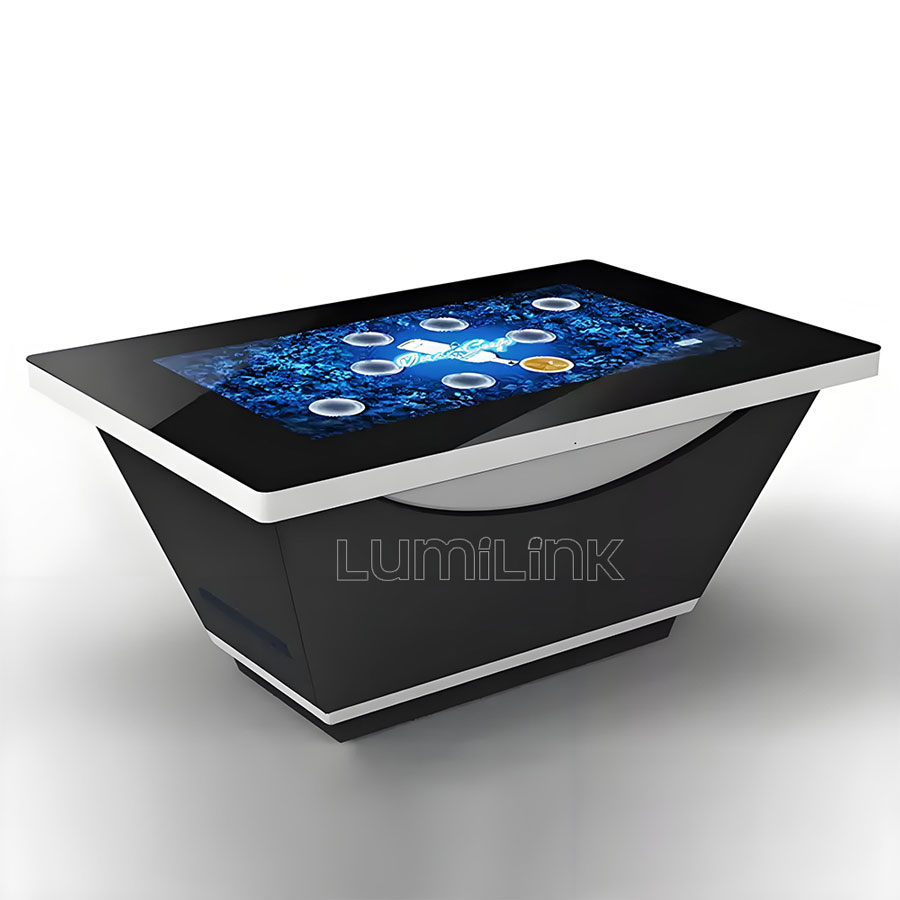
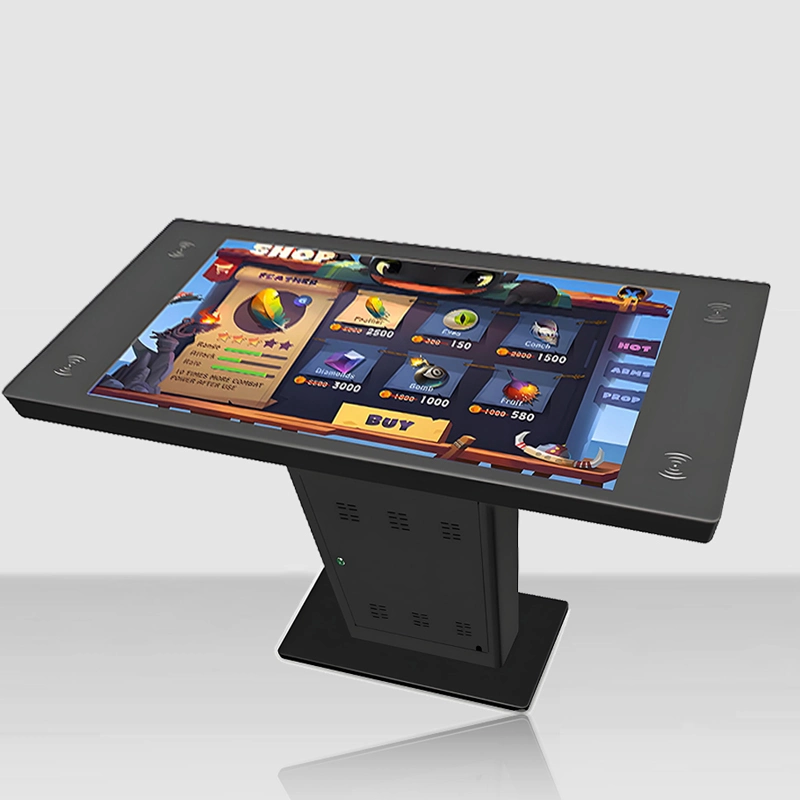
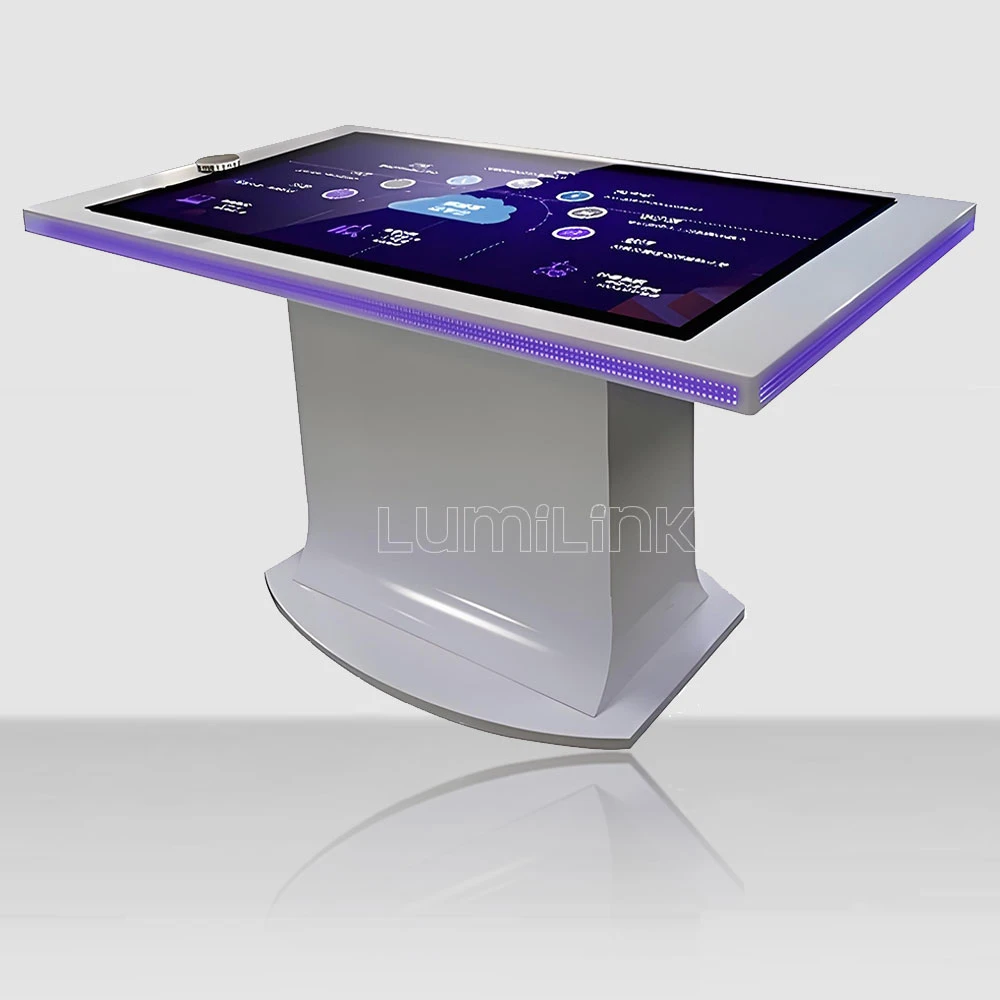

Last spring, a café owner in Manchester decided she wanted a touch table for her new expansion — something customers could use to browse the menu, play casual games, and split bills at the table. She knew exactly what she wanted visually but had no idea how to actually buy one online. A Google search returned a mix of Alibaba listings, Amazon products, and manufacturer websites, each with different specifications, wildly different prices, and varying levels of transparency. After three weeks of research, she found herself more confused than when she started.
Her experience is not unique. The market for interactive touch tables has matured rapidly, but the buying process remains opaque for first-time purchasers. This guide walks through the complete journey of how to buy interactive touch table online — from defining your requirements to unboxing and setup — so you can make a confident purchase without the trial-and-error that plagues most first-time buyers.
Step 1: Define Your Use Case Before Anything Else
The most common mistake people make when shopping for a touch table is starting with the product specifications. That is backwards. Start with the use case, because the use case determines every specification that matters. A touch table for a restaurant menu system needs different hardware than one for a corporate boardroom or a children's museum exhibit.
Write down the answers to these questions before you look at a single product listing:
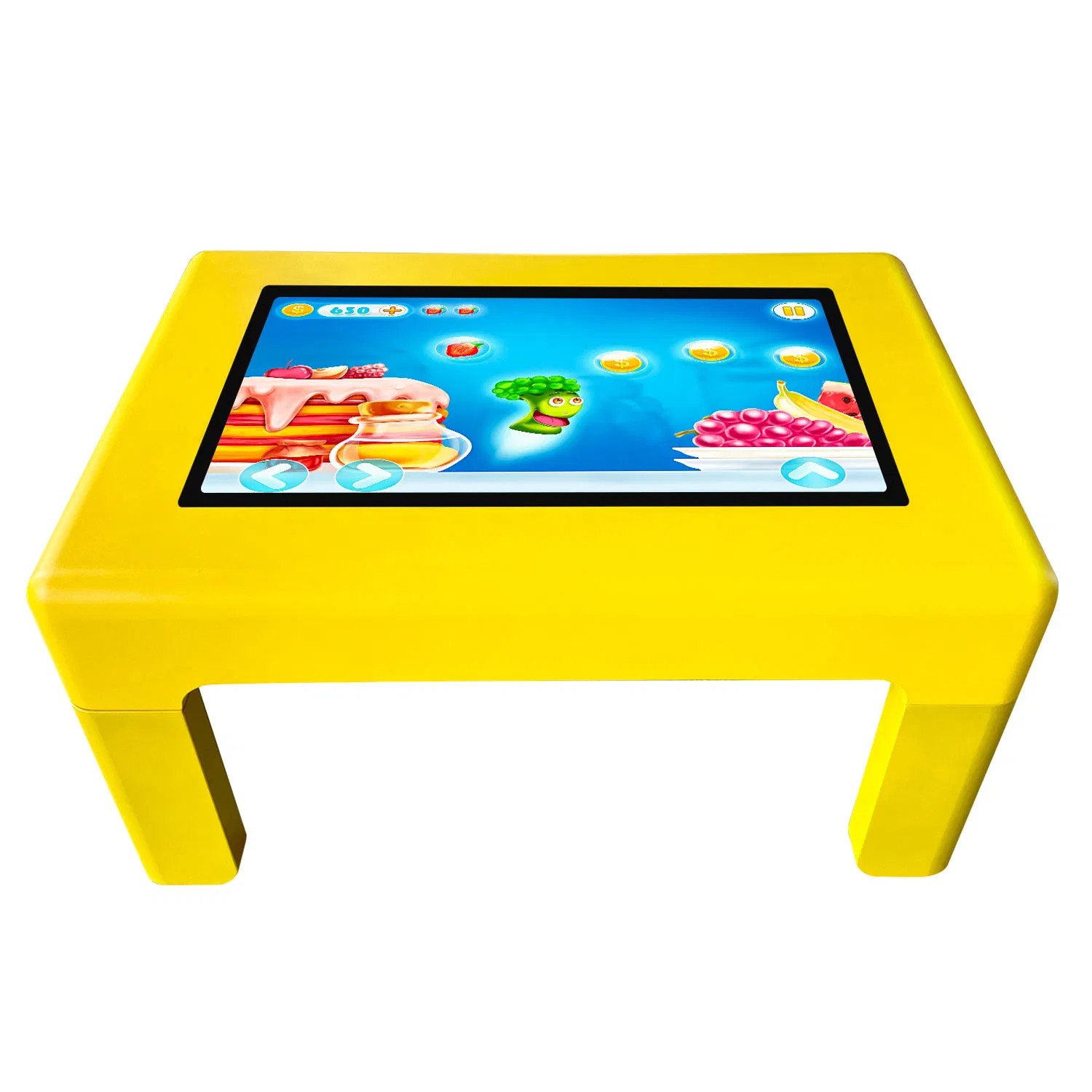
Who will use the table? If the primary users are children, you need a table with a lower height (55-60cm), ruggedised glass, and spill-resistant seals. If the users are business professionals, standard height (72cm) and a clean aesthetic matter more. If the table is for public unsupervised use (museum, retail), you need tamper-resistant features and a fanless or quiet cooling design.
What software will run on it? If you plan to use existing Windows applications — PowerPoint, Zoom, custom software — you need a table with a full Windows PC built in. If you only need a web-based kiosk or a simple interactive display, an Android-based table may suffice and cost significantly less. Know your software requirements before you shop, because the operating system is a hardware-level decision that cannot be changed later.
How many hours per day will it run? A table that runs 8 hours a day in an office needs different thermal management than one that runs 16+ hours a day in a retail environment. Commercial-grade tables are designed for continuous operation; consumer-grade or repurposed displays are not. If the table will be powered on for more than 10 hours per day, insist on commercial-grade components.
Step 2: Understand the Three Buying Channels
When you search for touch tables online, you will encounter three distinct channels, each with different advantages and risks. Knowing which channel fits your situation saves time and money.
Channel A: Direct from Manufacturer
Buying directly from a manufacturer like Lumilink gives you the best price-to-specification ratio, the widest customisation options, and direct technical support. The trade-off is longer lead times (typically 15-25 business days for production and shipping) and higher minimum knowledge requirements — you need to know what you want because the sales team will ask detailed configuration questions rather than presenting pre-packaged options.
Direct manufacturer purchase is ideal when you need a specific configuration, you are buying for a commercial deployment, or you want the ability to customise the table (branding, custom software, specific dimensions). It is less ideal when you need something in a hurry or when you want to see and touch the product before committing.
Channel B: Online Marketplaces (Amazon, eBay)
Marketplaces offer fast shipping, buyer protection, and the convenience of comparing multiple products in one place. The selection is typically limited to pre-configured models, and prices include retailer margins (typically 20-35% above manufacturer pricing). The main risk is specification ambiguity — marketplace listings are often written by resellers who do not fully understand the product, leading to inaccurate or incomplete descriptions.
If you choose this channel, look for listings sold directly by the manufacturer's official store, not third-party resellers. Read the reviews carefully, paying attention to comments about build quality, touch responsiveness, and after-sale support. And always cross-reference the specifications against the manufacturer's official website.
Channel C: B2B Platforms (Alibaba, Made-in-China)
B2B platforms connect you directly with Chinese manufacturers. Prices are competitive, but the platform introduces its own complexities: communication is often through a messaging system with translation layers, payment protection requires strict adherence to platform processes, and quality control is entirely your responsibility. Many listings show one product photo but ship a different configuration. Sample orders are essential before committing to a larger purchase.
If you use this channel, verify the supplier's business license, request a sample unit (expect to pay a premium for a single-unit sample), and use the platform's Trade Assurance or equivalent escrow service. Never wire money directly to a supplier's bank account outside the platform's protection system.
Step 3: Decode the Specification Sheet
Once you have chosen a channel and shortlisted products, you need to decode the specification sheet. Touch table spec sheets are notoriously inconsistent — one manufacturer's "industrial PC" is another's "embedded processor." Here are the five specifications that actually matter, and what to look for in each:
Touch technology: Look for "PCAP" or "projected capacitive." Avoid "infrared" or "IR" unless you have a specific reason (such as an extremely tight budget for a low-traffic environment). PCAP provides a better experience and lasts longer.
Touch points: 10 is the minimum for commercial use. 20-40 is ideal for multi-user scenarios. If the spec sheet does not mention touch points, assume it is 10 or fewer.
Processor: Intel Core i5 (8th gen or newer) with 8GB RAM is the sweet spot for most commercial applications. Avoid Celeron, Pentium, or N-series processors unless the table is running a single, lightweight application. Check the storage: SSD is mandatory, not optional.
Glass rating: Look for tempered glass with a minimum thickness of 5mm and a Mohs hardness rating of 7 or higher. This determines scratch resistance and impact safety. If the spec sheet does not mention glass specifications, ask — it is a significant cost component that some suppliers quietly downgrade.
Operating temperature: Commercial tables should operate reliably in 0°C to 40°C ambient temperature. If the rating is narrower (e.g., 10°C to 35°C), the table has inadequate thermal management and will overheat in warm environments or under sustained load.
Step 4: Evaluate the Total Cost of Ownership
The purchase price is only part of the cost. When you buy a touch table online, factor in these additional costs that first-time buyers often overlook:
Shipping and customs. A 43-inch touch table weighs 35-50kg and ships as freight, not parcel. International shipping from China to North America or Europe costs $300 to $800 depending on the shipping method (air freight vs sea freight) and destination. Add customs duties (typically 5-15% depending on the HS code and destination country) and import processing fees. A table quoted at $4,500 FOB may cost $5,200 to $5,800 delivered to your door.
Software and content. The hardware is useless without software. If you are running existing applications, the software cost is zero. If you need custom kiosk software, menu systems, or interactive content, budget $1,000 to $5,000 for development, depending on complexity. Some manufacturers include basic kiosk software; most do not.
Installation. A touch table is plug-and-play in the sense that it connects to power and WiFi like a computer. But proper installation — levelling, cable management, software configuration, and touch calibration — takes 1-3 hours. If you are not comfortable doing this yourself, budget $200 to $500 for professional installation.
Maintenance and warranty. Commercial touch tables have a 5-7 year useful life. Budget for one fan replacement ($50-100) at the 3-year mark and potentially a storage upgrade at year 4. If the warranty does not cover on-site service, factor in the cost of shipping the table back for repairs — which is expensive given the size and weight.
Step 5: Place the Order with Confidence
By this point, you should have a clear use case, a chosen channel, a decoded specification sheet, and a realistic total cost. The final step is to place the order with confidence. Here is what to confirm in writing before you commit:
First, get the full specification in writing — not a marketing description, but a detailed spec sheet with component models and grades. Second, confirm the warranty terms: duration, what is covered, how to file a claim, and typical resolution time. Third, confirm the shipping method, estimated delivery date, and who is responsible for customs clearance. Fourth, confirm the payment terms and what protection you have if the product does not match the specification.
If you are ready to explore specific options, contact Lumilink with your use case and budget range. Our team will recommend the appropriate configuration, provide a transparent quote with full specifications, and walk you through the ordering process step by step. We ship to over 30 countries and provide comprehensive after-sale support, including remote assistance for setup and troubleshooting.
Buying a touch table online does not have to be a leap of faith. With the right preparation and a supplier that values transparency, it can be a straightforward process that delivers a product you will use for years to come. The key is knowing what you need, understanding what you are paying for, and choosing a supplier that treats your purchase as the beginning of a relationship, not the end of a transaction.