
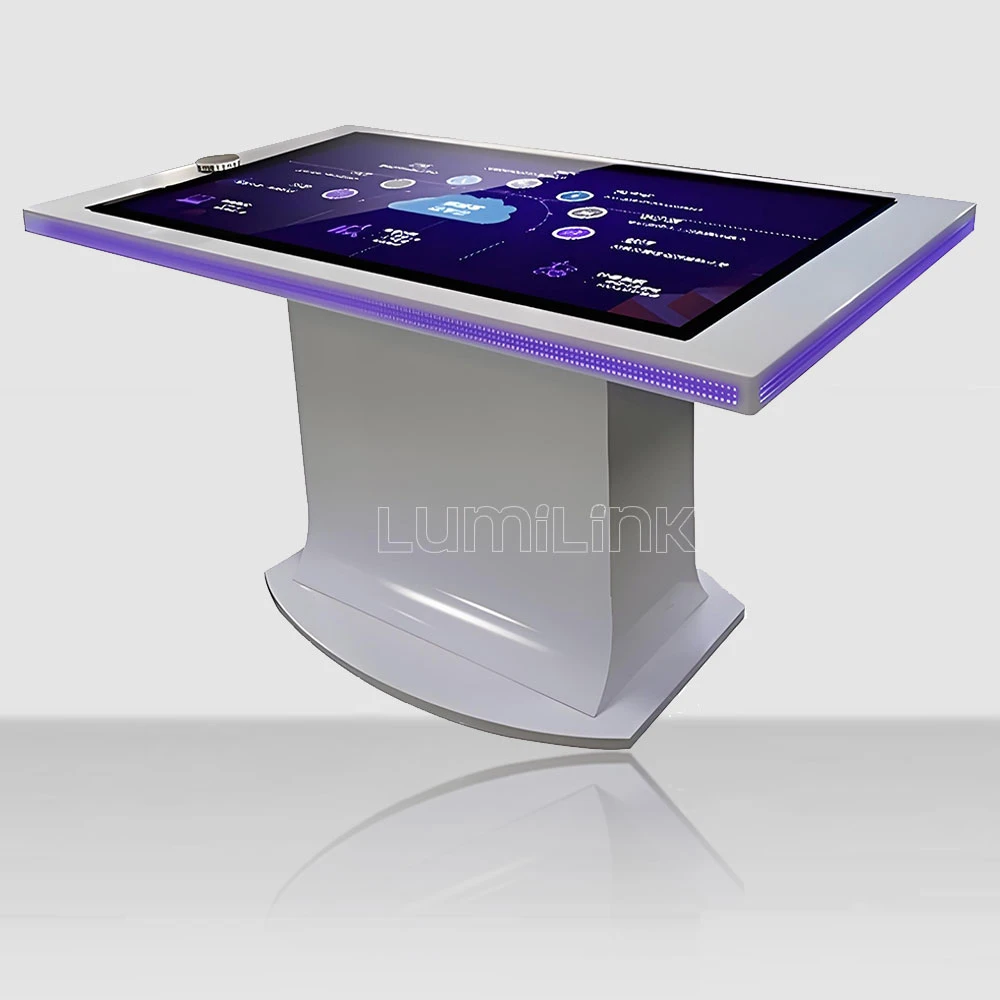

If you manage a car dealership, you already know the problem. Customers walk in having spent hours researching online. They have read the spec sheets, watched the YouTube reviews, and compared prices across three competing brands. By the time they reach your showroom floor, a static display car and a glossy brochure are not going to move the needle. What can make a difference is a touch table for car dealership showroom — but only if you choose the right one and deploy it with a clear strategy.
This guide skips the marketing fluff. Instead, it gives you a practical checklist of seven factors to evaluate, common mistakes to avoid, and a framework for building the business case when you present the purchase to ownership. Every recommendation comes from real dealership deployments, not theory.
7 Critical Factors When Choosing a Touch Table for Your Showroom
1. Touch Responsiveness in a Sales Context. In a dealership, the touch table is a sales tool, not a toy. When a salesperson is walking a customer through trim options, colour comparisons, or financing calculators, every tap needs to register instantly. A half-second delay breaks the flow of the conversation and makes the technology feel cheap. Look for PCAP touch technology with sub-10ms latency. Infrared tables are acceptable for self-service browsing but introduce a perceptible lag that becomes obvious during guided presentations.
2. Screen Brightness for Showroom Lighting. Dealership showrooms are typically lit by high-intensity LED or halogen lighting that can exceed 500 lux. A touch table rated for 250 nits will look washed out and dim under these conditions. Insist on a minimum of 400 nits, ideally 500 to 700 nits with an anti-glare coating. This is not a nice-to-have — it is the difference between a table that impresses and one that looks broken.
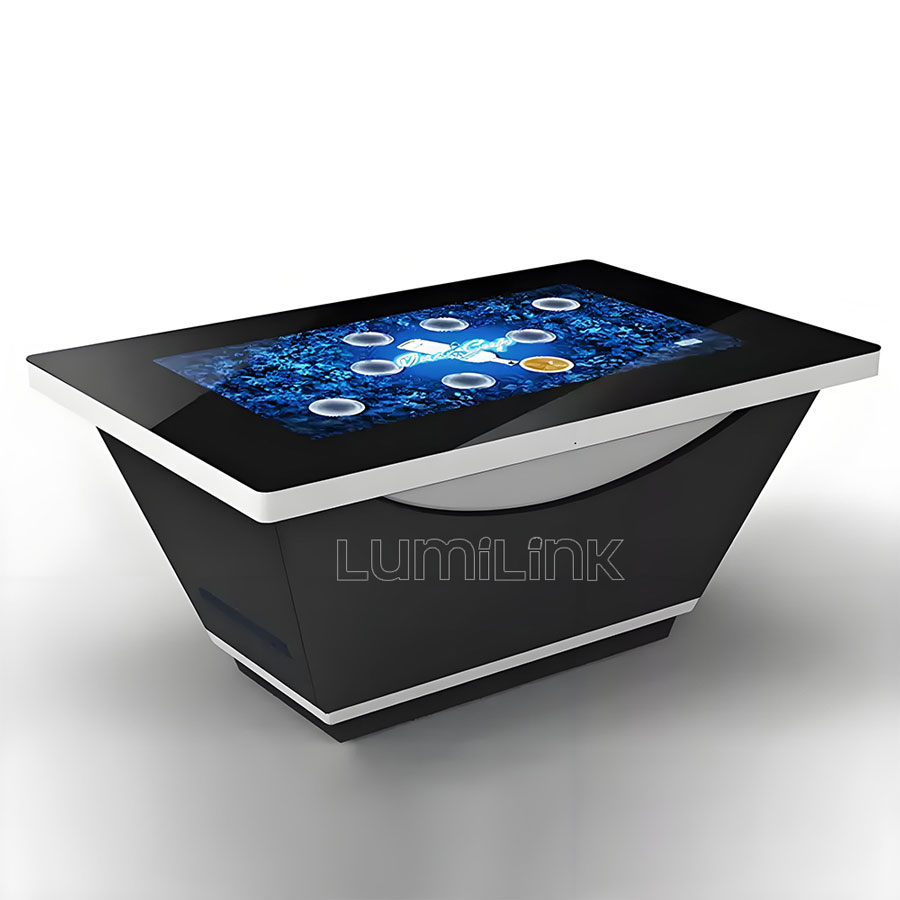
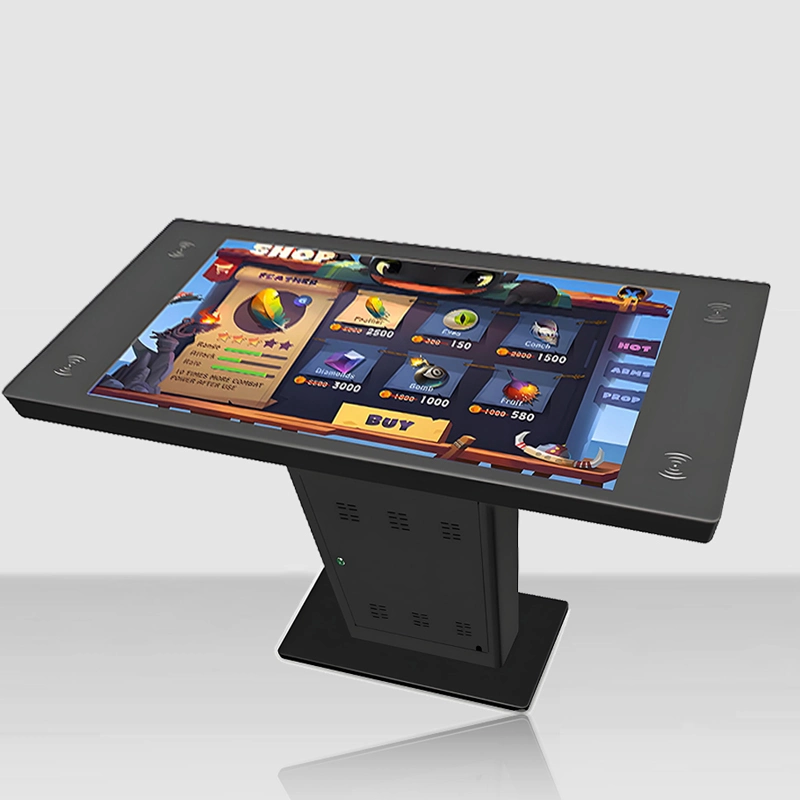
3. Form Factor and Floor Space. Most dealership showrooms are designed around display vehicles, not technology. Your touch table needs to fit into the existing layout without blocking walkways or making the space feel cramped. A 43-inch table is usually the right size for a dedicated configuration station near the display car. If you have a lounge or waiting area, a 55-inch table works well for self-service browsing while customers wait for paperwork.
4. Content Integration with Your DMS and Website. The biggest mistake dealerships make is treating the touch table as a standalone device with generic content. The table should integrate with your dealer management system and website so that real-time inventory, pricing, and financing calculations are always accurate. Before buying any hardware, confirm that your software team can connect the table to your existing data sources through standard APIs.
| Spec | Minimum for Dealership Use | Why It Matters |
|---|---|---|
| Touch Technology | PCAP, 40+ touch points | Instant response during guided sales presentations |
| Brightness | 400-700 nits, anti-glare | Readability under showroom lighting |
| Screen Size | 43-inch (config station) or 55-inch (lounge) | Fits showroom layout without obstructing vehicles |
| Computing | Intel Core i5, 8GB RAM, SSD | Smooth 3D car models and real-time financing calc |
| Build | Tempered glass, aluminium chassis | Survives daily public use in a retail environment |
| OS | Windows 11 Pro | Compatible with dealership software and CRM tools |
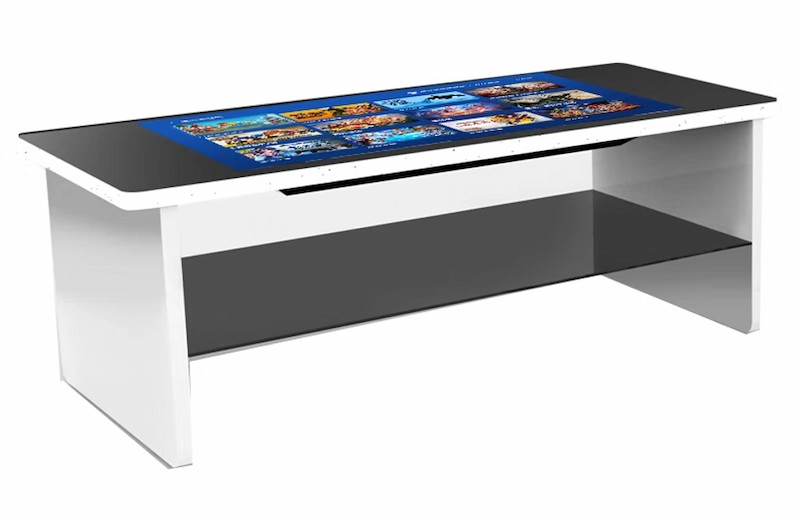
5. Durability for Daily Public Use. A dealership touch table will be touched hundreds of times per day by customers of all ages. Coffee may spill on it. Children may pound on it. Keys and rings may scratch it. The table needs tempered glass rated to at least IK08 for impact resistance, a sealed PCAP surface that liquids cannot penetrate, and a chassis that dissipates heat without exposed vents. Consumer-grade tablets and screens fail within months in this environment. Commercial-grade tables last five to seven years.
6. Remote Management Capabilities. If your dealership group operates multiple locations, you need centralised control. The table should support remote content updates, health monitoring, and automatic reboot scheduling through a device management platform. This eliminates the need to send a technician to each location every time a price changes or a new model launches. Lumilink tables include a remote management suite designed for multi-site retail deployments.
7. Warranty and Support Terms. Read the fine print. A "three-year warranty" that excludes the touch surface and LCD panel is barely better than no warranty at all. Look for coverage that includes all major components, guaranteed response times (next business day minimum), and a clear policy on replacement units during repairs. If the table goes down during a Saturday sales rush, you need it back up by Monday — not in three weeks.
What Should Your Budget Include?
The hardware is only part of the total cost. A realistic budget for a touch table for car dealership showroom deployment should account for:
Hardware: The touch table itself, including any custom branding, enclosure modifications, or mounting hardware. Commercial-grade 43-inch PCAP tables typically range from $3,500 to $6,500 depending on configuration. A 55-inch model with a built-in industrial PC and enhanced brightness may run $5,000 to $9,000.
Content Development: Unless you have an in-house interactive design team, budget for content creation. A basic product configurator with 3D car models, colour swatches, and trim comparison tools typically costs $3,000 to $8,000 depending on complexity. This is not a one-time cost — plan for annual content refreshes as new models arrive.
Installation and Training: Physical installation, network configuration, and staff training. Most vendors including Lumilink offer turnkey installation. Budget $500 to $1,500 per unit, and do not skip the training — your sales team needs to know how to use the table as a presentation tool, not just a self-service kiosk.
Ongoing Support: Annual support contracts, software licensing, and contingency for repairs. Budget 10 to 15 percent of hardware cost per year for support and maintenance.
Mistakes We See Dealerships Make
Buying hardware before defining the use case. Too many dealerships purchase a touch table because a competitor has one, then scramble to figure out what to put on it. Define your sales workflow first: Where does the table fit in the customer journey? What content will it show? Who on the sales team is responsible for using it? Then buy the hardware that matches those requirements.
Treating it as a self-service kiosk only. A touch table in a dealership is most powerful as a collaborative sales tool — a surface where the salesperson and customer sit together to configure a car, compare trim levels, and explore financing options. If it sits in a corner with a "please touch" sign and no integration into the sales process, it becomes an expensive decoration.
Ignoring content refreshes. The touch table that launches with great content in January becomes stale by June if nobody updates it. Assign a team member responsibility for keeping inventory, pricing, and promotional content current. Automate where possible by connecting the table to your DMS and website data feeds.
Integrating the Table Into Your Sales Process
The most successful dealership deployments treat the touch table as an integral part of the sales workflow, not an optional add-on. Here is how that integration typically works in practice:
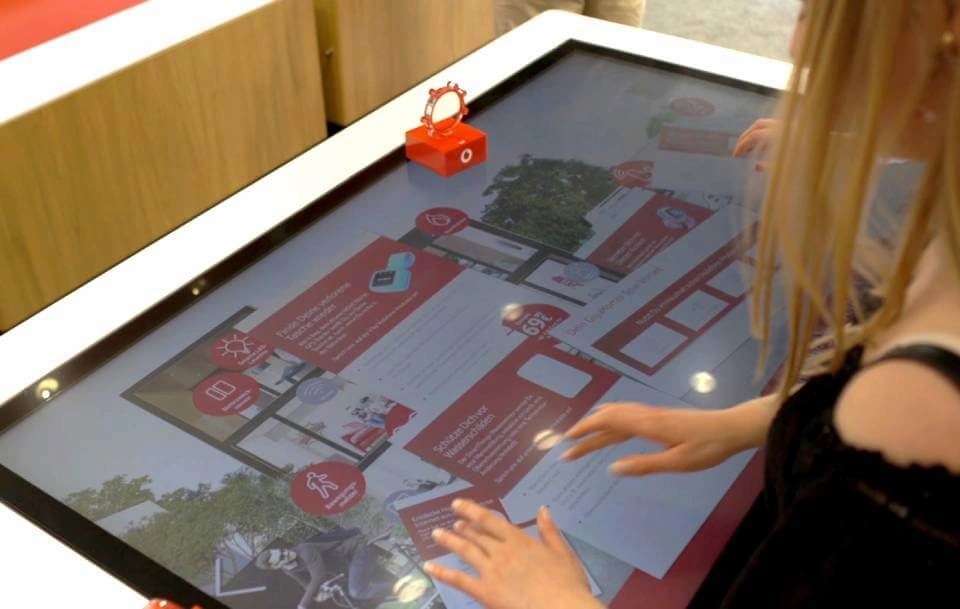
Initial greeting and discovery. When a customer walks in, the salesperson guides them to the touch table instead of a desk. Instead of asking "what are you looking for?" and taking notes on paper, they open the model configurator on the table and invite the customer to explore. This immediately shifts the dynamic from interrogation to collaboration. The customer feels in control, and the salesperson gathers information naturally by observing which models, colours, and trims the customer gravitates toward.
Product exploration and comparison. Once the customer's preferences are clear, the salesperson uses the table to pull up side-by-side comparisons. Trim level differences, fuel economy ratings, safety features, and available options are presented visually — far more effectively than a spec sheet or a verbal explanation. The customer can rotate 3D models, change paint colours in real time, and see how different wheel options look. This visual, tactile experience builds emotional connection with the product before the customer ever sits in the actual car.
Financing and closing. When it is time to talk numbers, the table transitions to a financing calculator. The customer can adjust down payment, loan term, and mileage limits themselves, seeing how each change affects the monthly payment. This transparency builds trust and reduces the back-and-forth that typically slows down the closing process. If the customer is not ready to commit, the table captures their configuration and contact information for a follow-up — converting a walk-out into a warm lead.
Making the Business Case to Ownership
If you need to justify the investment to dealership ownership, focus on three measurable outcomes:
Increased time spent per customer. Customers who interact with a touch table spend 20 to 40 percent longer in the showroom on average. More time means more opportunity for the salesperson to build rapport, address objections, and close.
Higher lead capture rates. A touch table with an integrated lead form — "Get this configuration emailed to you" — captures contact information from customers who are not ready to buy today but are genuinely interested. These are warm leads that would otherwise walk out the door.
Brand differentiation. In a market where every dealership sells similar cars at similar prices, the showroom experience becomes the differentiator. A well-executed touch table signals that your dealership invests in technology and respects the customer's time and intelligence.
Training Your Sales Team to Use the Table
Hardware and content are meaningless if your sales team does not know how to use them. The most common reason dealership touch tables fail is not technical — it is that nobody trained the staff to integrate the table into their sales conversations. A table that sits untouched while salespeople revert to paper brochures is a wasted investment.
Effective training goes beyond showing staff how to turn the table on. Each salesperson should practise the full workflow: greeting a customer at the table, navigating the product configurator, running a financing calculation, and capturing lead information. Role-play common scenarios — a customer who wants to compare three models, a customer who is just browsing, a customer who is ready to buy today. The goal is to make the table feel like a natural extension of the salesperson's toolkit, not a separate piece of technology they have to remember to use.
Assign a table champion — a salesperson who takes ownership of the technology, trains new hires, and monitors content freshness. This person becomes the go-to resource when something goes wrong and ensures the table stays integrated into the daily sales routine rather than fading into background furniture after the first month.
Take the Next Step
A touch table for car dealership showroom can transform your showroom from a passive display space into an interactive sales environment. The key is choosing commercial-grade hardware, integrating it with your existing systems, and training your team to use it as a presentation tool rather than a kiosk.
Lumilink works with car dealerships and brand showrooms to specify, configure, and deploy interactive touch tables built for retail durability. Request a Custom Quote to receive a tailored proposal with hardware specifications, pricing, and a recommended content strategy for your showroom.