
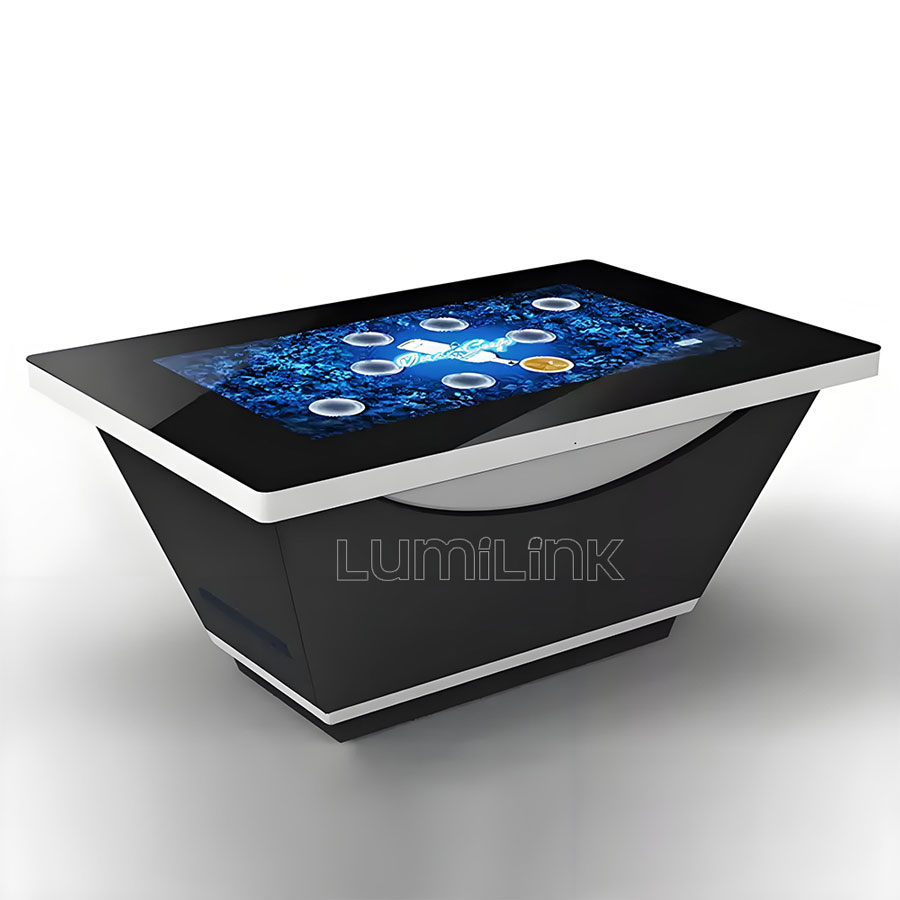
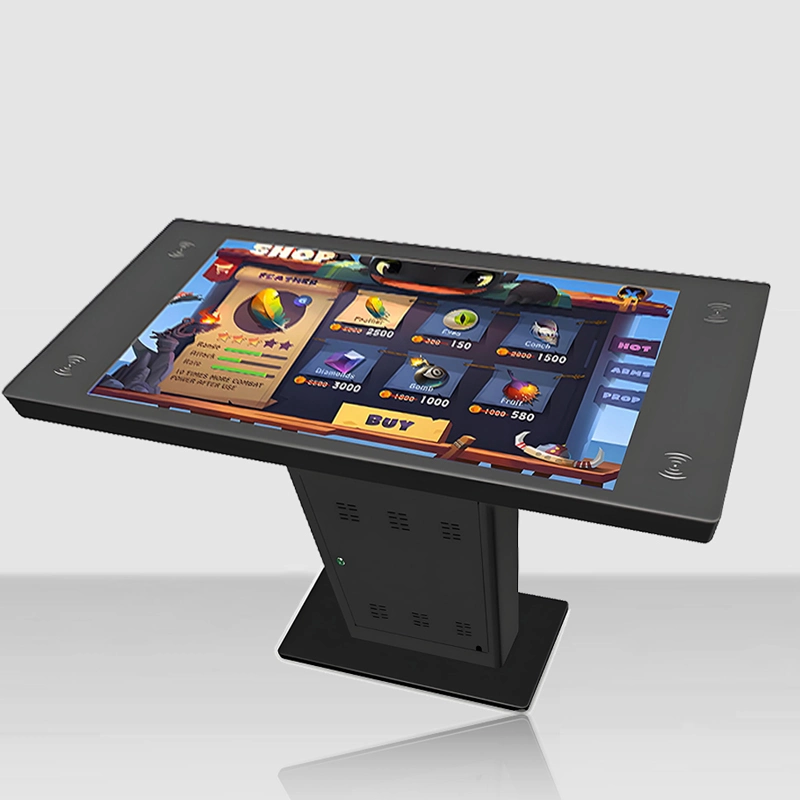
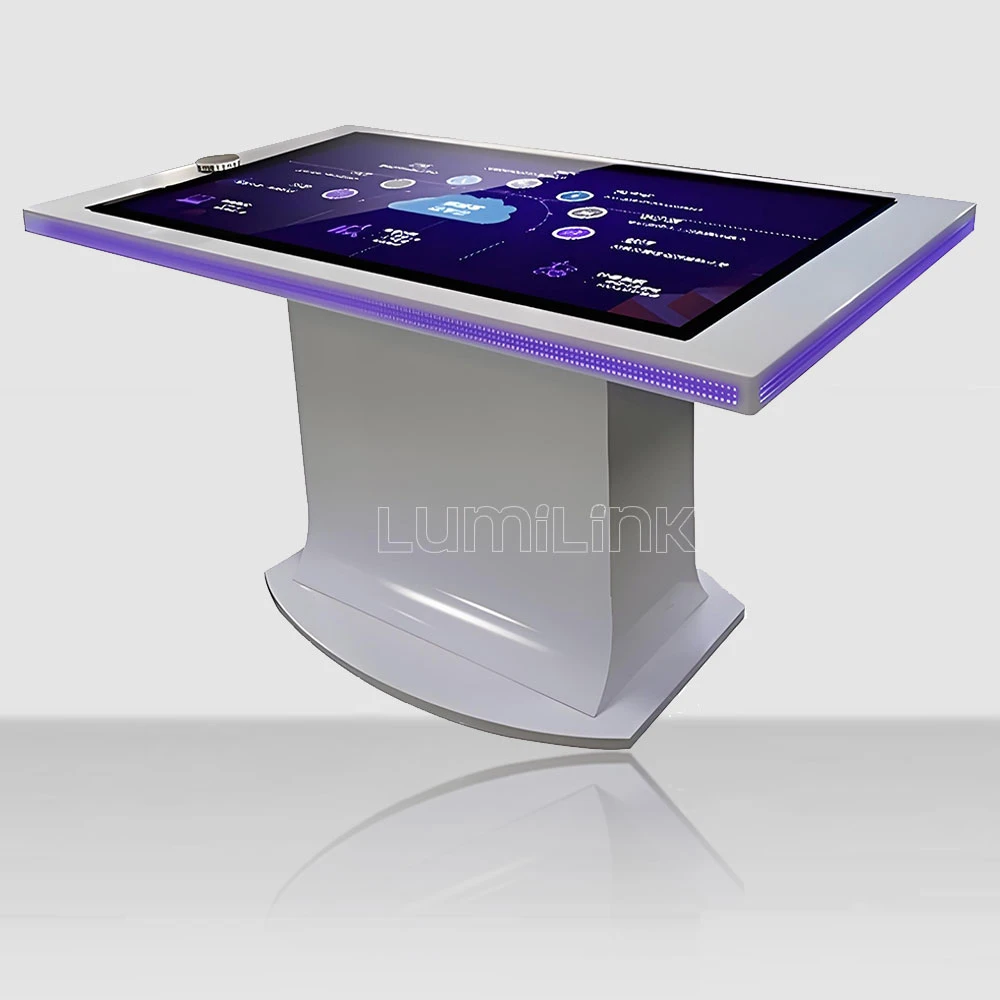

Event season is approaching. Your client wants something interactive at the booth — not a static display, not a looped video, but something attendees can actually touch. You have seen interactive touch tables at other events and they draw crowds. But the purchase price ($4,000-$8,000 per unit) makes your finance director wince. So the question becomes: should you rent, or should you buy? This is the complete interactive touch table rental for events decision framework, built from real event data.
Full disclosure: Lumilink sells touch tables, so you might expect this article to push you toward buying. It will not. We have clients who rent from us for one-off events and clients who buy for recurring deployments. The right answer depends entirely on your event calendar, and I am going to give you the decision tree to figure out which side you are on.
The Buy vs Rent Decision Tree
Before looking at any numbers, answer these four questions in order. The decision tree is designed so that each question narrows your options. By the end, you will know whether rental or purchase is the right call.
Question 1: How many events per year will use the table?
This is the single most important factor. Count every event where the table would be deployed — trade shows, conferences, product launches, internal events. Be honest. Marketing teams tend to overestimate event frequency by 40-60% because they count aspirational events that never materialise.
If 1-2 events per year: Rental is almost certainly the better choice. The purchase price of one table ($5,000 average) exceeds rental costs for two events ($1,500-3,000 total). Even if you reuse the table at internal events, the depreciation, storage, and maintenance costs make purchase uneconomical.
If 3-5 events per year: This is the grey zone. You need to do the full cost calculation in the next section. The answer depends on event duration, transportation costs between venues, and whether your team can handle setup and takedown without professional installers.
If 6+ events per year: Purchase is almost always the better financial decision. At six events per year, rental costs ($4,500-9,000 annually) exceed the depreciation cost of an owned table ($1,500-2,000 annually over a 3-year useful life). Plus, owning gives you content flexibility and zero lead time for last-minute events.
Question 2: What is the event duration and location pattern?
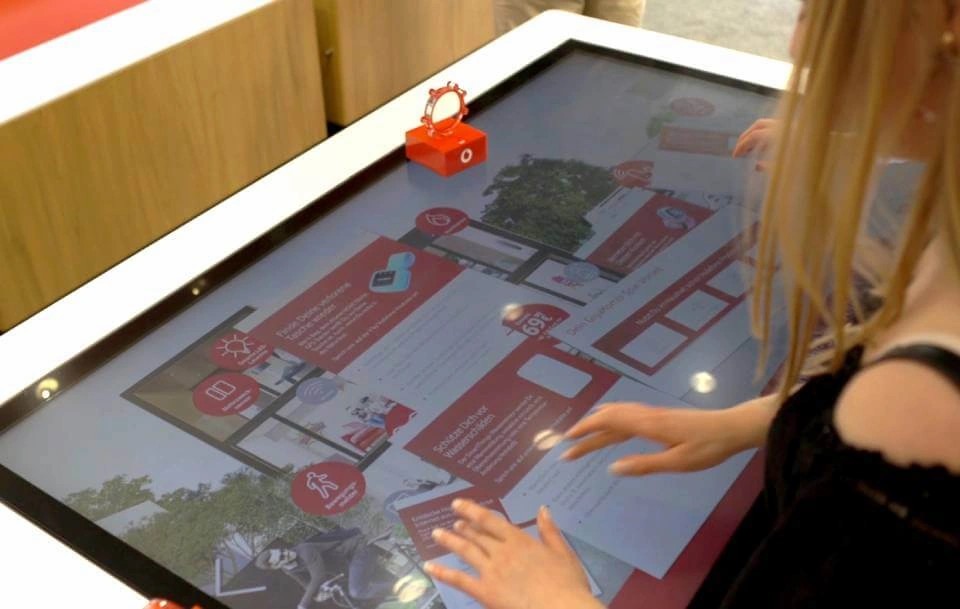
Event duration affects rental pricing more than most planners realise. Rental companies charge by the day, not by the event. A three-day trade show costs three times as much to rent as a one-day product launch. If your events are primarily short-duration (1-2 days), rental stays economical at higher event counts. If your events are long-duration (3-5 days), the rental cost per event rises steeply.
Location matters because of shipping. If all your events are in one city, rental from a local supplier keeps logistics simple and cheap. If your events span multiple cities or countries, you are either paying round-trip freight each time (expensive and risky) or renting from different local suppliers in each city (inconsistent equipment quality and content setup).
If events are in one city and 1-2 days each: Rental remains cost-effective up to 6-8 events per year.
If events span multiple cities: Purchase becomes attractive earlier (at 4+ events/year) because you control shipping, setup, and content consistency. One owned table shipped to four events costs less in total than renting four different tables in four cities — and the content setup is identical each time.
Question 3: Do you need custom content or branding?
Rental tables come with standard content or simple branding overlays. If your event strategy requires custom interactive applications — product configurators, data visualisation dashboards, branded games — rental gets complicated. Most rental suppliers allow custom content, but they charge for content setup ($300-800 per event) and require 2-3 weeks lead time for software configuration and testing.
With an owned table, you install your content once and it is ready for every event. No per-event setup fees, no lead time for content changes, no risk of a rental supplier misconfiguring your application. For event teams that iterate on content between events (which is best practice), ownership eliminates a significant operational friction point.
If you need custom interactive content: Add $300-800 per event to your rental cost calculation. This often tips the balance toward purchase for teams at 4+ events/year.
If standard content (slideshow, web browser, basic apps) is sufficient: Rental remains competitive at higher event counts because content setup costs are minimal.
Question 4: Who handles setup, takedown, and troubleshooting?
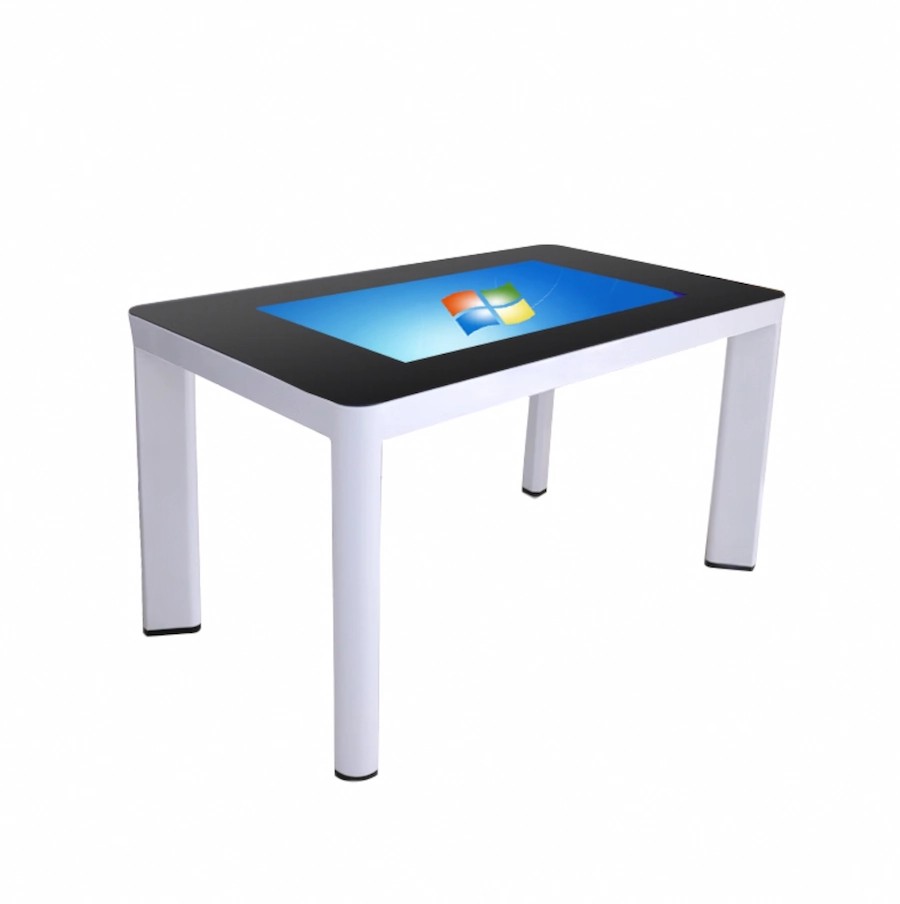
An interactive touch table is not a plug-and-play device. It requires levelling, network configuration, content launch, and calibration check. At the end of the event, it needs proper shutdown, packing, and return shipping. Rental suppliers typically include setup and takedown in their service (and they charge for it, whether explicitly or bundled into the rental fee). With an owned table, your team handles all of this.
If your event team includes a technically competent person who can handle table setup and troubleshooting, ownership is fine. If your team is marketing-focused without technical capacity, rental with full service is safer — a table that does not work on event day is worse than no table at all.
The Full Cost Calculator
Now let us put real numbers to the decision. Here is a cost model for a 43-inch interactive touch table deployed across a typical event season:
Rental cost per event: $700-1,500 per event (3-day rental, including delivery and basic setup). Custom content setup adds $300-800. Total per event: $1,000-2,300.
Purchase cost: $4,500-6,500 for the table. Annual depreciation: $1,500-2,000 over 3 years. Storage: $200/year. Maintenance: $200-400/year (cleaning, software updates, occasional component replacement). Shipping per event: $150-400 depending on distance. Total annual cost for 4 events: $2,500-4,000.
Break-even analysis: At 3 events/year, rental costs $3,000-6,900 and ownership costs $2,000-3,400. Ownership is cheaper but requires technical capacity. At 2 events/year, rental costs $2,000-4,600 and ownership costs $1,500-2,800 — ownership is still cheaper, but the margin is thin and the hassle factor of storage and maintenance may not be worth it. At 1 event/year, rental wins clearly: $1,000-2,300 vs $1,000-1,900, with zero storage or maintenance responsibility.
The real break-even point is 2-3 events per year, not 6 as some rental companies claim. But the calculation assumes you have technical capacity for setup and storage. If you do not, add $500-1,000 per year for outsourced technical support, which pushes break-even to 3-4 events.
What to Look for in a Rental Supplier
If the decision tree points you toward rental, here is what to evaluate when choosing a supplier:
Equipment quality and age. Ask the age of the table you will receive. Rental fleets cycle through tables every 2-3 years. A table in its third rental season will have worn touch frames, degraded display panels, and accumulated cosmetic damage. Request photos of the specific unit you will receive, not stock marketing photos.
On-site support availability. The best rental suppliers include a technician on site for setup and the first hour of the event. If the table fails during the event, a technician who can arrive within 2 hours is the difference between a minor hiccup and a disaster. Ask about their response time guarantee.
Content flexibility. Can you install your own applications, or are you limited to the supplier's pre-loaded software? Some rental suppliers lock their tables to prevent content changes, which makes them useless for branded interactive experiences. Confirm content freedom before signing.
Insurance and damage policy. Events are chaotic. Things get spilled, bumped, and dropped. Understand the damage liability policy — who pays if the table is damaged during your event? Most suppliers carry insurance, but deductibles can be $500-2,000. Factor this into your total cost calculation.
Real-World Rental Scenarios
To make the decision framework concrete, here are three typical scenarios we see in the field, with the recommended approach for each:
Scenario A: Annual trade show. A B2B company attends one major industry trade show per year, 3 days duration, always in the same city. They need two touch tables for product demos. Rental cost: $2,100-3,000 (two tables, 3 days, local delivery). Purchase cost: $9,000-13,000 for two tables, depreciated at $3,000-4,300/year over 3 years, plus storage and maintenance. Recommendation: Rent. The break-even point for purchase is not reached until year 4, and the tables sit idle for 362 days per year.
Scenario B: Regional product launch tour. A consumer electronics brand does a 5-city product launch tour, one event per city, 2 days per event. They need one touch table with custom product configurator software. Rental cost: $5,000-11,500 (5 events x $1,000-2,300 each, including custom content setup at each event). Purchase cost: $5,000-6,500 for the table, plus $500 freight per event ($2,500 total), plus $500 annual maintenance. Total first-year purchase cost: $8,500-9,500. Recommendation: Buy. Purchase is cheaper, content is consistent across all 5 cities, and the team controls setup and branding.
Scenario C: Conference exhibition programme. A university hosts 8 internal and external events per year, ranging from 1-3 days each, all on campus. They need one touch table for interactive presentations. Rental cost: $8,000-18,400 (8 events x $1,000-2,300 each). Purchase cost: $5,000-6,500, depreciated at $1,700-2,200/year, plus $200 storage and $300 maintenance. Recommendation: Buy. Even at 6 events/year the purchase is cheaper, and the campus IT team can handle setup and maintenance.
Rental Red Flags to Watch For
Not all rental suppliers are created equal. When evaluating rental options, these are the red flags that indicate a supplier will cause problems at your event:
No on-site support guarantee. If the supplier cannot commit to having a technician available on-site or on-call during your event, walk away. A touch table that fails on event day with no technician available is a disaster that costs far more than the rental fee you saved. The best suppliers include on-site setup and the first 2 hours of event time as standard.
Generic stock photos instead of actual unit photos. If the supplier's website shows only marketing renders and cannot provide photos of the actual table you will receive, you are gambling on equipment condition. Request photos of the specific serial number you will be renting. If they refuse, assume the equipment is in poor condition.
Unclear damage liability terms. Read the rental contract carefully. Some suppliers hold renters liable for the full replacement cost of the table if it is damaged — meaning a $200 scratch could trigger a $5,000 charge. Others have reasonable wear-and-tear policies with capped deductibles. Never sign a rental contract without understanding exactly what you are liable for.
Inflexible pickup and return windows. Events run on tight schedules. If the rental supplier insists on delivering the day before the event and picking up the evening of the last day, you may face overtime charges for your venue or staff. Look for suppliers who offer flexible delivery and pickup windows, including weekend and after-hours options.
The Final Verdict
If you have read this far, you know the answer is: it depends. But here is the simplest version of the framework: rent for one-off events, buy for recurring deployments of three or more per year, and do the full cost calculation for the grey zone in between.
Whether you decide to rent or buy, contact Lumilink with your event calendar and we will help you run the numbers. We offer both rental and purchase options, so our recommendation is based on what makes sense for your situation, not on which option pays us more. Send us your event schedule and we will return a detailed cost comparison within 24 hours.