
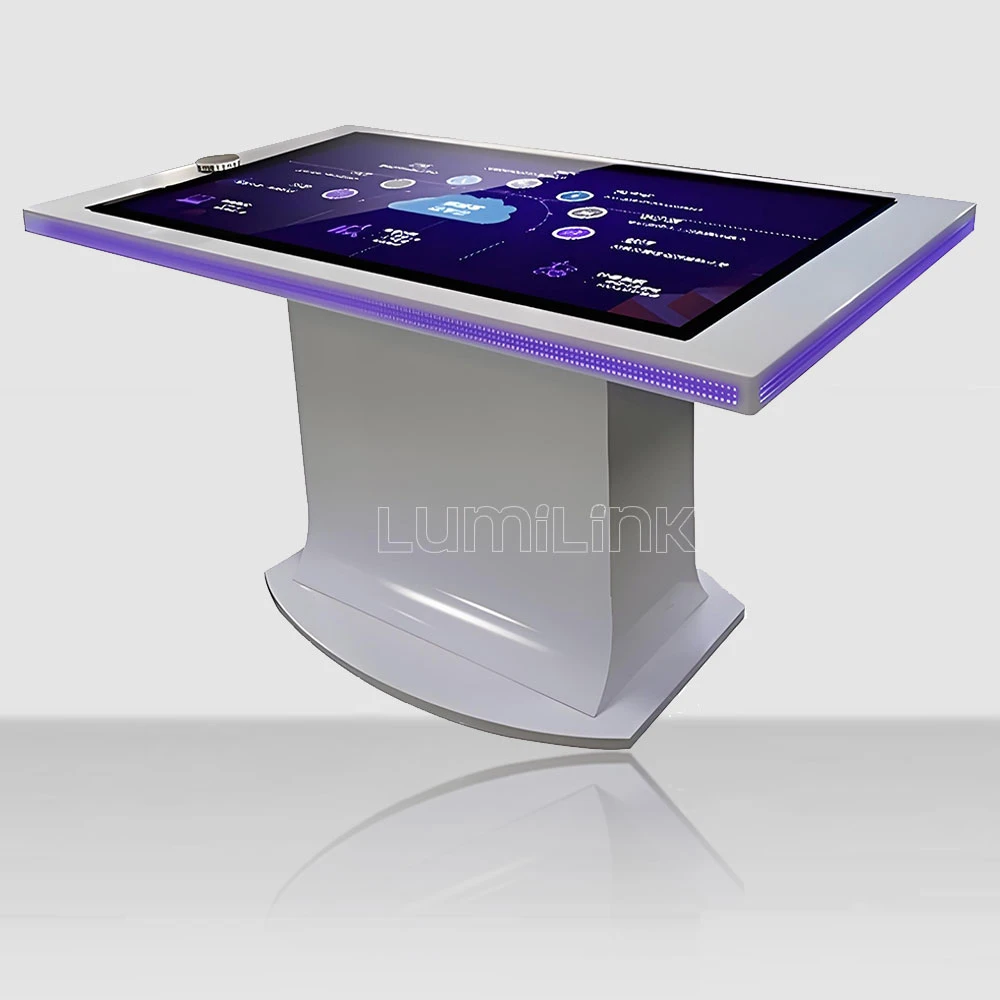

Arcade operators face a squeeze that shows no sign of easing. Rents rise, staff costs climb, and every teenager in the building carries a smartphone with thousands of free games. Why would anyone pay to play? The answer is not better graphics or louder cabinets — it is a fundamentally different kind of gaming experience that phones cannot replicate. That is where the interactive gaming touch table for arcade comes in, and it is reshaping how forward-thinking arcades are designing their floor layouts in 2026.
This guide is written for arcade owners and gaming equipment buyers who are evaluating whether touch tables belong in their venues. We will cut through the hype, examine the actual revenue mechanics, and give you the hardware specifications that matter for a gaming environment — not a corporate lobby.
The Revenue Problem Traditional Arcades Face
Walk through a typical arcade today and you will see the same pattern: rows of cabinet games that cost $8,000 to $15,000 each, generating a few dollars per day in coin-drop revenue. The cabinets sit idle for large portions of the day, especially on weekdays. When someone does play, the session lasts two to five minutes. The economics are brutal: high capital cost, low utilisation, and short engagement times.
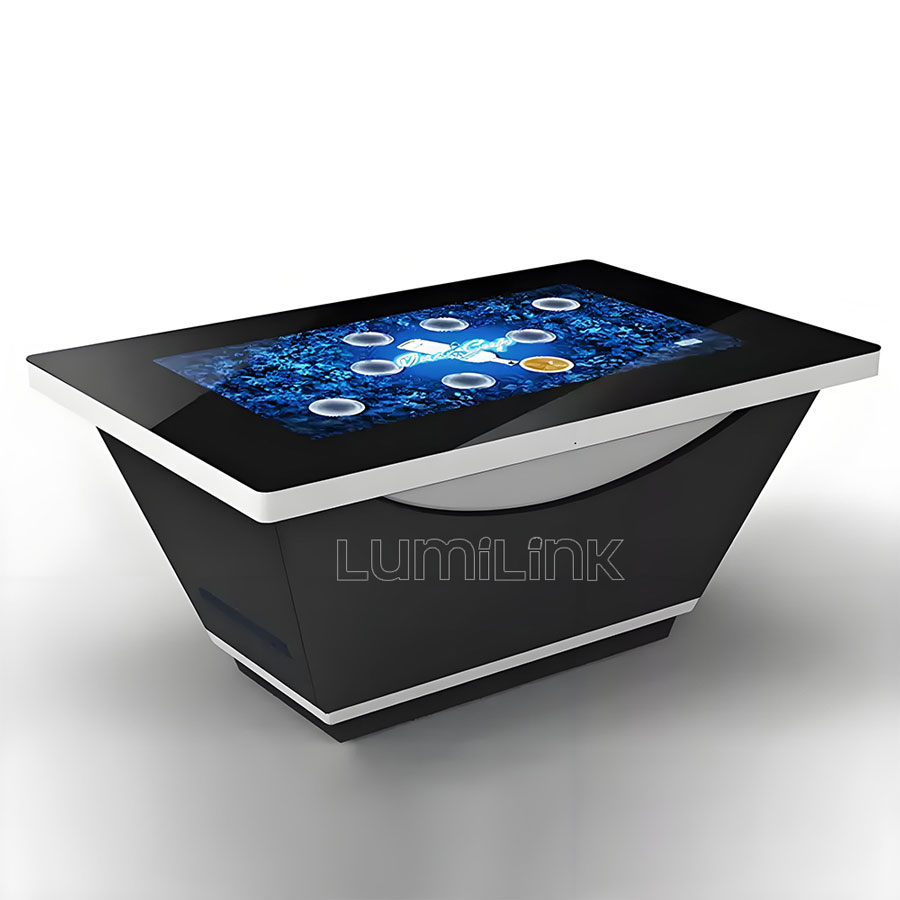
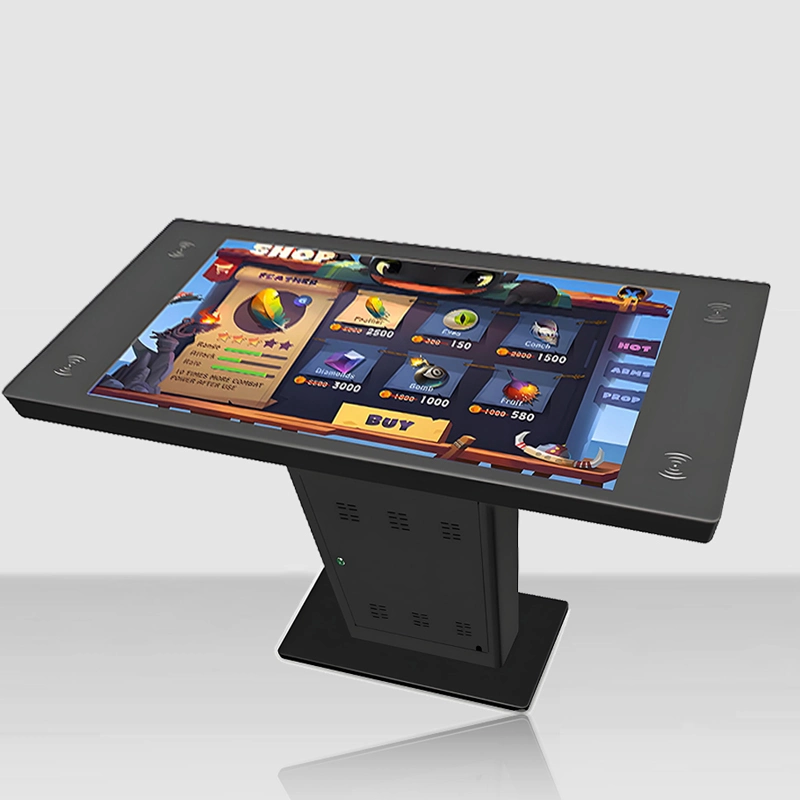
The interactive gaming touch table for arcade attacks this problem from a different angle. Instead of a single-player cabinet that isolates one customer, a touch table is a multi-player social gaming surface. Four, six, or even eight players can gather around it simultaneously, turning a single machine into a group activity. Session times stretch from minutes to half an hour or more, because the social dynamic — trash talk, teamwork, competition — is the actual draw, not the game itself.
Consider the per-square-metre revenue comparison. A standard arcade cabinet occupies roughly 1.5 square metres of floor space and serves one player at a time. A 55-inch touch table occupies roughly 2 square metres and serves four to six players simultaneously, each paying for their session. The revenue density per square metre can be two to three times higher, and the table also serves as a visual centrepiece that draws foot traffic deeper into the venue.
Why Touch Tables Fit the Arcade Model
The gaming experience on a touch table is fundamentally different from both smartphone gaming and traditional arcade cabinets. It is physical, social, and spatially shared. When four friends sit around a 55-inch table playing a competitive puzzle game or a collaborative dungeon crawler, the table becomes a social hub. People talk, laugh, and compete in ways that staring at individual screens does not allow.
This social dimension has a direct revenue implication. Groups stay longer. They order food and drinks. They come back with friends. A touch table that hosts a group of six for 45 minutes generates more total revenue than six individual cabinet sessions of three minutes each — and the customers leave happier because they had a shared experience, not a solitary one.
Touch tables also solve a content problem that has plagued arcades for decades. Traditional cabinets are single-game machines. If a game loses popularity, the cabinet becomes dead weight. A touch table runs software, meaning you can swap games, add new titles, and run seasonal promotions without touching the hardware. Some Lumilink arcade customers rotate game selections monthly, keeping the experience fresh without additional capital investment.
Hardware Specs That Matter for Gaming
Gaming imposes demands that no other touch table use case matches. Rapid multi-touch input, sustained high-frame-rate rendering, and abuse from excited players all push hardware to its limits. Here is what to look for when evaluating a interactive gaming touch table for arcade:
| Specification | PCAP Recommendation | IR Recommendation |
|---|---|---|
| Touch Points | 40+ simultaneous | 10 simultaneous (sufficient for most games) |
| Response Latency | Under 10ms — critical for fast-paced games | 15-25ms — acceptable for casual and turn-based games |
| GPU | Discrete GPU (NVIDIA GTX/RTX minimum) | Same requirement — GPU is independent of touch tech |
| Glass Rating | IK10 (maximum impact resistance) | IK08 minimum |
| Cooling | Forced-air with filtered intake | Same — gaming generates significant heat |
| Spill Protection | Sealed surface — survives drink spills | Bezel vulnerable to liquid intrusion |
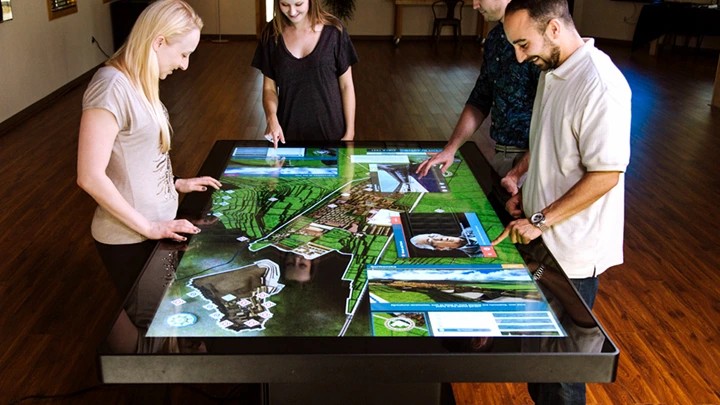
The GPU question is non-negotiable. Many commercial touch tables ship with integrated graphics that struggle with anything beyond basic 2D content. For arcade gaming, you need a discrete GPU. Lumilink offers configurations with NVIDIA GTX and RTX cards that handle real-time 3D rendering, particle effects, and physics simulations without dropping frames. Do not accept a table with integrated graphics for a gaming deployment — it will stutter under load and players will notice.
Glass durability is about more than scratches. In an arcade, players get excited. They slam their hands on the table. They lean on it. They may drop a controller or a drink on it. IK10-rated tempered glass can withstand direct impacts that would shatter consumer-grade screens. This is not paranoia — it is based on real-world damage data from arcade operators who learned the hard way.
Thermal management keeps the game running. A touch table running a GPU-intensive game for eight hours straight generates serious heat. Without proper cooling, the system will throttle performance, stutter during gameplay, and eventually overheat. Look for tables with forced-air cooling systems that pull air through filtered intakes and exhaust it away from the display panel. Passive cooling is insufficient for sustained gaming workloads.
Pricing Models and ROI Timeline
How do you make money with a interactive gaming touch table for arcade? Arcade operators have tested several models, and the most successful combine multiple revenue streams:
Pay-per-session. The simplest model: players pay a fixed amount for a timed session (typically 15 to 30 minutes). Pricing ranges from $3 to $8 per session depending on the venue and game selection. This model works best for competitive multiplayer games where groups split the cost.
Time-based group pricing. Charge by the table, not the player. A group of four pays $15 for 30 minutes of play. This encourages group bookings and fills the table more consistently. It also simplifies payment — one transaction instead of four.
Food and beverage integration. Position the touch table in a lounge area where players can order food and drinks while they play. The table becomes a revenue multiplier: not just the gaming fee, but the food and drink sales generated by extended dwell time. This is the model that delivers the strongest ROI, especially for venues that already have a kitchen or bar.
Party and event bookings. Touch tables are natural centrepieces for birthday parties, corporate events, and group bookings. Package the table as part of a private event space with dedicated game time, food, and a host. Event revenue can exceed walk-in revenue by a factor of three or more.
Typical ROI timelines range from 8 to 14 months for a well-placed table in a mid-traffic arcade, assuming a combination of session fees and food-and-beverage revenue. Tables in high-traffic venues or those tied to event bookings can hit ROI in as little as 5 to 6 months.
Game Content: What Actually Works on a Touch Table
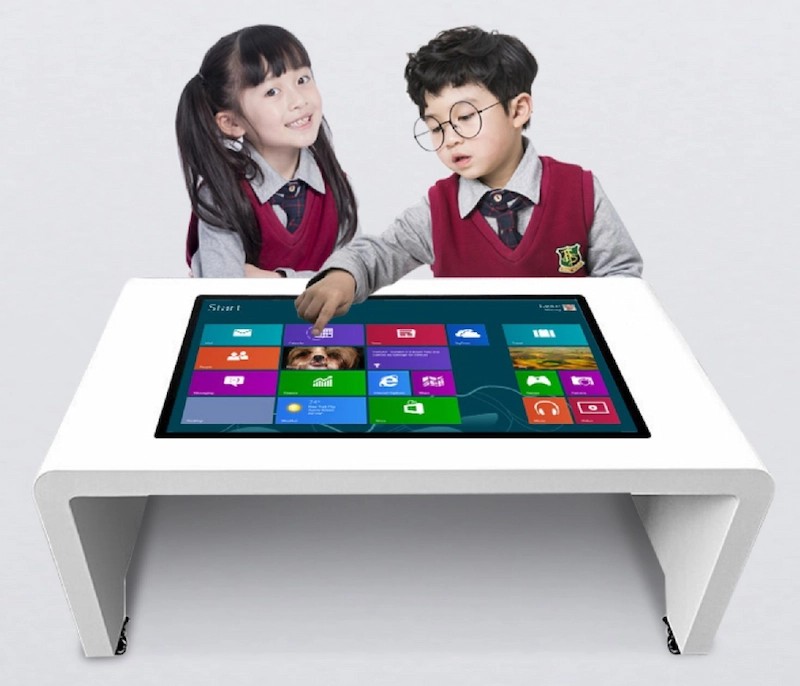
Not every game translates well to a horizontal touch surface. The most successful arcade touch table games share a few characteristics: they are designed for multi-player interaction, they use the horizontal surface naturally (not as a tilted monitor), and they have short enough rounds to keep the table turning over. Popular categories include competitive puzzle games, collaborative escape-room-style challenges, digital board games with enhanced interactivity, and trivia games that leverage the multi-touch surface for simultaneous answering.
Lumilink does not develop games, but our tables run standard Windows software, meaning you can source games from any developer or build your own. We recommend starting with three to five titles and rotating them based on popularity data. Track which games generate the most sessions and revenue, and cut the underperformers.
Maintenance, Uptime, and Keeping the Table Running
In an arcade, downtime is lost revenue — pure and simple. If a touch table is down for two hours on a Saturday night, that is real money walking out the door. Maintenance planning should be part of your procurement decision, not an afterthought.
Daily care: Wipe down the glass surface with a microfibre cloth and non-abrasive cleaner at opening and closing. Check for sticky residue around the edges where drinks are most likely to spill. Inspect cable connections if the table is moved frequently. These tasks take five minutes and prevent 90 percent of common issues.
Weekly checks: Review the system event log for thermal warnings or GPU errors. Clean the air intake filters on forced-air cooling systems — clogged filters are the leading cause of thermal throttling in arcade touch tables. Test all games to confirm they launch and run without errors. Verify that the automatic reboot schedule is functioning, as regular reboots clear memory leaks that accumulate in long-running game sessions.
Spare parts strategy: Keep at least one replacement touch controller board, one power supply unit, and one set of cooling fans on site. These are the components most likely to fail, and having spares means you can swap them in minutes rather than waiting days for a shipment. Lumilink offers spare parts kits specifically assembled for arcade deployments, with the most failure-prone components pre-selected.
Remote monitoring: If you operate multiple venues, remote monitoring is essential. Lumilink's device management platform sends automatic alerts when a table goes offline, when temperatures exceed safe thresholds, or when disk space is running low. This lets you dispatch a technician proactively — before a minor issue becomes a revenue-losing outage.
Why Lumilink for Arcade Gaming
Lumilink builds touch tables specifically engineered for high-stress public environments. For arcade deployments, we offer configurations with discrete NVIDIA GPUs, IK10-rated tempered glass, forced-air cooling, and spill-sealed PCAP surfaces. Our tables have been deployed in bars, family entertainment centres, and dedicated arcades — environments where hardware takes a beating and downtime means lost revenue.
We also understand that arcade operators need flexibility. That is why our tables run standard Windows, support any game engine from Unity to Unreal, and can be remotely managed across multiple venues. If a game crashes, the table auto-restarts. If a new title drops, you push it over the network without visiting the site.
Ready to Add Touch Tables to Your Arcade?
The interactive gaming touch table for arcade is not a replacement for traditional arcade cabinets — it is a complement that fills a different niche. Where cabinets serve solo players in short bursts, touch tables serve groups in extended sessions. Together, they create a more diverse, more social, and more profitable arcade floor.
Request a Custom Quote from Lumilink. Tell us about your venue size, foot traffic, and current game mix, and we will recommend the ideal table configuration, GPU spec, and screen size for your arcade. Our team can also connect you with game developers who specialise in multi-touch arcade content.