
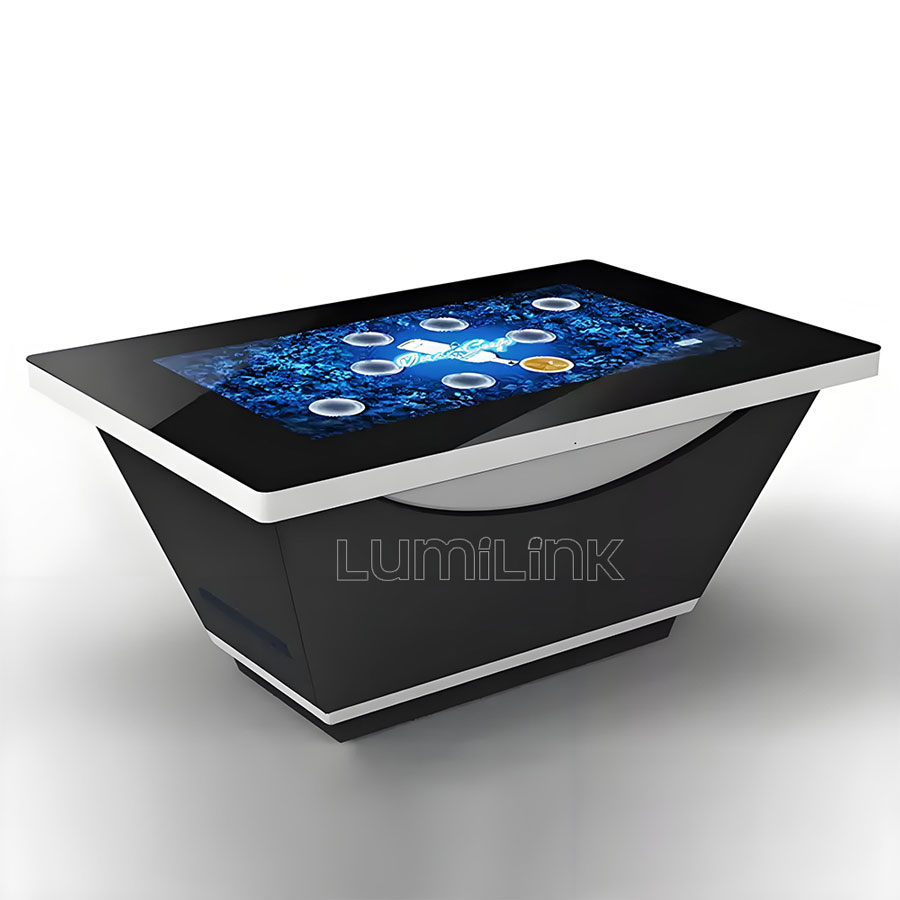
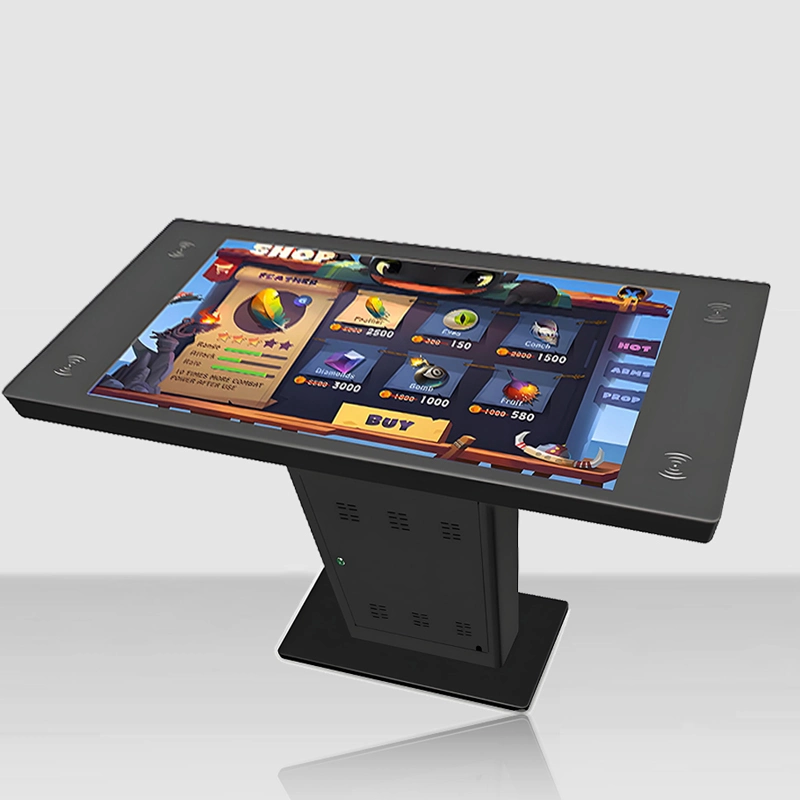
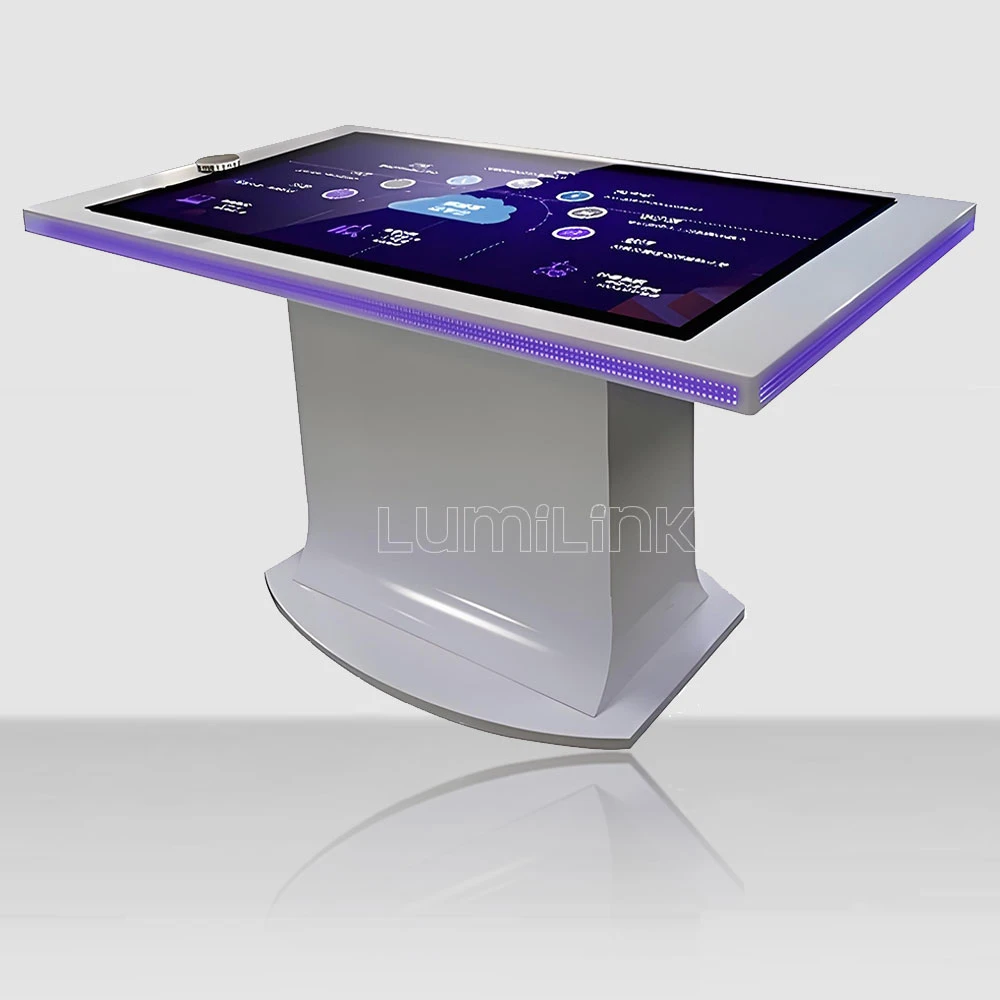

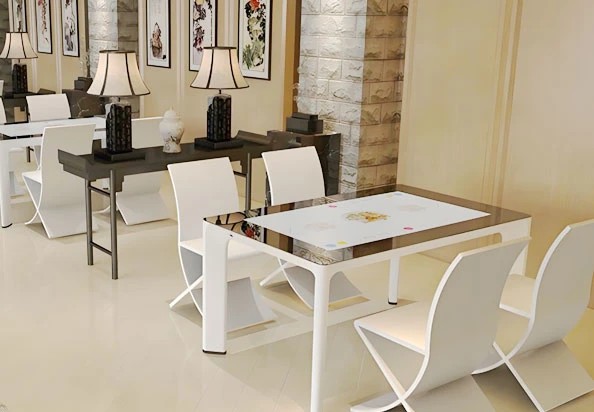
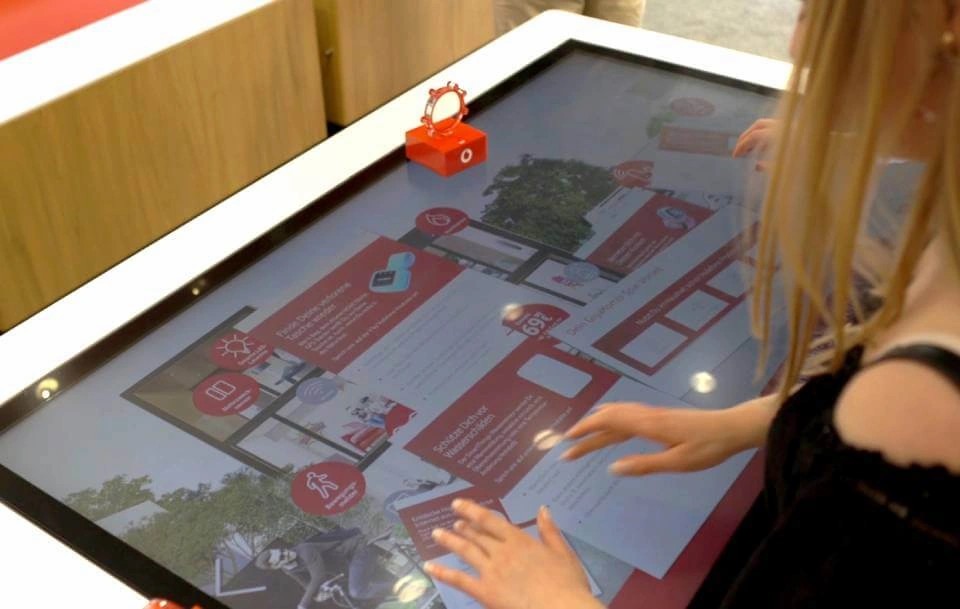
In 2026, businesses across every sector are rethinking how they engage audiences in physical spaces. In restaurants, the rethink has reached the table itself: an interactive restaurant table — a horizontal touchscreen embedded in the dining surface that handles menus, ordering, games and payment — is no longer a gimmick reserved for themed venues. Interactive restaurant table ROI has become the real search: operators past the "does it work?" stage now ask the only question that matters for a capital purchase — how long does it take to pay for itself?
The honest answer is that payback depends on the deployment, but the levers are well understood. Independent deployments and industry pilots have consistently reported the same family of effects: higher average checks, faster table turns, fewer ordering errors, and labor reallocated from order-taking to service. None of these is magic; each is arithmetic that can be modeled before a single unit is ordered.
This guide walks through that arithmetic — the same arithmetic a serious operator runs before any equipment purchase. We break the revenue and cost levers one by one, show a worked payback example with conservative numbers, flag where deployments underperform, and end with the checklist that separates a table that earns from one that merely decorates. Operators weighing the purchase can also see the hardware category itself in our interactive restaurant table overview.
The Revenue Levers: Where the Extra Money Comes From
Higher average checks. This is the most consistently reported effect. Self-service ordering surfaces upsell differently from busy servers: photos are large, modifiers and pairings are one tap away, and the guest is never rushed. Deployments across casual dining report average check uplifts in the range of 10 to 30 percent, with the higher end appearing where dessert and drink menus are visually rich. The mechanism is mundane and repeatable — guests order more when the menu shows rather than tells and nothing interrupts them.
Faster table turns. Ordering at the seat removes the wait for a server's attention; payment at the table removes the end-of-meal limbo that stretches the last 20 minutes of every visit. Venues that measure report meaningful gains in covers per evening during peak windows — often the difference between turning a table twice and three times on a Friday.
New revenue modes. A touch table is not idle between courses. Waiting parties play games and stay instead of walking out; the same surface runs promotions, event bookings and loyalty sign-ups at a 100 percent view rate. Some venues sell the surface as advertising to suppliers — a contested practice ethically, but a real one financially.
Labor reallocation. Where self-ordering absorbs order-taking, staff hours shift to running food, table service and guest recovery — the tasks that actually generate tips and reviews. In tight labor markets, the effect that operators mention first is not wage savings but the ability to run a full service floor with fewer open positions.
The Cost Side: What You Actually Pay
The hardware is the visible line and rarely the deciding one. A commercial interactive table in the 43-to-55-inch band is a fraction of a fit-out budget per seat — and it replaces furniture the operator would have bought anyway, so the incremental cost is the difference, not the sticker. Factor delivery and installation (usually a plug-and-play job against a floor box), any furniture integration for custom builds, and content: menus change seasonally, and the update path should be a dashboard, not a service call.
The recurring lines matter more: a software or POS-integration subscription, connectivity, cleaning (the same cloth as any table), and an occasional touch controller or power supply over a multi-year life. A useful planning number is to budget single-digit annual maintenance as a percentage of hardware cost — commercial units are sealed and solid-state, so the failure modes are few and swappable.
Where projects blow up is integration. If the table must talk to a legacy POS, the middleware can cost more than the hardware. Ask the software vendor for a live integration demo against your POS version before signing anything — the single most predictive question in this whole purchase.
A Worked Payback Example With Conservative Numbers
Take a 60-seat casual dining room that installs four 55-inch tables in place of four standard ones. Assume each interactive table serves 15 covers per day, a check average of $28, a conservative 12 percent uplift on interactive-served checks, and 8 additional covers per table per day from faster turns — that is roughly $2,900 of incremental monthly revenue across the four tables at the uplift alone, before any game or event revenue. Against a hardware-plus-install investment recovered over a three-year horizon and recurring software fees, the model pays back well inside two years even if the uplift lands at half the reported range.
Run the same model with your own numbers before ordering: covers per day, check average, a personally conservative uplift figure, and your actual software costs. The spreadsheet takes twenty minutes and converts a novelty purchase into a capital decision. The operators who are disappointed by interactive tables are almost always the ones who skipped this step; the ones who model it find the breakeven point and manage toward it.
A word on sensitivity, because payback models live on their assumptions. The uplift figure is the most volatile input: halve it and most mid-size deployments still pay back inside three years, but a venue running a single table in a dead corner will not. The check average matters more than people expect — at a $60 check, a 10 percent uplift dwarfs what the same hardware earns in a quick-service context, which is why full-service and hotel dining rooms consistently show the strongest interactive restaurant table ROI in the category. Model the pessimistic case honestly; if the table still clears the hurdle, the decision is safe. If it only works at the optimistic numbers, wait — or redesign the placement before the purchase.
Key Specifications That Protect the ROI
The payback model assumes the table works every service for years. Four specifications protect that assumption. Touch technology: projected capacitive senses through the glass, ignores the venue lighting, and survives the wipe-down routine of a real dining room; an exposed infrared strip collects grease and generates false points, and false points during a dinner rush are a service failure, not a maintenance ticket.
Duty cycle: the panel must be commercial grade, rated for 16-hour daily operation — dinner service is the easy part; it is the all-day exposure that separates commercial from consumer panels. Brightness: 450 to 700 nits at the glass, because a horizontal surface collects every downlight in the ceiling. Build: tempered glass of at least 4 mm, a sealed chassis, rounded edges, and a service compartment that lets a technician swap a controller without lifting the glass — downtime during dinner service is the most expensive kind.
| Criteria | Projected Capacitive (PCAP) | Infrared (IR) Frame |
|---|---|---|
| Touch response through glass | Direct, no air gap if optically bonded | Floats above the glass surface |
| Light interference | Unaffected by sunlight or venue lighting | Strong direct light can cause false points |
| Edge-to-edge glass | Yes, flush glass surface | Visible bezel housing emitters |
| Spill and cleaning tolerance | Sealed, wipe-clean, no exposed sensors | Emitter strip needs periodic cleaning |
| Best fit | Restaurants, game cafes, bars, high-traffic halls | Budget projects, temporary installations |
Where Deployments Underperform — and How to Avoid It
The first failure mode is content neglect. A table running a stale PDF menu in month eight trains guests to ignore it, and the uplift evaporates. The fix is contractual: buy a content platform your own staff can operate, and put menu updates on the same seasonal calendar as the printed menu.
The second is poor placement. Tables buried in a corner away from foot traffic underperform tables on the main sightline; the hardware is identical, the utilization is not. Model the placement when you model the payback. The third is half-integration: ordering works but payment does not, so guests still wait for the check and the turn-speed gain disappears. Insist on end-to-end flow — browse, order, pay — before go-live.
The fourth is measuring nothing. Set the baseline before installation — covers, check average, turn times, error rates — and review it monthly. The venues that succeed treat the table as a measurable channel, and the data it generates (what gets viewed, what gets ordered, what gets ignored) is itself a menu-engineering asset no paper menu ever provided.
Real-World Restaurant Use Cases
Family dining. Game modes occupy children between courses — the single most cited guest-satisfaction effect, and one that parents reward with return visits.
Quick-casual and fast food. Order-at-seat shortens queues at the counter and lifts attach rates on drinks and desserts, where the imagery does the selling.
Themed and entertainment restaurants. The surface is part of the show: animated menus, interactive place settings, brand characters. Here the table also functions as the marketing, which is why these venues pioneered the category.
Hotels and resort dining. Multilingual menus at the seat solve a real service problem for international guests, and the concierge upsell — spa bookings, show tickets — reaches a captive audience at exactly the right moment.
Sports bars. Live scores and replays at the table keep guests through halftime; the check grows with the dwell time.
How to Choose the Right Interactive Restaurant Table
Sequence the purchase like the capital decision it is. One: model the payback with your covers, your check average, your conservative uplift. Two: choose the software platform with a live POS-integration demo — hardware without a working ordering flow is furniture. Three: specify the touch hardware — PCAP, named controller, commercial panel, tempered glass, sealed build. Four: verify the operationals — cleaning routine, service access, spare parts location, warranty including freight on parts. Five: pilot one table, measure against your baseline, then commit the fleet with a written schedule.
A supplier who volunteers POS integration details, panel grades and a pilot-program structure is telling you how they engineer; one who leads with a screen-size catalog is telling you how they sell. Both will show you a table; only one will show you the numbers behind it.
Why Lumilink Is the Right Partner
Lumilink manufactures interactive restaurant tables and the broader touch table line as a factory, not a reseller: PCAP touch across 32-to-86-inch formats, commercial-grade panels, tempered safety glass, and factory-direct pricing with customization — size, finish, brightness, OS image — as a standard workflow. We integrate with the major ordering platforms and support pilot-then-fleet purchasing with schedules in writing, shipping to more than fifty countries.
Restaurants, hotel groups and entertainment venues across our client base run these tables through daily service, and we are comfortable being compared line by line — components, terms, and the payback model itself.
Conclusion: Take the Next Step
An interactive restaurant table pays for itself through arithmetic, not novelty: checks that rise because the menu shows, turns that speed up because payment waits for no one, and floor space that earns between courses. Model it conservatively, pilot it honestly, and the hardware stops being a bet and becomes a channel.
Ready to run your own numbers? Request a Custom Quote today to receive a tailored proposal including hardware specifications, pricing, and implementation timeline. Or Download Product Spec Sheet to review detailed technical documentation for our full interactive touch table lineup.