
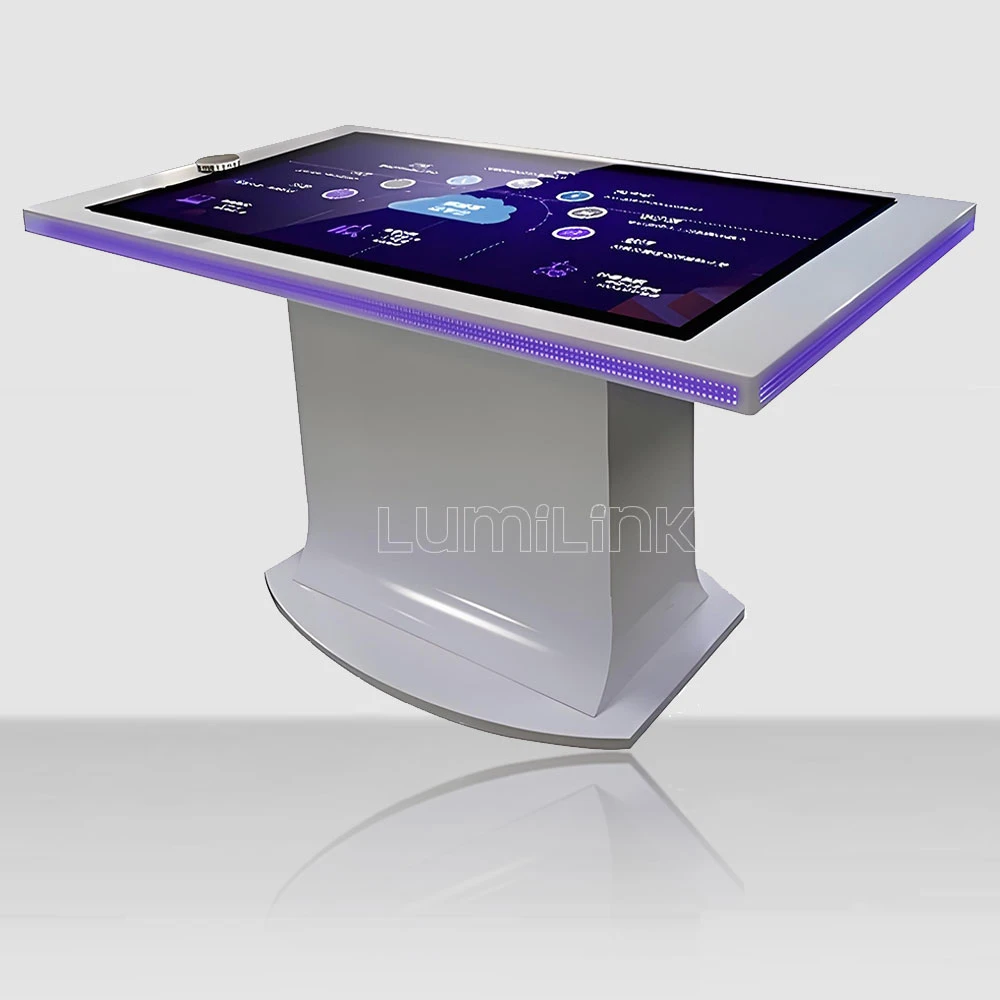

In 2026, businesses across every sector are rethinking how they engage audiences in physical spaces. Among interactive formats, one silhouette is quietly outgrowing the rest: the touch screen drafting table, a surface set at an angle between a wall-mounted screen and a flat table. Keyword data shows drafting-style queries up 200 percent year over year — the fastest-growing format in the category — driven by museums, design studios and wayfinding installations that discovered the compromise a tilted surface solves.
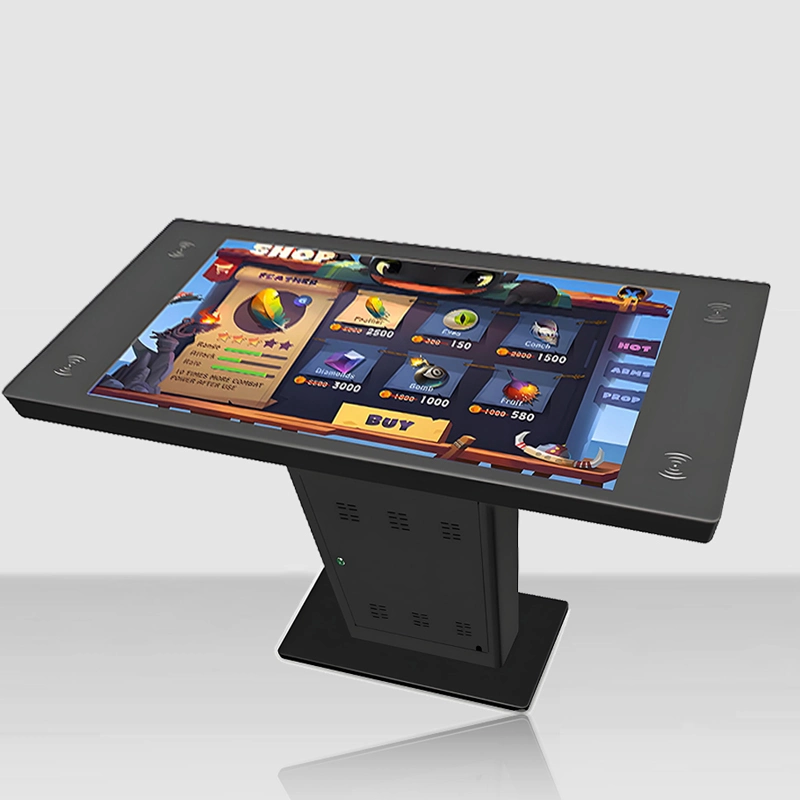
A drafting table borrows the posture of the architect's board it is named after. The display is not vertical, so visitors do not stand at attention; it is not horizontal, so text does not lie flat under glare. That middle angle changes who can use the screen, how long they stay, and what content works on it.
This guide covers the format end to end: the geometry that makes it work, the specifications that separate a real drafting table from a propped-up panel, the venues where it earns its keep, and the checklist to run before ordering one.
Why the Drafting Configuration Is Growing
The benchmark product here is Ideum's Drafting II, offered in 43, 49, 55 and 65-inch 4K configurations with a patented angled design, and commonly deployed as a touch kiosk in busy public spaces. When the most established US maker dedicates a patented product line to the format, it has stopped being a niche experiment. The 200 percent search growth tracks the same story from the demand side.
Three forces push buyers toward the angle. Accessibility rules increasingly expect interactives to be usable from a standing position without bending — an angled surface at 20 to 30 degrees keeps content readable for a standing adult while remaining reachable for a seated visitor or a child. Dwell time is the second: exhibition studies consistently show visitors engage longer with surfaces they can lean toward rather than stare down at. And content is the third — maps, plans, drawings and timelines, the material that dominates museum and wayfinding scenarios, reads naturally on a slope the way it does on a drafting board.
Accessibility deserves its own paragraph, because the angle does more work there than any other feature. A vertical kiosk demands standing attention and puts its far corners outside the comfortable reach envelope of a seated visitor. A flat table at standard height excludes standing users who cannot bend. The tilted surface threads between both: content presented toward the eye line, interaction kept within a shallow reach cone, and a leading edge low enough for wheelchair users to approach closely. When a venue must justify its interactives against access requirements, the drafting configuration is the shortest path to compliance — provided the chassis height and knee clearance are specified correctly, which the buying checklist below covers.
Key Specifications of a Touch Screen Drafting Table
Angle range and stability. A useful drafting surface sits between roughly 15 and 45 degrees from horizontal, with 20 to 30 degrees as the working sweet spot for mixed standing audiences. The angle must be fixed structurally, not adjusted by the user mid-session — a surface that rocks under hand pressure destroys touch accuracy. Check that the chassis locks the display angle with bracing, not just hinge friction.
Reach and sightlines. At a 25-degree tilt, the far edge of a 55-inch surface sits within comfortable reach of a standing adult, where the same panel laid flat would demand a full lean over the table. Content designed for the format puts primary interaction in the lower two-thirds of the surface and treats the top edge as a title or status zone.
Touch technology at an angle. Projected capacitive senses through the glass regardless of orientation and is indifferent to the venue lighting that rakes across a tilted surface. Infrared frames lose accuracy as the angle steepens because finger geometry relative to the emitter plane changes; if IR is quoted for an angled build, insist on a demonstration at the actual angle.
Brightness and glare. A tilted panel presents its reflection at a predictable angle, which is an advantage: position the unit so the reflection zone falls above the viewer's eye line, and 450 to 700 nits of brightness handles the rest. An anti-glare etched glass option is worth the premium in bright atriums.
Duty cycle and build. The format lives in public corridors, so the panel must be commercial-grade for 16-hour duty, the glass tempered and at least 4 mm, the leading edge rounded and the chassis anchored against tip. Where the unit doubles as a kiosk face, add a lockable rear compartment for the media player.
Size selection. The format works differently at each size, and the benchmark product's own range — 43, 49, 55 and 65 inches in 4K — maps the decision. A 43-inch drafting surface suits one or two users and narrow corridors; 55 inches is the working standard for museum orientation and design review, holding two users at the low edge and a third at the side; 65 inches adds the width that shared maps and multi-phase timelines need. Choose by counting simultaneous users at the low edge, not by wall space — the tilt means the unit projects less into the room than its diagonal suggests.
Media player and content updates. An angled table in a corridor is only as current as its content pipeline. Decide how scenes get updated — USB walk-up, network push, or a content management system — and confirm the media player is serviceable without dismantling the tilt mechanism. Windows builds integrate with existing digital-signage tooling; Android builds trade flexibility for boot speed and low power. Either way, the update path should survive a staff turnover.
| Criteria | Projected Capacitive (PCAP) | Infrared (IR) Frame |
|---|---|---|
| Touch response through glass | Direct, no air gap if optically bonded | Floats above the glass surface |
| Light interference | Unaffected by sunlight or venue lighting | Strong direct light can cause false points |
| Edge-to-edge glass | Yes, flush glass surface | Visible bezel housing emitters |
| Durability in public venues | Sealed, wipe-clean, no moving parts | Emitter strip needs periodic cleaning |
| Best fit | Museums, showrooms, dining, high-traffic halls | Budget projects, temporary installations |
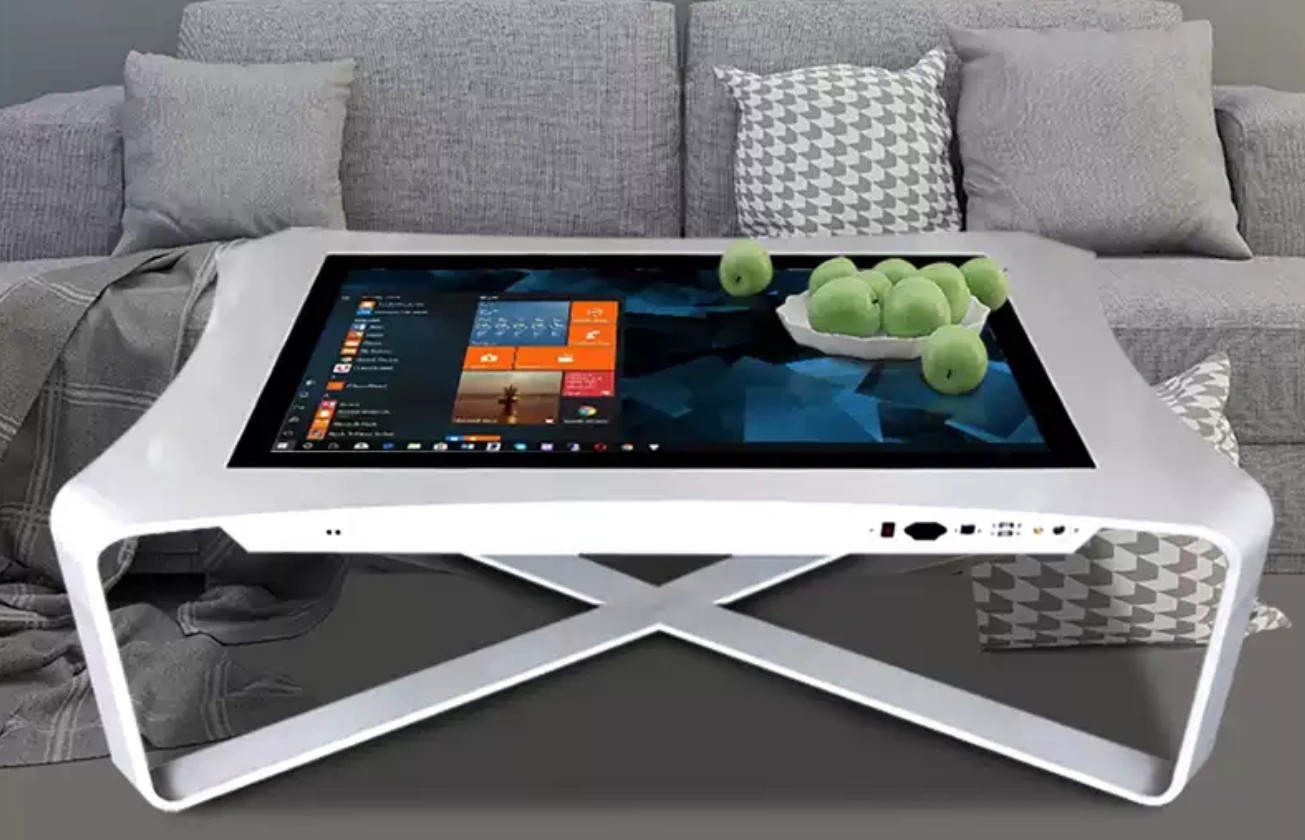
Tilt, Sightlines and Content Design
The angle is not a styling choice; it reshapes the content. Text sized for a vertical screen disappears at a slope because the viewer's line of sight compresses rows; the fix is larger type and shorter lines in the upper region. Drag interactions behave differently too — a horizontal drag on a tilted surface pulls the hand downward with gravity, so gesture targets need slightly more spacing than their flat-table equivalents.
Lighting interacts with the geometry in your favor if you plan it. Unlike a flat table, which gathers reflections from every overhead fixture into the viewer's sight line, a tilted surface throws its reflection zone upward and behind the user. Walk the venue at the brightest hour, stand where a visitor would stand, and confirm the reflected ceiling area sits out of view. It costs nothing and saves a brightness upgrade.
Finally, the angle defines adjacency. Two users can work opposite edges of a 55-inch drafting surface without blocking each other, which flat tables achieve only at 65 inches and above. For wayfinding and map work, that makes one angled unit do the job of a considerably larger flat table.
Common Mistakes Buyers Make with Angled Tables
The first mistake is buying the angle and forgetting the reach. Because the surface slopes toward the user, the effective interaction zone shifts to the lower two-thirds — yet content is frequently designed as if the top edge were as usable as on a flat table. Visitors stretch, half-hit targets, and conclude the screen is broken. Specify the interaction zone with your content team before the hardware order, not after.
The second is underestimating the footprint. A drafting table projects toward its users: the low edge needs knee and toe clearance, the high edge needs standing room, and the whole unit needs a tip-resistance margin that flat tables never demand. The unit that fits the floor plan on paper can fail on site because nobody measured the approach zone. Survey the location with a tape and a person standing where visitors will stand.
The third is treating tilt as adjustable. User-adjustable angles seem like flexibility and behave like maintenance: loosened fittings, inconsistent angles across a fleet, and touch performance that varies table to table. Fix the angle at manufacture, structurally, and spend the flexibility budget on content instead — a well-designed scene hides the fixed angle; a loose hinge exposes it.
Real-World Use Cases
Museum wayfinding and orientation. An angled map at the entrance, kept at one glanceable slope, lets a family plan a route without crowding — the format's single most common deployment, and the one the benchmark product was patented around.
Design and architecture review. Studios use the tilt for exactly what the furniture format always did: drawings pinned at an angle for viewing and mark-up, now with layers, zoom and revision history. The screen replaces the pinboard; the posture stays.
Visitor centers and city models. Urban planning presentations lean on large plans and phased timelines, content that benefits from both the angle and the multi-user edge access.
Corporate lobbies. A drafting-style surface carrying a project timeline or campus map reads as deliberate design rather than a propped monitor, and survives the daily traffic an angled face invites.
Exhibition kiosks. Where a vertical kiosk feels imposing and a flat table invites leaning, the slope holds a middle ground: approachable, self-explanatory, and comfortable for the 90-second interactions most exhibits actually get.
Retail product reveal. A tilted surface carrying a configurator or product story gives shoppers a natural place to stop without committing — they lean, explore, and move on, which is exactly the interaction rhythm retail media planners want from a floor unit.
How to Choose the Right Touch Screen Drafting Table
Start with the angle, in writing. Ask what the tilt is, how it is fixed, and whether it is adjustable at manufacture — "ergonomic angled design" is not a specification. Then the touch system: PCAP with a named controller and tested point count; treat IR on an angled surface with suspicion unless demonstrated. Third, the panel: commercial grade, rated brightness at the surface, and 4K if fine text and plans are in the content plan — which at drafting-typical leaning distances they will be.
Fourth, the chassis: glass thickness and edge treatment, structural fixing of the angle, tip resistance, and a cable route that survives public abuse. Fifth, the practicalities: floor plan dimensions including the knee and toe clearance at the low edge, freight weight, and installation time. A drafting table is furniture as much as electronics; buy it from someone who answers furniture questions as readily as touch questions.
On budget: drafting-style tables occupy a middle band — more structure than a coffee table, less surface than a 65-inch flat table, and a tilt mechanism that must be engineered rather than hinged. Treat quotes far below that band with the same suspicion as any hardware bargain, and ask what was removed: panel grade, touch controller, or the structural fixing that keeps the angle true for five years. A manufacturer who explains their angle fixing in one sentence is worth one who sends a catalog page.
Why Lumilink Is the Right Partner
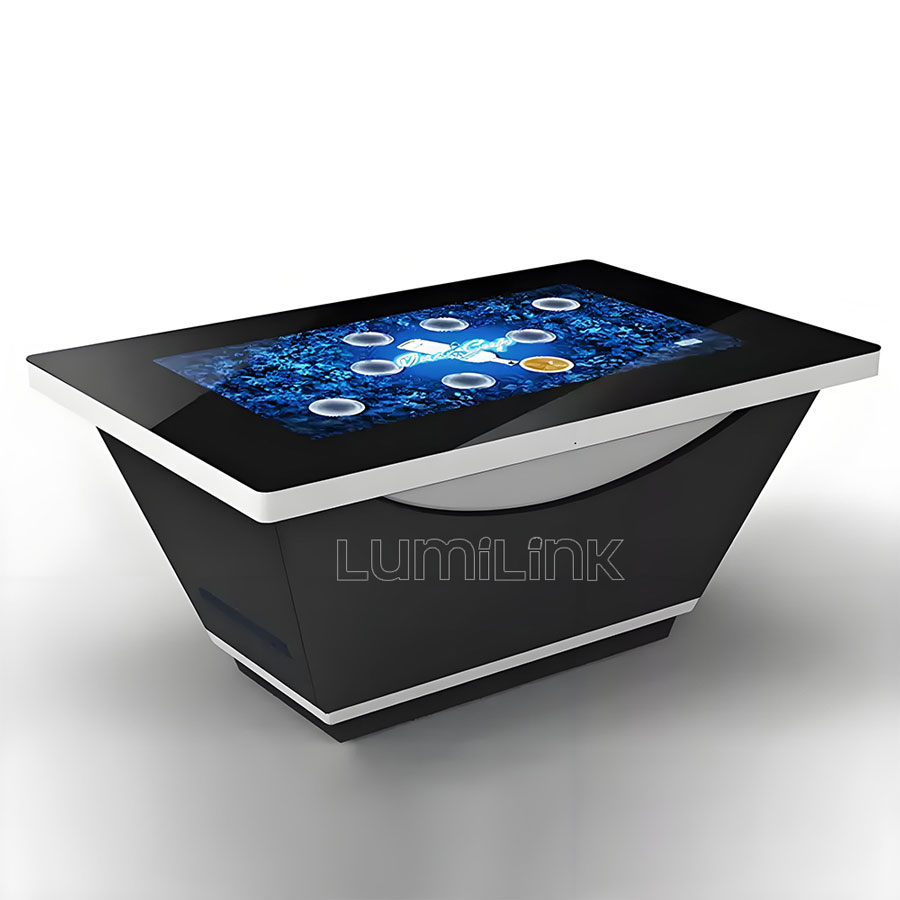
Lumilink manufactures angled and drafting-style interactive tables alongside the flat lineup, with PCAP touch, commercial-grade 4K panels, tempered glass and factory-direct customization of size, angle and enclosure finish. Because the tilt, the glass treatment and the media-player compartment are configured in-house, the unit arrives as one tested product rather than an integration of parts.
Museums, visitor centers and design studios across fifty-plus countries run our tables daily, and we are comfortable being measured against the benchmark drafting products on angle, touch quality and terms.
Conclusion: Take the Next Step
The drafting configuration earns its growth: it solves posture, glare and multi-user access in one silhouette, and it flatters the content most venues actually run — maps, plans and timelines. Specify the angle, the touch system and the duty cycle with the same rigor you would a flat table, and the format delivers.
Ready to specify one? Request a Custom Quote today to receive a tailored proposal including hardware specifications, pricing, and implementation timeline. Or Download Product Spec Sheet to review detailed technical documentation for our full interactive touch table lineup.