
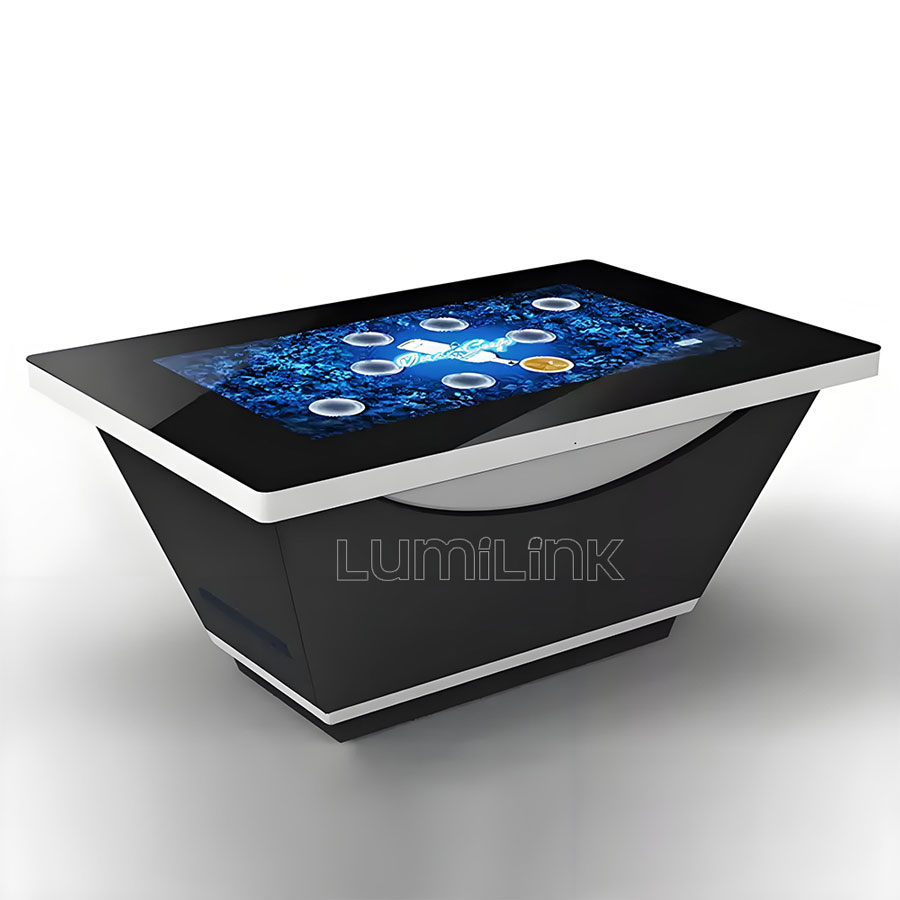
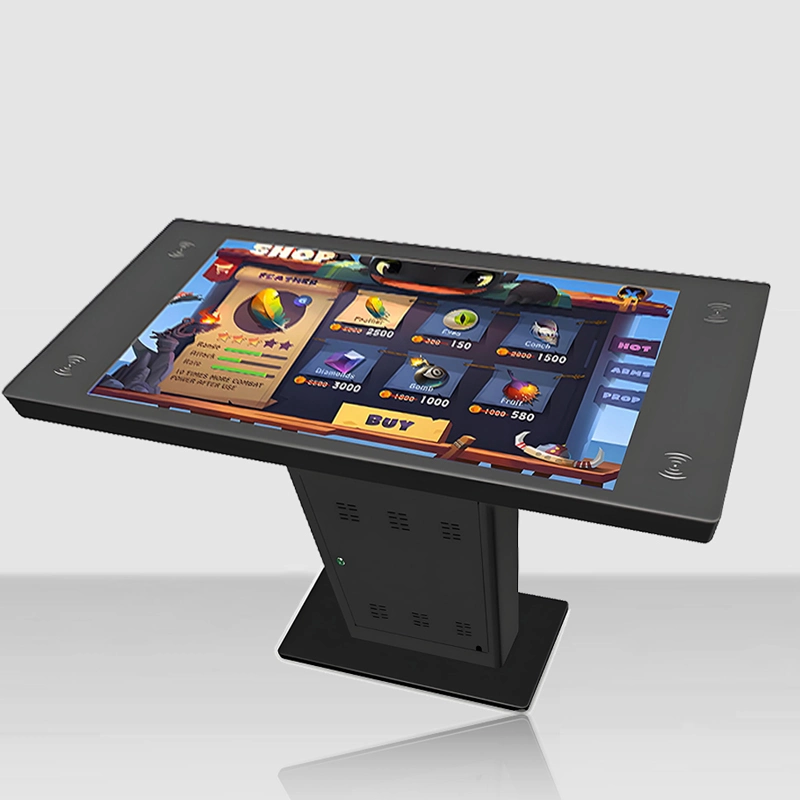
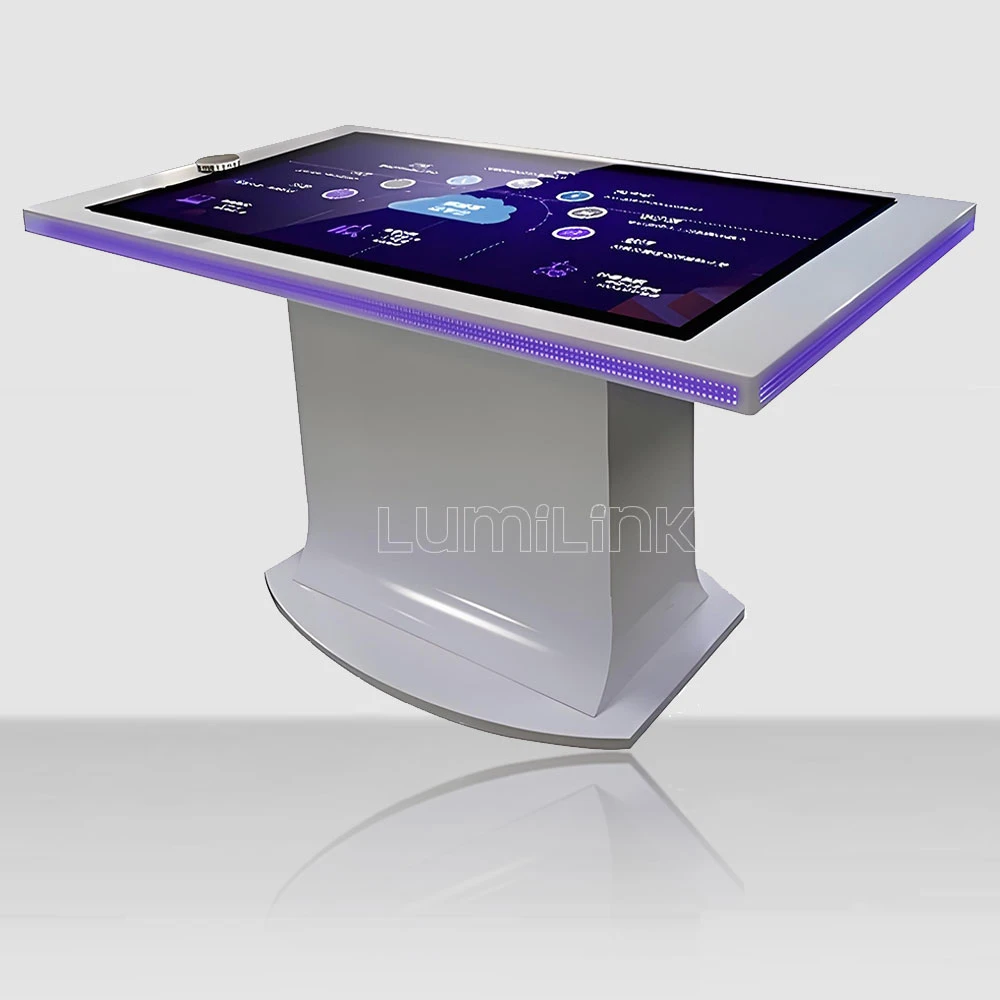

In 2026, businesses across every sector are rethinking how they engage audiences in physical spaces. At the far end of the interactive table category sits the giant touch table: surfaces of 86 inches and beyond, built for six to eight simultaneous users and for the exhibition halls, museums and command centers where a 55-inch panel simply runs out of edge. It is a small market with a long price ladder — and the public record of what these machines actually cost is more transparent than most buyers expect.
Giant tables are not scaled-up versions of smaller ones. Past about 75 inches, panel availability, glass handling, structural design and freight all change category. The buyers who budget well are the ones who understand where the money goes before collecting quotes.
This guide maps the market: what the benchmark products offer, what documented pricing shows, which engineering questions separate a real giant table from a propped display, and how to buy one without overpaying for the badge or underbuying on the glass.
When a 55-Inch Table Stops Being Enough
A 55-inch surface comfortably serves four people; six is a crowd, and eight is fiction. The failure mode is not resolution — it is edge access. Visitors at the far side cannot reach the center, interactions collide, and the table spends its life at half capacity. When a venue routinely hosts groups larger than five, or when the content is a shared map or timeline that wants a wide canvas, the economics flip: one 86-inch table costs less than the floor space, cabling and content fragmentation of three mid-size units.
The content test is simpler than the headcount test. Ask what the screen will show in its third year. If the answer is a fixed loop of promotional scenes, a mid-size table serves it. If the answer is a masterplan that gets re-zoomed for every stakeholder meeting, an archaeological map where visitors pull up settlement layers by region, or a fleet-comparison tool where a sales team walks six customers a day through the same shared view — those are wide-content applications, and they starve on a 55-inch surface no matter how few people stand around it.
The benchmark here is Ideum's Colossus II, an 86-inch 4K table documented for up to eight simultaneous users and engineered to be impervious to light interference, alongside the Pano dual-display format that joins two 49-inch 4K panels into a single ultra-wide surface approaching 90 inches. Both establish what the category promises: true multi-user capacity on one seamless plane.
Giant Touch Table Options on the Market
Single-panel 86-inch 4K. The cleanest architecture: one commercial panel, one touch layer, one image. Colossus II defines it. The engineering challenges are panel availability at this size, glass that stays flat under its own weight, and a chassis that absorbs the flex of a surface wider than most doorways.
Dual-panel ultra-wide. Two 49-inch 4K displays butted into one ~90-inch surface, as in the Pano. This trades the seam — a visible line and a touch dead-zone a few millimeters wide — for easier panel sourcing and a format that suits timeline and map content which is naturally wide rather than deep. Applications that can tolerate the seam gain enormous canvas cheaply relative to true single-panel giants.
Projection-based surfaces. Older and cheaper per square meter, with a camera-and-projector under a rear-projection material. They still exist, but they lose to modern PCAP on brightness, ambient-light tolerance and maintenance, and few new installations should choose them outside very tight budgets.
Custom sizes beyond the catalog. Both benchmark and factory-direct makers will build beyond standard sizes, and the cost trajectory is worth knowing before asking: above 86 inches, single commercial panels give way to fewer sourcing options and rapidly rising glass and handling costs, which is why the dual-panel architecture exists. A practical middle path is a custom enclosure around a proven panel size — an 86-inch PCAP surface in a venue-specific chassis adds enclosure cost, not panel risk. Quote both routes if your application genuinely needs non-standard dimensions.
What Documented Pricing Shows
Giant tables are quote-based products, but government procurement records have put real numbers on the table:
| Data Point | Documented Figure | Source Type |
|---|---|---|
| 55" PCAP drafting-style table | $36,922 | US federal award, 2015 |
| Single multi-touch table award | $82,427 | US federal award, 2017 |
| Pano table + multitouch wall bundle | $129,926 | US federal award, 2016 |
| Presenter 65 PCAP display | $56,709 | US federal award, 2017 |
The pattern across the record: awards include configuration, delivery and support, so treat the figures as all-in project costs rather than hardware list prices. What they establish is the budget reality — premium-brand giant formats live in the high tens of thousands to six figures once integrated. That is the honest baseline a factory-direct giant table competes against, and the reason the comparison is worth running for any venue with more than one table in its plan.
Key Specifications: the Engineering Past 75 Inches
Panel and resolution. At 86 inches, 4K (3840 × 2160) is the sensible floor: pixel density at typical viewing distances stays comfortable, and the four quadrants that six to eight users naturally divide into each keep a usable 1920 × 1080 share. Anything below 4K at this size is a content problem waiting to happen.
Touch layer. Projected capacitive is near-mandatory at this scale: the surface collects every luminaire in the hall, groups of users lean on the glass, and an infrared emitter strip that long becomes a cleaning schedule and a false-point generator in sunlit venues. Ask for the controller's tested simultaneous points — at eight users, 20+ real points with no dropped contacts is the working target.
Structure and glass. Glass at this size is heavy and wants to bow; a proper giant table uses thicker tempered glass (6 mm or more), a welded or machined chassis with cross-bracing, and a surface that stays flat within a couple of millimeters across its width, because touch accuracy follows flatness. Rounded, polished edges are a safety requirement, not a detail.
Weight, freight and installation. Expect several hundred kilograms packed. Plan the route: doorway widths, floor loading, elevator capacity and a crew with panel-handling experience. The crate is pallet-oversize freight; the install is a two-to-four-person job with a lift, not an unwrap-and-plug.
Thermals and power. A large panel driven hard for 16-hour duty cycles needs real airflow; fanless designs exist and are worth asking for in dusty venues. Power draw typically runs 250 to 400 watts at the wall depending on brightness — trivial per day, but worth knowing for battery or generator use in temporary installs.
Touch-point budget at eight users. The arithmetic changes with scale. Eight adults exploring a giant surface reach two fingers each at peak moments — sixteen simultaneous contacts during a collaborative game, and more during children's sessions where whole palms land on the glass. A controller that reports 10 points will feel broken at this size even though it would feel generous on a 43-inch table. Specify the tested point count at the actual surface size, and treat the panel's theoretical maximum as marketing until the supplier demonstrates it with eight hands on the glass.
The signal chain. 4K content must survive the whole path: a media player or PC with 4K output over HDMI 2.0 or DisplayPort 1.2, cabling rated for the length and bandwidth, and a panel that accepts native 4K rather than upscaling. A giant 4K surface fed a 1080p signal looks worse than an honest HD table at the same size, because every upscale is magnified across more inches. Confirm the full chain in writing, including what happens when the source is replaced in year three.
Maintenance reality. At this scale, glass and panels are freight items. Ask what a surface replacement involves — whether the glass can be swapped on site, how the touch layer is bonded or attached, and what the lead time on a replacement controller is. The best giant tables are designed so the three most likely failures (controller, power supply, media player) are reachable from a service bay without lifting the glass; the rest turn a part swap into a surgery.
| Criteria | Projected Capacitive (PCAP) | Infrared (IR) Frame |
|---|---|---|
| Touch response through glass | Direct, no air gap if optically bonded | Floats above the glass surface |
| Light interference | Unaffected by sunlight or venue lighting | Strong direct light can cause false points |
| Edge-to-edge glass | Yes, flush glass surface | Visible bezel housing emitters |
| Durability in public venues | Sealed, wipe-clean, no moving parts | Emitter strip needs periodic cleaning |
| Best fit | Museums, showrooms, dining, high-traffic halls | Budget projects, temporary installations |
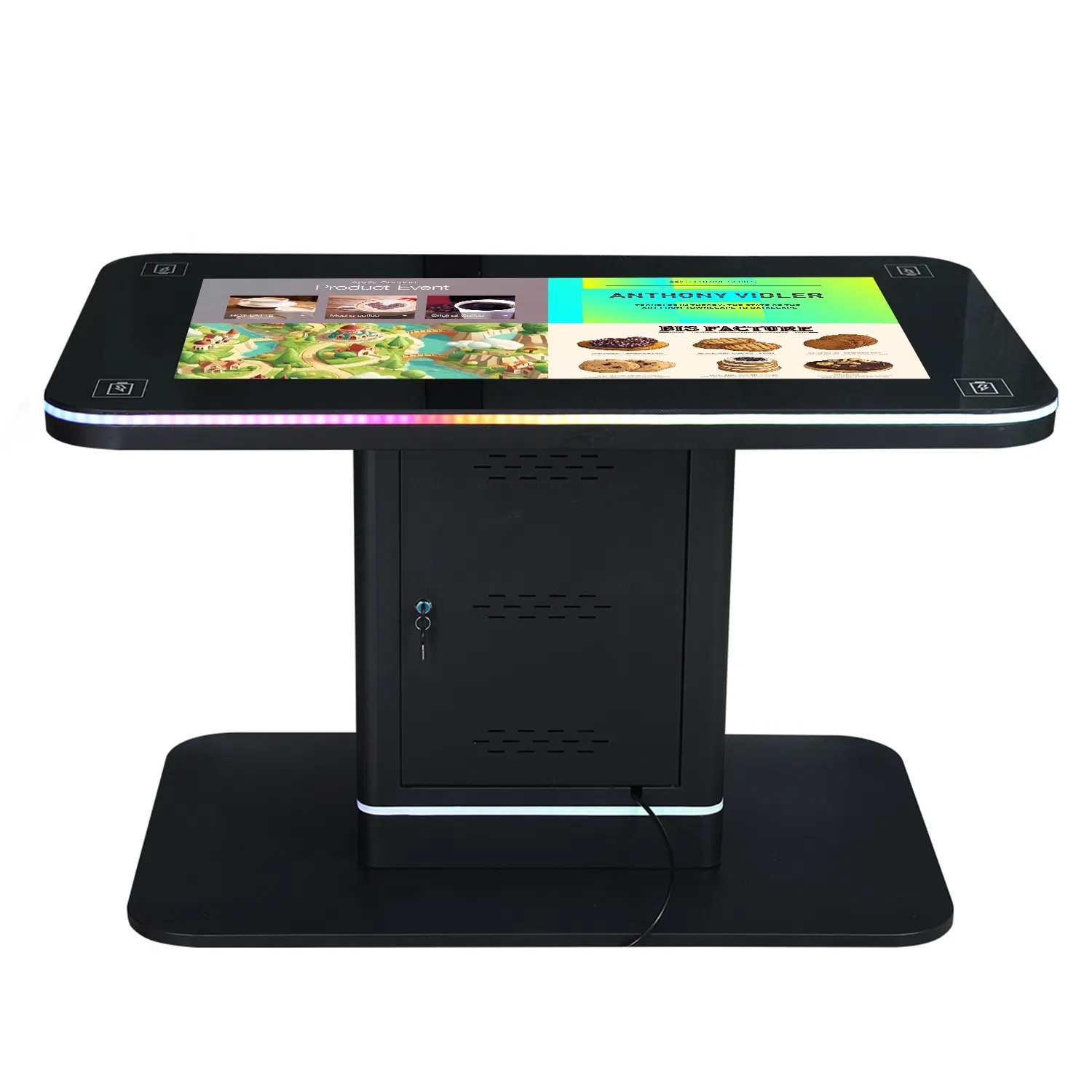
Real-World Use Cases
Museum centerpiece exhibits. The classic deployment: an artifact explorer or historical timeline where a school group of thirty funnels into eight active users while the rest watch. Capacity is the exhibit design, not a luxury.
Command centers and operations rooms. Map-based monitoring wants width more than depth; an ultra-wide or 86-inch surface laid flat becomes the shared situation table that wall displays cannot match for group standing work.
Real estate and urban planning. Masterplan models, phased developments and city-scale maps are inherently wide content; six stakeholders around one giant surface replaces the projector-and-wall ritual entirely.
Trade show anchors. A giant table is a booth layout decision as much as a hardware one: it gives a sales team a stage, keeps crowds from spilling into aisles, and survives the abuse of a thousand hands a day better than any wall-mounted alternative.
Automotive and flagship showrooms. A configurator on a giant flat surface lets a salesperson and a customer stand on the same side of the decision — trim, color, finance plans explored together on one shared view. Showrooms that replace the desk-and-wall-screen ritual with a giant table report longer, more collaborative conversations, which is the metric that matters in that sales motion.
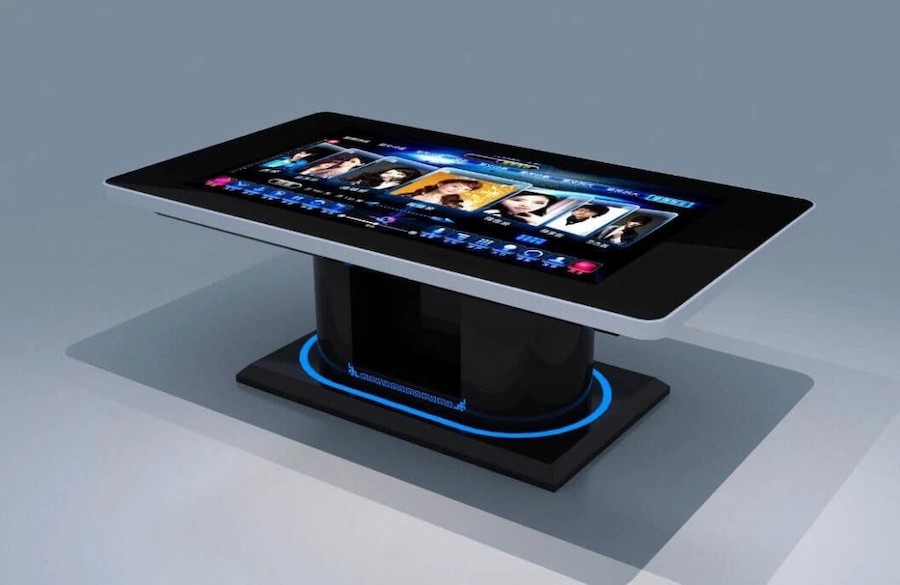
How to Choose the Right Giant Touch Table
Work the checklist in order. One: single panel or dual — decide whether the seam matters to your content before you fall in love with a price. Two: touch system — PCAP with a named controller, tested points at the size, and a demonstration if the venue has unusual lighting. Three: flatness and build — glass thickness, chassis bracing, stated surface flatness tolerance. Four: logistics — packed weight, crate dimensions, route survey, install crew. Five: terms — warranty including freight on parts, controller spares availability, and a production schedule with dates.
Then run the same screen against both the famous-brand quote and the factory-direct one. The premium option buys proven integration and US support; a direct manufacturer buys schedule control and a materially different price structure on multi-unit orders. Both can be the right answer; only the checklist knows which one is right for your venue.
Before either, commission a site survey in writing: the delivery route from dock to final position, floor loading at the final spot, power provision, ambient light at the brightest hour, and the ceiling sightlines the surface will reflect. Giant tables fail in installation more often than in electronics, and every one of those failure modes is visible on a survey sheet for the cost of a site visit — while the same failure discovered on delivery day costs a crane, a re-crate and a week.
Why Lumilink Is the Right Partner
Lumilink builds interactive touch tables from 32 to 86 inches with PCAP touch, commercial-grade 4K panels, tempered safety glass and welded steel chassis, shipping factory-direct to more than fifty countries. Giant formats are a customization workflow for us, not a special order: size, enclosure finish, brightness and OS image are configured in production, and multi-unit projects get a schedule in writing.
Museums, exhibition halls and planning studios run our tables daily against the benchmark products, and we are comfortable being compared specification by specification — panel grade, controller model, flatness tolerance, terms.
Conclusion: Take the Next Step
A giant touch table is the most expensive purchase in the category and the least forgiving of shortcuts — in structure, in logistics, in touch quality. Buy it with the same checklist you would apply to the benchmark: documented components, a written schedule, and a price you can trace to real engineering rather than geography alone.
Planning a large-format installation? Request a Custom Quote today to receive a tailored proposal including hardware specifications, pricing, and implementation timeline. Or Download Product Spec Sheet to review detailed technical documentation for our full interactive touch table lineup.